
Alerts only when you actually slouch
No timers firing mid-debug. SitApp learns your good posture in a one-minute calibration and stays silent until you drift from it. When every alert is true, you stop tuning them out.
Deep focus is the best part of the job and the worst thing that happens to your spine. You settle in to fix one test, surface three hours later, and your neck has been craned at the same angle the whole time. SitApp watches through your webcam while you work and taps you on the shoulder the moment you start to slouch - so you don't have to remember to think about it.
Developers know how to sit. The catch is that nobody's posture survives real concentration, and the data on desk-heavy work is blunt:
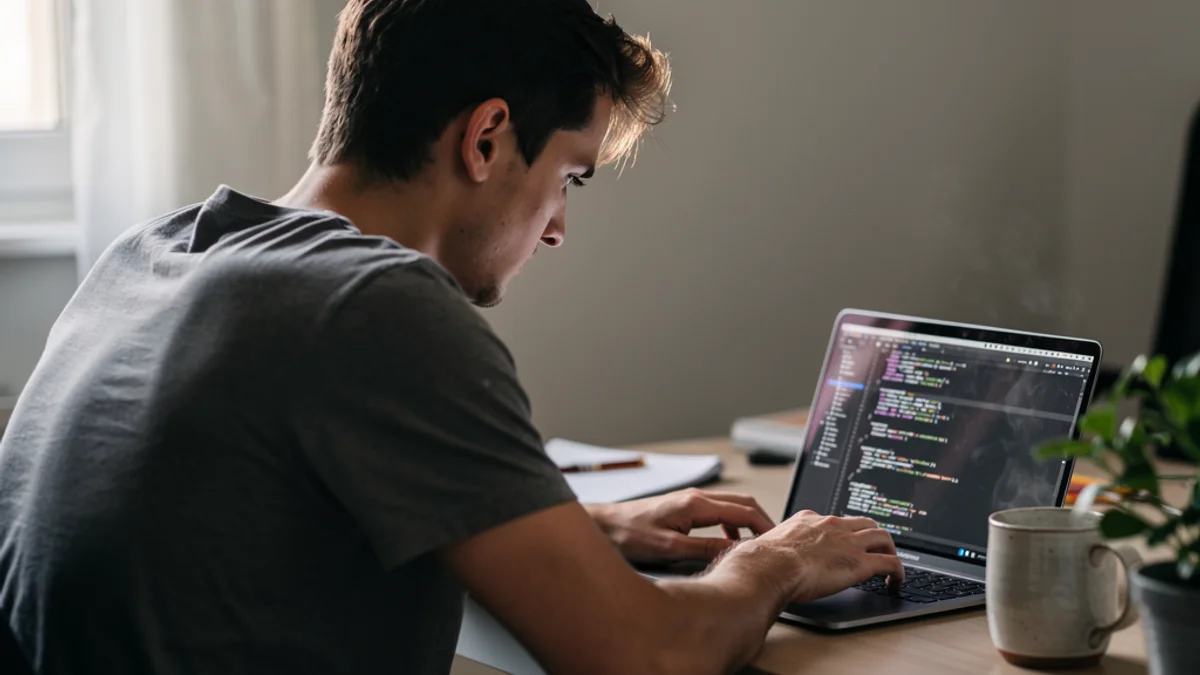
No timers firing mid-debug. SitApp learns your good posture in a one-minute calibration and stays silent until you drift from it. When every alert is true, you stop tuning them out.
Detection runs in its own worker thread, tuned to stay out of the way of compiles, containers, and the seventeen Chrome tabs you call documentation.
The Droid runs locally. Your webcam feed never leaves your machine, no images are stored or uploaded, and monitoring works with the network cable pulled. Read the privacy policy - it's short.
Daily streaks and achievement levels turn sitting well into something you can see improving - the same loop that keeps your grind going in every other tool you use.
Native support - .deb and AppImage - which most posture apps skip entirely. If your workstation runs Linux, that alone usually settles the choice.
Direct download (notarized) or the Mac App Store, Intel and Apple Silicon. Works with the built-in webcam or any USB camera on a docked setup.
Code-signed installer, Windows 10+. Runs happily alongside WSL, IDEs, and whatever your GPU is doing.
Detection runs in a separate worker thread and is engineered to stay lightweight. It uses some CPU - any webcam AI does - but it's built to be invisible next to a compile or a test suite. If you ever notice it, that's a bug we want to hear about.
Yes. SitApp works with any webcam - built-in or USB - so a docked, clamshell, or multi-monitor setup is fine as long as a camera can see you. You can calibrate separate posture profiles for different setups.
No. All AI processing happens on-device. No images or video are ever stored, uploaded, or sent anywhere - and detection works fully offline. The privacy policy spells it out.
Ubuntu 20.04+, Fedora, and most modern distros via .deb or AppImage. If your distro can run Electron apps and expose a webcam, you're in.
Free tier, three-minute setup, on-device AI. Mac, Windows, and Linux.
Download free