
A posture coach
for every desk.
The Droid sits on each laptop and nudges people when they start to slouch. You see how the team is doing as a whole. Nobody's camera footage leaves their machine.
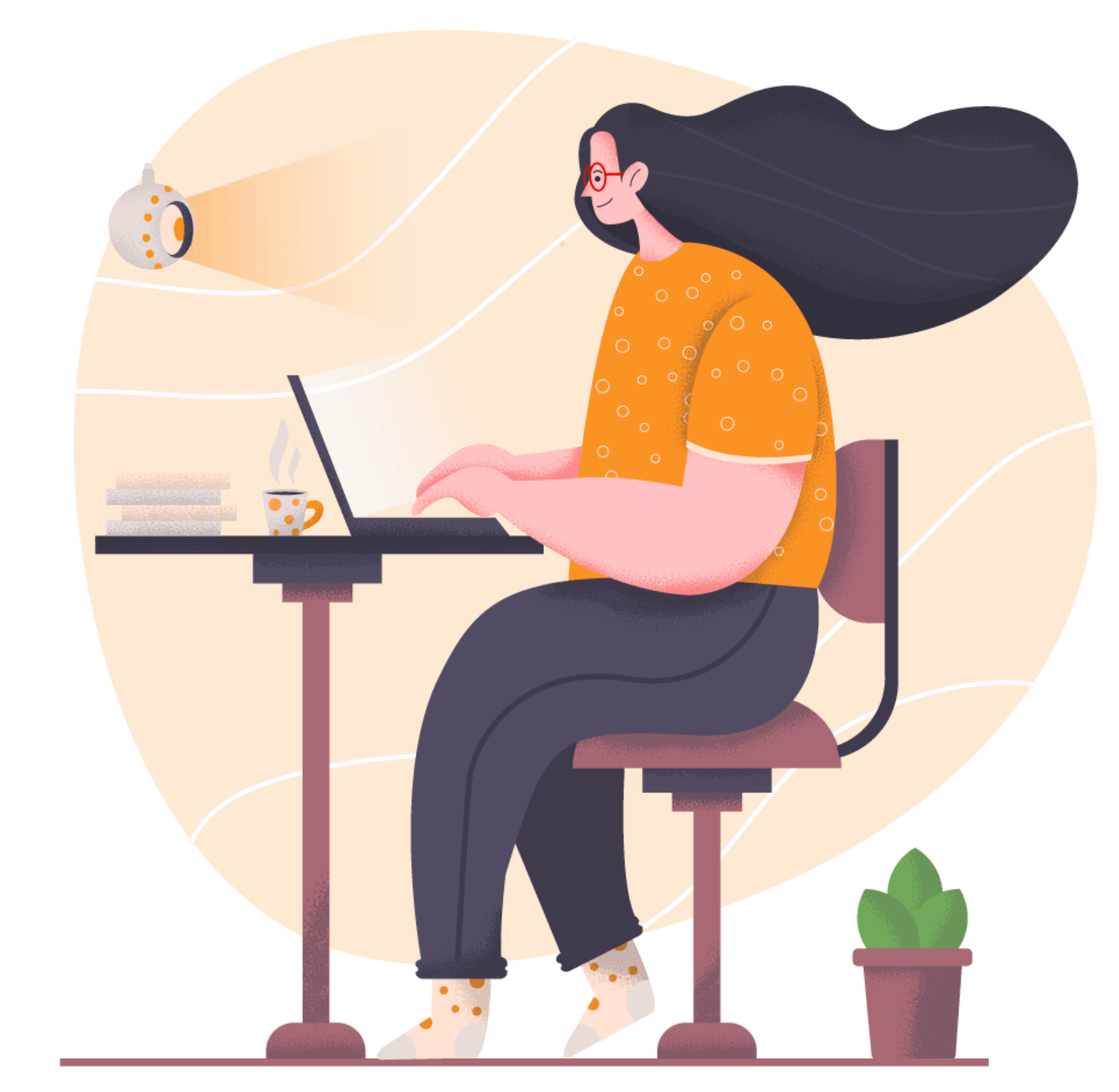
Desk work is hard on backs.
Shoulders round forward over a laptop a few degrees at a time, and you don't feel it happening. The Droid watches for it and gives you a nudge.
people live with low back pain
The WHO ranks it as the leading cause of disability worldwide.
of office workers in one study had low back pain
From a 2023 survey of 604 office workers in Saudi Arabia.
What admins get.
A team-level dashboard and an ordinary software rollout, without anything that feels like surveillance to the people using it.
Anonymized team analytics
Posture trends by department or office, averaged over at least 5 people. You never see one person's score.
Private by design
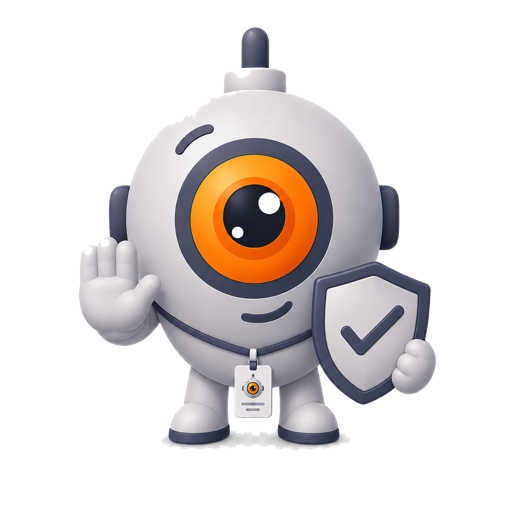
Detection runs on the laptop. Webcam images are never saved or uploaded.
SSO, SCIM & MDM
Sign in with Google Workspace, Microsoft Entra or Okta. Push it out through Jamf or Intune like any other app.
Employees stay in charge
Anyone can pause it, snooze it or opt out. Managers can't override that.
Pay by invoice
Annual invoices on Net-30 terms, for teams paying from a wellness or equipment budget.
The admin dashboard.
Department averages and adoption, tracked over weeks. The figures below are sample data.
Team posture, all departments
Company-wide posture score
Past 12 weeksBy department
Aggregated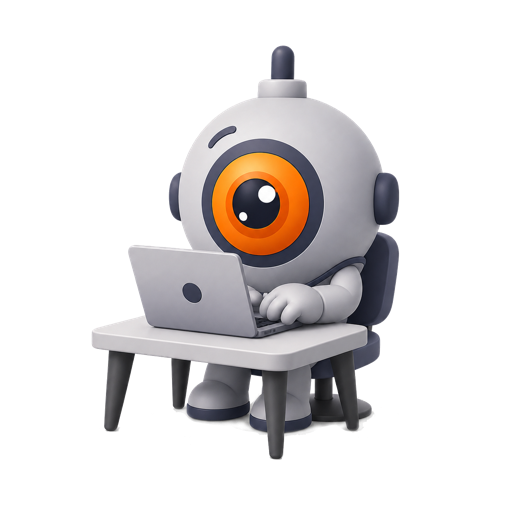
How a rollout works.
Install it
Push it through your MDM or send people a private install link. They sign in with their work account.
Everyone calibrates
Each person shows the Droid their good posture and their slouch. It takes about a minute and stays on their laptop.
The Droid gets to work
When someone slouches, the Droid nudges them. Your dashboard fills in as the weeks go by.
Your team will ask about the camera.
Here's what to tell them.
It runs on their laptop
The webcam image is checked on the laptop itself and thrown away straight after.
Nothing is recorded
No video, photos or screenshots are saved or uploaded.
Admins see averages
Only for groups of 5 or more. Individual scores stay with the individual.
It's their call
They can pause, snooze or uninstall it, and an admin can't switch it back on.
Pay per seat, after a free pilot.
The pilot is free for 30 days and covers up to 25 people. If it doesn't stick with your team, you don't pay anything.
These are founding-team prices. Some of the features on this page are still being built with our first pilot teams.
- Desktop app for Mac, Windows & Linux
- Personal dashboards & streaks
- Anonymized admin analytics
- Department rollups & trends
- SSO (Google Workspace, Microsoft Entra, Okta)
- SCIM provisioning
- MDM deployment support
- Priority support
- Everything in Teams, plus:
- Custom DPA & MSA
- Security review support
- Private Slack channel
- A named contact for support
- Quarterly check-in calls
- Custom onboarding & training
Common questions.
No. The webcam image is analysed on the laptop and discarded straight away. Nothing is saved or uploaded.
Some will be wary of anything that uses the camera, and that's reasonable. The privacy section above is the answer to give them. Anyone can pause or uninstall it in one click, and managers never see an individual's score.
Department averages, adoption and week-on-week trends, and only for groups of 5 or more. No individual scores.
30 days, up to 25 seats, no credit card. If you don't carry on, uninstalling takes one click.
Google Workspace, Microsoft Entra and Okta, with SCIM provisioning. We're building these out with our pilot teams, so tell us what you use when you get in touch.
Often, but it depends on your program's rules. We'll send a proper invoice and fill in whatever your benefits team needs.
Try it with 25 people first.
The pilot runs for 30 days and doesn't need a card. Or book a 20-minute demo and we'll show you around.