
Nudges that don't kill the sentence
A soft sound or a gentle voice cue - enough to make you sit up, not enough to knock the next line out of your head. You pick the style and the volume.
When the words are flowing, you stop feeling your body. That's the point of flow - and the problem with it. Chapter ends, you surface, and your back files a complaint. SitApp watches quietly while you write and nudges you the moment the slump starts, softly enough that the sentence survives.
A drafting session has no natural end and no meetings to break it up - which is exactly the pattern the research warns about:
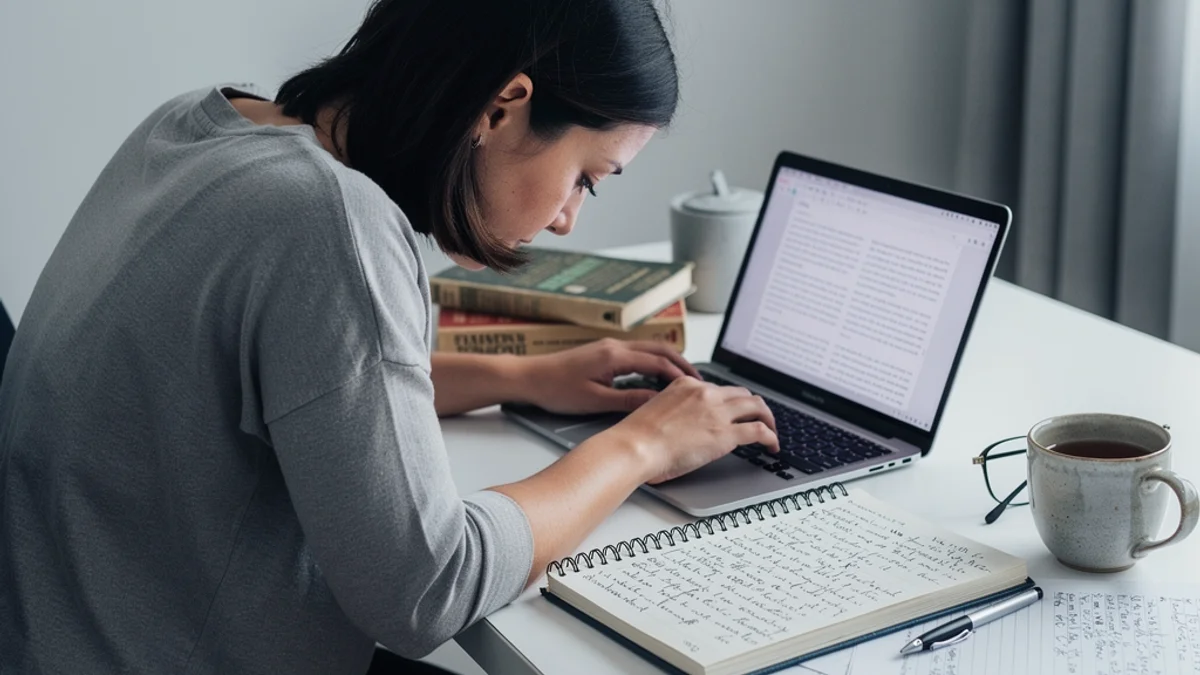
long sedentary stretches are an established risk factor for low back pain - and a drafting session is exactly that
A soft sound or a gentle voice cue - enough to make you sit up, not enough to knock the next line out of your head. You pick the style and the volume.
Separate posture profiles for each writing spot (keeping up to 5 saved is a Pro perk). The laptop-on-knees couch draft and the proper-desk session each get their own definition of sitting well.
Posture awareness normally costs attention - the one thing a drafting session can't spare. SitApp takes that job off you entirely, keeping watch in the background while your head stays in the draft.
Writers live on routines and word counts. Add a posture streak to the tally - it responds to consistency exactly the way a draft does.
Direct download or Mac App Store. Built-in webcam is all you need - Scrivener, Ulysses, and Word none the wiser.
Code-signed installer for Windows 10+. Runs quietly behind Word, Scrivener, or the browser tab where the research rabbit holes happen.
Native .deb and AppImage, for the plain-text purists drafting in Vim or Emacs.
They're designed not to. You choose between soft sounds, a voice cue, or a visual nudge, and you control the sensitivity. The aim is a tap on the shoulder, not an alarm - most writers report adjusting their posture without losing the thread.
Yes - the built-in webcam is enough, and you can save a separate calibration profile for your cafe posture versus your desk at home. Detection runs on-device, so it works fine on bad cafe wifi. Or no wifi.
Yes - configurable break reminders come built in alongside the posture monitoring, free on every plan, useful for enforcing a stretch between drafting blocks. Switch on Movement Breaks and each one comes with a one-minute movement to follow. The posture detection is the part no break timer can do.
No. All processing happens on your machine, nothing is stored or transmitted, and it works completely offline. Your webcam feed is nobody's business - including ours.
Free tier, quiet nudges, on-device AI. Mac, Windows, Linux.
Download free