
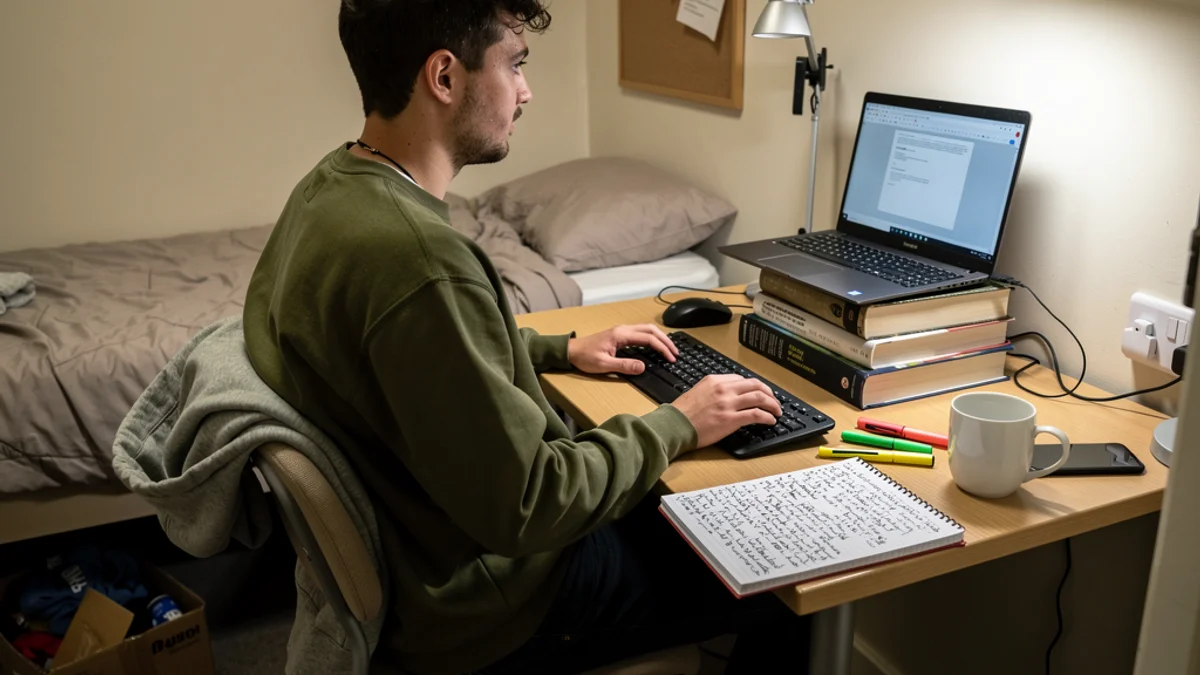
You will set the desk up properly in week one. Everyone does. The laptop gets a spot, the notebooks go in a neat stack, the pens end up in a mug, and for about four days it looks like the photo you saved in August. Then the first deadline lands. By week six the desk is buried under printouts, the laptop has crept to the front edge, and you are reading off a screen sitting somewhere around your collarbone.
A student desk setup that lasts a whole term is a different animal from one that photographs well in freshers’ week. It has to work at 11pm in week nine with four panicked tabs open. It has to work when the desk is bolted to the wall at a height somebody picked in 1998, when the chair came with the building, and when the only computer you own has its screen welded to its keyboard.
So this guide assumes the room you actually got: fixed furniture, one laptop, no drill.
Why Most Student Desk Setup Advice Misses
Search the term and you mostly get furniture catalogues. Buy the sit-stand frame. Buy the mesh chair with the lumbar dial. Buy the monitor arm. Genuinely useful advice if you have £900 and a room you own. Not much help in halls, where the desk is fixed, the chair does not adjust, and putting a screw in the wall costs you your deposit.
The bigger miss is who they are writing for. Students already hurt, before any of this. A 2023 study of 1,392 post-secondary students at two Canadian institutions put one-week neck pain prevalence at anywhere from 45.4% to 76.9% depending on the faculty, and low back pain at 60.9% to 69%. These are not fifty-year-olds with two decades of desk work behind them. They are undergraduates, and most of them are sore this week.
The catalogues also leave out an awkward finding, and you should know it before you spend anything. A 2024 PLOS ONE study of 238 Slovenian students checked seat height, desk height, seat depth and backrest height against the students’ own body dimensions. Seat height and desk height “were suitable for the minority of the entire sample”. Then the researchers went looking for a link between badly fitting furniture and musculoskeletal pain, and did not find a significant one. Nearly half the university students in that sample (49.3%) reported low back pain in the previous year anyway.
So the furniture is not the whole story. Volume is. In 2026, German researchers surveyed 434 university students about their academic day and found they self-reported sitting for 12.4 hours a day, with 55% taking no breaks at all during lectures. Twelve hours. At that point the chair barely gets a vote.
Which gives your setup two jobs. Get the geometry close enough that those hours are cheap instead of expensive. Then make the hours shorter and less still. The first job takes an afternoon. The second one is the whole term.
What a Free Student Desk Setup Looks Like
Do this before you buy anything. It takes ten minutes and it fixes more than most of the shopping would.
Start at the Floor
Sit down and look at your feet. Both flat on the ground, knees roughly level with your hips? Good, skip ahead. Dangling, or with your toes doing the work? Your seat is too high for you, which is the most common mismatch in every furniture study I have read.
You cannot lower a halls chair that does not lower. So raise the floor instead. A closed ring binder works. So does a stack of two or three of the textbooks you have not opened yet, or a shoebox, or the cardboard box your bedding arrived in. Anything solid that stops your legs hanging. If the seat is instead too low and your knees ride up above your hips, sit on a folded towel or a cushion.
Fill the Gap Behind Your Back
Almost no student chair has real lumbar support, and the gap between your lower back and the backrest is why you slowly slide into a C shape over the evening. Roll up a hoodie and wedge it in there. That is it. It costs nothing, it travels to every chair on campus, and it does more for a long session than most £40 cushions.
Raise the Screen
Skip everything else on this page before you skip this one.
Your head weighs roughly ten to twelve pounds when it sits balanced over your shoulders. Tip it forward and the load your neck carries climbs quickly. The Cleveland Clinic puts it in blunt numbers: with just a slight glance down “your head becomes the equivalent of a 27-pound weight”, at a 30-degree tilt “your head feels like 40 pounds”, and dipped right forward you “may put upwards of 60 pounds of force on your neck”. Their clinicians add that they see “cervical disks in your spine degenerating because of that forward head posture”. Those pound figures come from a biomechanical model rather than a scale, so treat them as direction rather than gospel, though nobody argues about which direction it points.
Now picture a laptop flat on a desk. You are looking down at maybe 30 degrees, holding it there, for hours. Cornell University’s ergonomics group has been saying the quiet part out loud for years: “laptop design inherently is problematic - when the screen is at a comfortable height and distance the keyboard isn’t and vice versa”. Their fix is to stop treating the laptop as one object. Raise the screen, move the keyboard down.
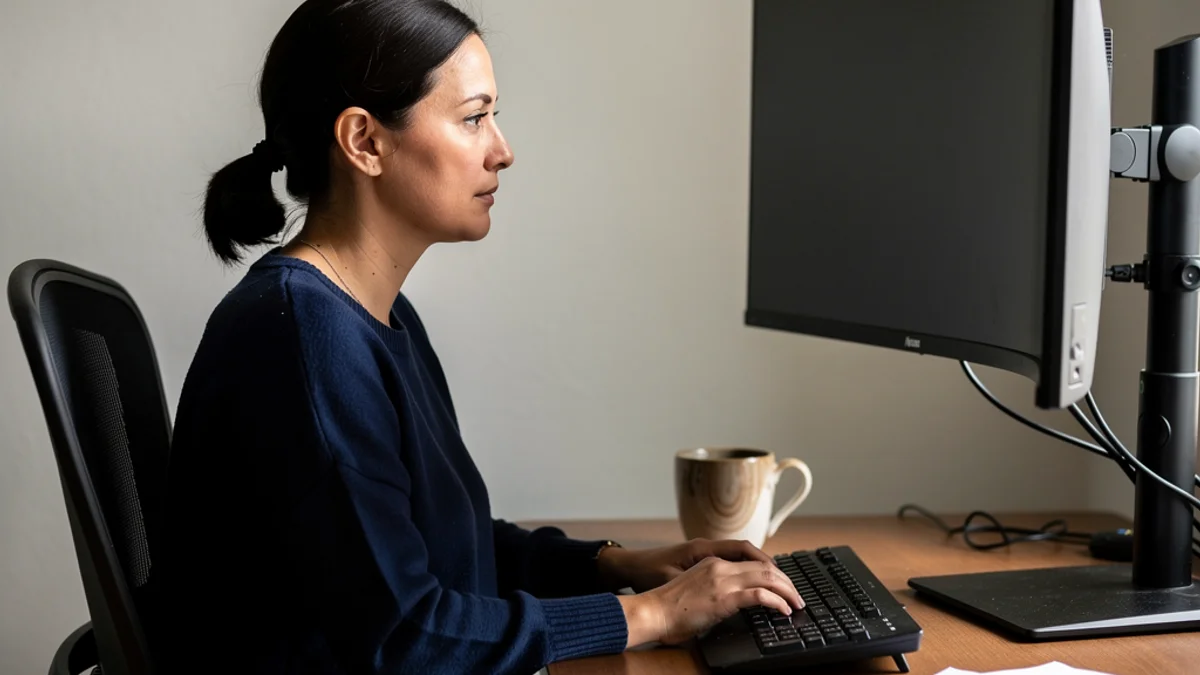
How high? Cornell’s guideline is that when you are seated comfortably, your eyes should line up with a point on the screen about two to three inches below the top of the monitor casing. On a 13-inch laptop that usually means lifting the whole machine four to six inches. Textbooks do this perfectly. Stack them, put the laptop on top, check your eyeline, add or remove a book. We go deeper on the numbers in our guide to monitor height and neck pain, but the ten-second version is that if you are looking down at your screen, it is too low.
Then Sort Your Arms
Raising the laptop takes the keyboard up with it, and reaching up to type is its own kind of miserable. Your forearms want to sit roughly horizontal, elbows relaxed at your sides at somewhere near 100 to 110 degrees, wrists straight rather than bent back. If you have nothing to type on but the raised laptop, drop it back down for long writing sessions and lift it for everything else. That is a compromise, and it still beats eight hours of looking down.
The Three Things Worth Buying
You can do the whole free setup above and be in decent shape. If you have about £50 to spend across the year, spend it in this order.
An external keyboard and mouse, roughly £25 together. This is the purchase that makes the raised screen actually work, and it is the highest-value ergonomic thing a student can own. A basic wireless keyboard and a cheap mouse cost less than one course textbook. Buy them first.
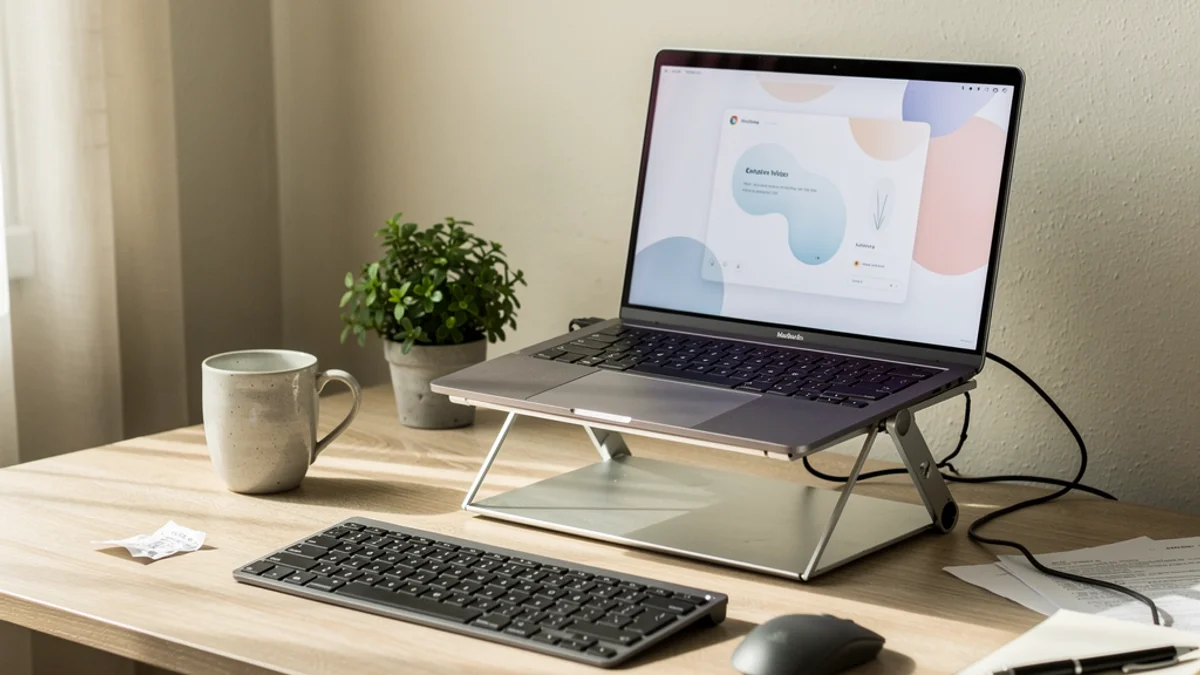
A laptop stand, £15 to £30. Textbooks work fine until you need those textbooks. A folding aluminium stand weighs almost nothing, goes in a bag, and gives you the same eyeline in the library that you have in your room. Our laptop stand guide covers what to look for and what to ignore.
A desk lamp, £15 to £25. Halls overhead lighting is usually one sad bulb in the ceiling behind you, which puts your own shadow on your notes and glare on your screen. Squinting pulls your head forward without you noticing. A clip-on lamp aimed at the paper rather than the screen fixes it.
What to skip in first year: the £200 chair you cannot take home on the train, the second monitor, the mechanical keyboard your flatmates will hear through the wall, and anything that needs a wall fixing. If you want to build out further later, our budget home office guide has the full under-£100 path.
Half Your Setup Has to Live in a Bag
Here is where student desk setup guides written by furniture companies break down completely. You do not study at one desk. You study in the library, in a lecture hall, on a train home, in the corner of a cafe, and yes, in bed at 1am.
The portable kit is small. A laptop stand, a slim keyboard, and something to stuff behind your lower back. That is the whole thing, and it fits in the front pocket of a rucksack.
In the library, pull the chair right in so your back reaches the backrest instead of you leaning out over the table. Laptop on the stand, keyboard in front, hoodie behind you. Two minutes. In a lecture hall you get no control at all, so aim lower: sit back rather than forward, hold the notepad up a little instead of folding your neck down to it, and stand up in the gap between lectures rather than scrolling through it.
The bed deserves its own paragraph. A 2024 observational study of 426 students during online learning found neck pain in 62.7% of them, up from 37.3% before their teaching moved online. When the researchers looked at what predicted it, lying in bed using electronic devices carried an odds ratio of 2.716 (95% CI 1.380 to 5.345), and using devices more than six hours a day came in at 2.189. Resting on the table, the classic head-propped-on-one-elbow study slump, was 2.130. An evening of reading in bed will not break you. Making it your main study position for a term is the most expensive habit on this page.
Week Six Is When It Falls Apart
Every setup guide I have read stops the moment the desk is arranged, which is roughly six weeks before the interesting part.
You will build this in week one and it will hold beautifully. Then an essay deadline arrives, the stand goes under the bed because you needed the desk space, the hoodie goes back on your body because the heating is broken, and by reading week you are back to a laptop flat on the desk with your chin on your chest. Nobody decides to do any of that. It erodes one busy evening at a time.
Habits also take longer to stick than people expect. Dr Pippa Lally, whose UCL study produced the widely quoted 66-day figure, is careful about how it gets used: “The average time it took for the participants in my study to form a daily habit was 66 days. However, the range was 18 to 254 days.” Her actual finding, in her words, was that “how long habit formation takes is highly variable”. Sixty-six days is most of a term. Two hundred and fifty-four is longer than your course year.
So willpower is the wrong tool here. You need something outside your own attention, because your attention is going to be on the essay.
Two things help. Movement is the first, and it is free: stand up every half hour or so, even for twenty seconds, and work a couple of desk stretches in between chapters rather than saving them for the end of a six-hour block. Given that 55% of students take no breaks during lectures at all, the bar here is low.
The second is having something notice when you have drifted, since you will not notice yourself. That is the entire reason SitApp exists. It watches your posture through your webcam, on your own machine, and gives you a small nudge when you have slid into a slump. No video ever leaves your computer, nothing is uploaded, and nothing is stored. It is the piece that keeps a good setup from quietly becoming a bad one by October. There is more on the study-session side of this in our guide to posture for students.
Your First-Week Checklist
Run through this once, properly, before the reading list gets long.
- Sit down and check your feet. Flat on the floor, or something solid under them.
- Roll a hoodie behind your lower back.
- Stack books under the laptop until your eyes meet a point two to three inches below the top of the screen.
- Put a keyboard and mouse in front of it, forearms level.
- Move the desk lamp so it lights the paper, not the screen.
- Check the eyeline once more from your actual working position, not from standing over the desk.
- Set a repeating alarm on your phone for every 30 minutes, at least for the first fortnight.
The whole thing takes ten minutes and about £25 if you buy the keyboard. Do it before term properly starts, because you will not do it in week nine.
Student Desk Setup FAQ
How high should my laptop screen be? High enough that your eyes meet the screen about two to three inches below the top of the casing when you are sitting normally. On most laptops that is a lift of four to six inches, which is roughly three textbooks. If you are looking downward at the screen, it is still too low.
Do I need a proper desk chair in halls? No. Most student rooms come with a chair you cannot replace and would not want to move out with. Get your feet flat, put something in the gap behind your lower back, and sit back into the backrest. That covers most of what an expensive chair buys you.
Is studying in bed really that bad? For an occasional evening, no. As your default study position, it is the worst thing on this list. In one 2024 study of 426 students, using devices while lying in bed carried an odds ratio of 2.716 for neck pain against better positioning.
What if my desk is too high and I cannot change it? Raise yourself instead. Sit on a cushion or a folded towel to lift your hips, then put something solid under your feet so your legs are supported again. You are recreating a lower desk by moving your whole body up.
Can I skip the external keyboard? You can, but then you have to choose between a screen at the right height and a keyboard at the right height, because a laptop cannot give you both. A £12 wireless keyboard removes the choice.
How much should a decent student desk setup cost? Zero is a real answer. Books, a hoodie and a ring binder get you most of the way. Around £50 across the year buys the keyboard, mouse, stand and lamp, and there is very little worth buying beyond that in first year.
Set It Up Once, So You Can Forget About It
A good student desk setup is not a purchase. It is ten minutes and some textbooks you already own. Feet supported, something behind your back, screen at your eyeline, keyboard where your hands actually are. Everything else is optional.
Do it this week, before the first deadline makes the decision for you. Then put a reminder in your calendar for the middle of October to check it is still standing, because it probably will not be.
And if you would rather not rely on remembering, that is what SitApp does. It runs quietly on your Mac, Windows or Linux machine, spots the slump you stopped noticing four hours ago, and nudges you back up. Everything stays on your computer. Free to try, and it takes about five minutes to set up, not much longer than stacking the books.
