

You’ve heard the rule. Top of the screen at eye level, and your neck stops hurting. It gets repeated in every office induction, every ergonomics leaflet, every desk setup video on YouTube.
It’s close enough to be useful. It’s also not what the published guidance says, and that gap matters if you’re the person whose neck still aches after doing it.
Monitor height and neck pain are genuinely connected. But the connection is more specific than “eye level” and weaker than most ergonomics copy implies. Here’s what the actual guidance says, how to set your screen in about five minutes, what to do about laptops and bifocals and dual monitors, and where the research runs thinner than you’d expect.
The Rule You’ve Heard, and What the Guidance Says
Cornell University’s ergonomics group, led by Professor Alan Hedge, is one of the most-cited sources on workstation setup. Their computer workstation guidelines put it like this:
“When you are seated comfortably, a user’s eyes should be in line with a point on the screen about 2-3” below the top of the monitor casing (not the screen).”
Two details get lost in the popular version. The reference point is the top of the casing, the plastic bezel, rather than the top of the displayed image. And your eyes should meet a point a couple of inches below that, rather than level with it.
Cornell gives the same recommendation a second way, in degrees. The centre of your monitor should sit around 17 to 18 degrees below horizontal. So when you look at the middle of the screen, your gaze angles gently downward.
The Canadian Centre for Occupational Health and Safety lands in the same territory. Its monitor positioning guidance puts the screen about 15 degrees below your horizontal line of sight, or a little lower, inside a comfortable visual zone running roughly 15 degrees above to 15 degrees below where your eyes naturally point.
Both are describing the same setup. Your screen belongs a bit lower than the folk rule implies, and your eyes should travel down to it.
So why did “eye level” catch on?
The eye level guideline wasn’t invented from nothing. It came partly from the finding that the resting position of the eyes sits about 15 degrees below horizontal, so a screen at that angle ought to feel comfortable.
The catch is that this resting angle was measured for distant objects. CCOHS notes that for close-up work, the eyes settle into a steeper downward gaze, somewhere between 15 degrees and almost 30 degrees. A monitor is close-up work. Put it truly level with your eyes and you’re asking them to hold a flatter angle than they’d choose on their own.
So the folk rule and the guidance differ by a couple of inches and a few degrees. That sounds trivial, and for an hour it is. Over an eight-hour day it’s the margin between a setup you stop noticing and one you keep shifting around in.

What a Screen That’s Too Low Does to Your Neck
Most people have the opposite problem. Their monitor isn’t slightly too high, it’s dramatically too low, usually because it’s perched on its factory stand on a desk that was never height-matched to them.
Your head weighs somewhere around 10 to 12 pounds. Balanced over your spine, that load is cheap to hold. Tip it forward and the leverage turns against you quickly. Dr. K. Daniel Riew, a spine surgeon, told NewYork-Presbyterian’s Health Matters that at a 45 degree downward tilt, “your neck muscles are doing the work of lifting an almost 50-pound bag of potatoes.”
You’re not holding 45 degrees at a desktop monitor. You might be holding 20 or 25 for six hours, though, and the muscles at the back of your neck get no rest during any of it. That’s the mechanism people are pointing at when they blame screen height for neck pain from desk work.
A 2024 study in the journal Work measured the muscle side of this. Guo and colleagues had twelve participants read at four different laptop screen heights while recording activity in the splenius capitis and upper trapezius. Raising the screen cut head flexion and reduced activity in both muscles, and it delayed fatigue onset in the splenius capitis. Spinal loading at T1/T2 and L4/L5 dropped as screen height went up.
The same study is worth reading for what it didn’t find. Upper trapezius fatigue didn’t improve to a statistically significant degree. Screen height did more for the deep neck extensors than for the muscles across the tops of your shoulders.
Too High Is a Real Problem, Just a Rarer One
Mount your monitor too high and you trade one bad posture for another. Instead of dropping your chin you tilt your head back, which compresses the joints at the back of your neck and leaves your neck extensors short and permanently working.
Cornell’s page is blunt about the symmetry: “if the monitor is too low, you will crane their neck forwards, if it’s too high you’ll tilt their head backwards and end up with neck/shoulder pain.”
There’s a second cost people miss. A high screen exposes more of your eye surface to the air, because you’re looking up with your lids wide open instead of down with them partly lowered. Dry, gritty eyes by mid-afternoon can be a screen height symptom rather than a screen time one.
The people most likely to overshoot are the ones who took the eye level rule seriously and then stacked a monitor arm, a riser and a pile of books on top of each other.
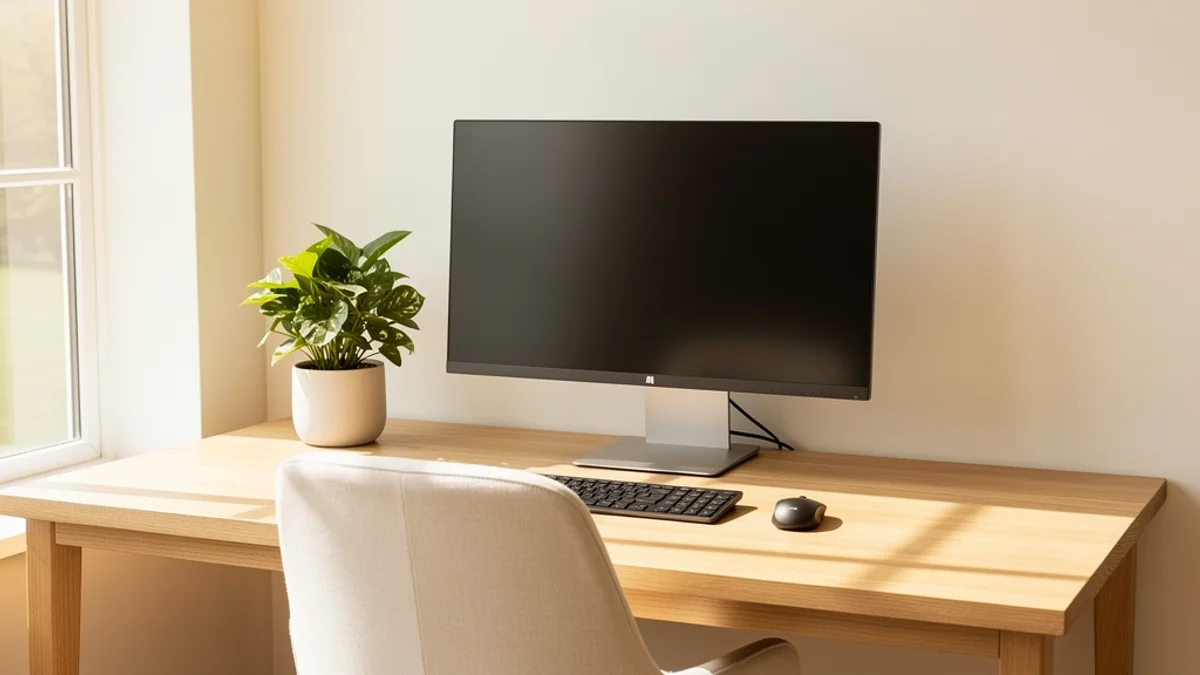
Setting Your Monitor Height in Five Minutes
Do this sitting the way you actually sit, not sitting up specially for the measurement. Your everyday posture is what the screen has to suit.
1. Sort your chair first. Screen height is measured from your eyes, so your eye position has to settle before the monitor can. Feet flat, hips back in the seat, forearms roughly level with the desk when your shoulders are relaxed. Get the chair wrong and everything downstream of it is wrong too. Our proper desk posture guide covers the full sequence.
2. Sit back slightly. Cornell recommends a torso angle around 100 to 110 degrees rather than a rigid 90. A slight recline is easier to hold for hours and takes load off your lower back.
3. Set the distance. Hold your arm out horizontally. Your middle finger should almost touch the centre of the screen. CCOHS gives the range as roughly 40 to 74 cm, which is wide because it depends on your screen size and text size. Bigger screen, further back.
4. Set the height. Adjust until your eyes line up with a point about two to three inches below the top edge of the monitor casing. Checking it the other way round, the centre of the screen should sit around 15 to 18 degrees below your straight-ahead gaze. You should be looking gently down at the middle of the display. Never up.
5. Tilt the screen back slightly. Angle the top of the monitor away from you by 10 to 20 degrees, so the screen surface stays roughly square to your line of sight. This helps with glare from overhead lights as well.
6. Work a full day, then adjust. The numbers above are a starting position rather than a prescription. Torso length, screen size, text size and eyesight all shift where your personal sweet spot lands.
If your desk turns out to be the real constraint, that’s common, and our desk setup guide covers it.

Laptops Are the Hard Case
A laptop welds the screen to the keyboard, so no single height works for both. Put the screen where your neck wants it and your hands are in the air. Put the keyboard where your hands want it and your chin is on your chest.
No clever posture solves this. You have to separate the two.
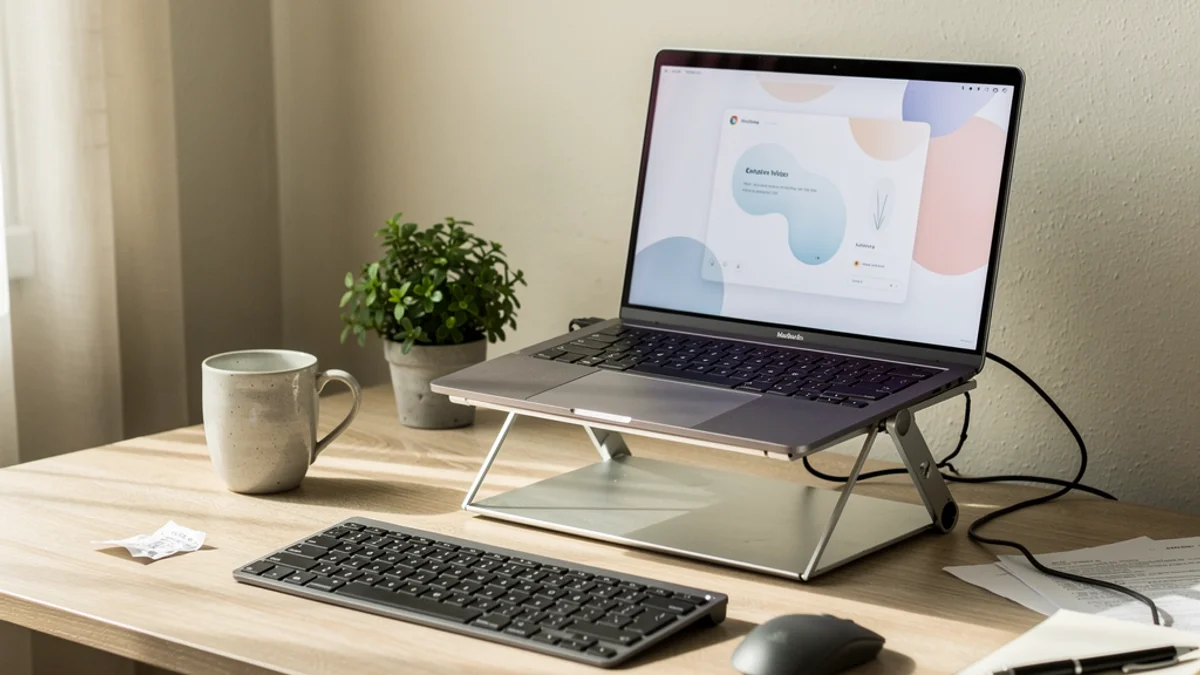
Raise the laptop on a stand until its screen hits the same target as a monitor, then plug in an external keyboard and mouse and keep them flat on the desk. Berkhout and colleagues tested this arrangement in Applied Ergonomics, comparing a laptop station plus external keyboard against a plain laptop across four-hour working sessions. The laptop station setup produced lower mechanical load on the cervical spine at the C7-T1 segment, less perceived neck strain, and higher productivity scores. Ten participants, so treat it as supporting evidence rather than proof.
Avoid the half-measure of a stand without the keyboard. Raising the screen while still typing on the built-in keyboard fixes your neck and wrecks your shoulders, because your arms spend the day reaching up and forward. Budget for the keyboard at the same time as the stand. We compare specific options in our laptop stand guide.

Glasses, Two Screens, and Standing Desks
If you wear bifocals or progressives. This genuinely changes the answer. The reading segment of the lens sits at the bottom, so a correctly-positioned monitor makes you tip your head back to find the right part of the lens, which is the exact neck position you were trying to avoid. CCOHS addresses this directly, noting that people wearing bifocals, trifocals or progressive lenses “may find placing the top of the monitor slightly below eye level more comfortable.” Go lower than the standard advice, and keep going until you can read the screen without lifting your chin. If you’re at a desk all day, ask your optometrist about dedicated computer glasses with the correction across the whole lens.
If you run two monitors. Set them level with each other, or you’ll spend the day tilting your head one way. Put the screen you use most directly in front of you and angle the second one in. If you genuinely split your attention evenly, centre yourself on the gap between them and angle both inward.
If you use a standing desk. Your eye height changes by several inches between sitting and standing, so a screen set correctly for one is wrong for the other. A gas-spring monitor arm turns that into a two-second adjustment. Without one, people tend to settle on a compromise height that’s slightly wrong in both positions. Our standing desk guide covers the wider trade-offs.
How Much of This Is Actually Proven?
Monitor height clearly changes your neck posture. The biomechanics aren’t in dispute, and studies like Guo’s measure the difference in muscle activity directly. What’s much less settled is whether screen height causes neck pain to develop over time.
Jun and colleagues ran a systematic review and meta-analysis of physical risk factors for non-specific neck pain in office workers, published in the International Archives of Occupational and Environmental Health. Pooling the prospective evidence, they found four significant factors: keyboard position close to the body (RR 1.46), low variation in work tasks (RR 1.27), low workplace satisfaction (RR 1.28), and self-perceived muscular tension. Monitor height didn’t make the list of established risk factors. The authors’ own summary is candid, describing evidence for “a few number of physical risk factors” alongside others that were “either limited or conflicting.”
None of that makes screen height irrelevant. Absence of strong prospective evidence isn’t evidence of absence, and the mechanical case holds up fine. But it should recalibrate what you expect. If you’ve had neck pain for two years and you raise your monitor four inches, you’ve removed one sustained load. You may not have removed the cause.
Look at what did make the list, though. Low task variation. Muscular tension. Those describe holding one position and repeating one activity for too long without a break, which is a very different problem from geometry.
Scale matters here too. The Global Burden of Disease analysis in Lancet Rheumatology estimated that 203 million people worldwide had neck pain in 2020, heading for 269 million by 2050. Furniture alone was never going to move a number that size.
Why a Good Setup Still Ends in a Sore Neck
A well-positioned monitor makes an upright posture easy to hold, and then leaves the holding entirely to you.
Watch anyone with a textbook setup at hour four of a deep work session. The chin creeps forward, the upper back rounds, and the screen height measured so carefully at 9am stops being relevant, because the head is now six inches in front of where that measurement assumed it would sit. Concentration does this. So does small text, or a bug you can’t find, or a document you don’t want to be reading.
Furniture can’t close that gap. Getting your monitor height right removes a permanent handicap, and staying upright across a working day is a separate, attention-shaped problem.
That second problem is the one SitApp was built for. It watches your posture through your webcam, notices when you’ve drifted forward, and gives you a small nudge to reset. Everything is processed on your own machine, and no video ever leaves it. It’s there to keep the setup you measured this morning still working at 4pm.
For more on staying upright rather than sitting up once, our guide on how to stop slouching at your desk goes deeper.
Frequently Asked Questions
Should the top of my monitor be at eye level? Slightly below is better. Cornell’s guidance is that your eyes should meet a point about two to three inches below the top of the monitor casing, which puts the centre of the screen roughly 15 to 18 degrees below your straight-ahead line of sight.
How high should my monitor be in centimetres? There’s no universal number, because it depends on your seated eye height, which depends on your torso length and your chair. Measure from your eyes rather than from the desk. Sit normally, look straight ahead, and the top of the monitor casing should sit a couple of inches above where your gaze lands.
Can a monitor that’s too low cause neck pain? It sustains a forward head position, which loads the muscles at the back of your neck continuously. Research shows that raising the screen reduces both head flexion and neck muscle activity. Whether screen height on its own causes long-term neck pain is less established than most ergonomics copy suggests.
Do I need a monitor arm, or will a stack of books do? Books work. The height is what matters, not what produces it. An arm earns its money if you switch between sitting and standing, share the desk, or want to fine-tune the position without rebuilding a tower each time.
What about ultrawide and very large monitors? The same rule applies to the centre of the screen, but push it further back so the edges stay inside a comfortable field of view without you turning your head. Large screens usually need more distance rather than more height.
My monitor height is correct and my neck still hurts. What now? Check the other things the research flags. Keyboard too close to your body, hours without a break, and long stretches of identical work all showed up as risk factors in the meta-analysis. It’s worth reading up on forward head posture too, and seeing a physiotherapist if the pain has lasted more than a few weeks or you have any numbness or tingling in your arms or hands.
The Short Version
Set the top of your monitor casing so your eyes land two to three inches below it. Sit an arm’s length back. Tilt the screen slightly away from you. On a laptop, raise it and add a separate keyboard, and don’t do one without the other. If you wear progressives, go lower than the standard advice says.
Then give it a fortnight before you judge it. Most people notice the difference in the first hour of the afternoon, which is roughly when a screen at the wrong height used to start making itself known.
