

Three hours into your workday, there it is again. That familiar ache creeping up the back of your neck, spreading across your shoulders, tightening like a vice. You roll your head, hear a few satisfying cracks, sit up straighter for about 90 seconds - and then you’re right back to hunching over your keyboard like a question mark.
You’re not alone. Research published in Scientific Reports found that 58.6% of office workers experience neck pain, making it the single most common musculoskeletal complaint among desk workers. For those working from home, it’s even worse - a separate study found 60.3% of remote workers report neck pain as their primary physical symptom. (If you work remotely, our work from home ergonomics guide covers the full setup.)
The good news? Neck pain from desk work isn’t inevitable. It’s fixable. This guide breaks down exactly why your neck hurts, how to set up your workspace properly, which exercises actually help (with a complete routine you can do at your desk), and the daily habits that stop pain from coming back.
Why Desk Work Wrecks Your Neck
Blame usually lands on “bad posture”, which is accurate but incomplete. The mechanics are worth understanding.
Your head weighs roughly 10 to 12 pounds. When it’s balanced directly above your spine - ears over shoulders - your neck muscles handle that load without much effort. But when you lean forward to squint at your monitor or look down at your phone, the effective weight on your neck increases dramatically. At a 45-degree forward tilt, your neck muscles are working as if they’re supporting nearly 50 pounds. That’s the equivalent of hanging a large bag of potatoes from the back of your skull, all day long.
This forward head position - widely known as “tech neck” - does three things over time:
-
Overloads your neck extensors. The muscles running up the back of your neck fatigue from constantly fighting gravity to keep your head from dropping further forward.
-
Compresses your cervical discs. The forward angle puts uneven pressure on the cushioning discs between your vertebrae. Stiffness, nerve irritation, and pain that radiates into your shoulders and arms can all follow.
-
Shortens your chest muscles. As your shoulders round forward, the muscles across your chest tighten, pulling your upper back into a curve that makes the forward head position feel “normal” - even though it’s anything but.
The average person spends seven hours a day looking at screens. Seven hours of accumulated strain, five days a week, year after year. Your neck muscles weren’t built for that.

Symptoms: When Neck Pain Is More Than Just Stiffness
Tech neck and desk-related neck pain don’t always stay in your neck. The common ones:
- Dull aching across the back of the neck and tops of the shoulders - the most common complaint
- Stiffness when turning your head, especially first thing in the morning or after long work sessions
- Tension headaches that start at the base of the skull and wrap forward - often mistaken for stress headaches. Harvard Health notes that prolonged sitting worsens these symptoms over time
- Upper back pain between the shoulder blades, caused by the same forward posture
- Tingling or numbness in the arms or fingers - this one needs attention, as it can signal nerve compression
Most desk-related neck pain and tech neck symptoms respond well to the fixes below. But keep reading to the “when to see a doctor” section if your symptoms include shooting pain, weakness in your hands, or pain that worsens despite changes to your habits.
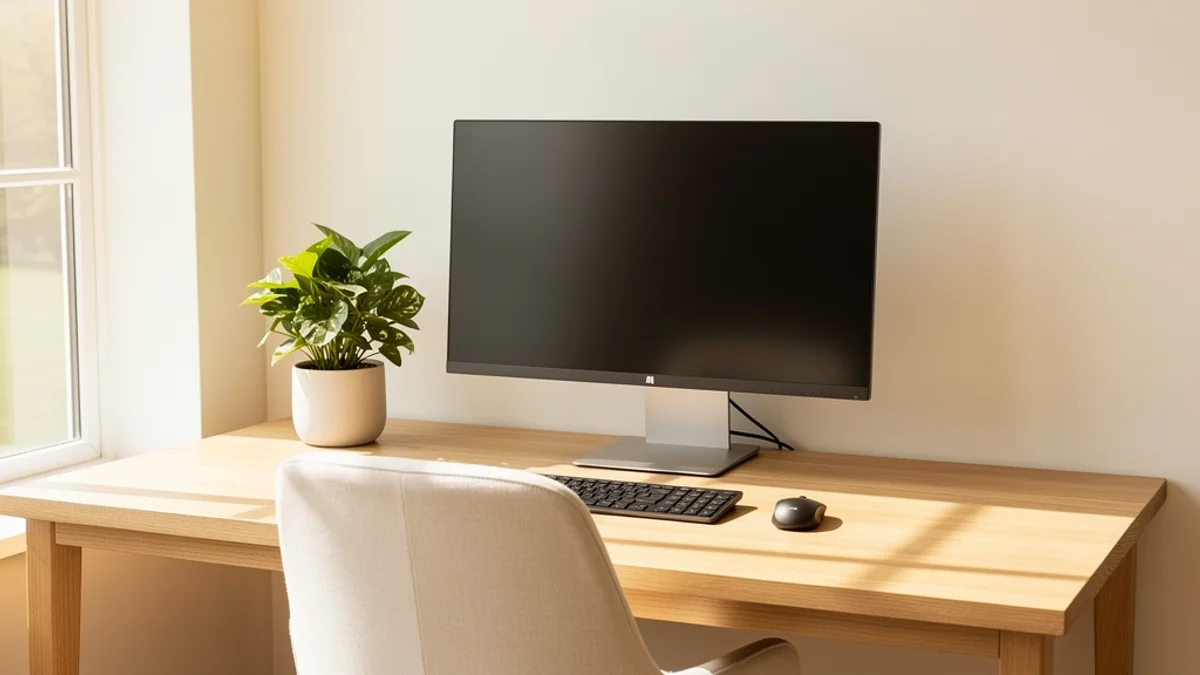
Fix Your Desk Setup First (It Might Be Causing Your Neck Pain)
Before worrying about exercises or habits, make sure your workspace isn’t actively working against you. A poor setup will undo everything else.
A common pattern: months of neck stretches and a fortnightly massage with nothing sticking - until someone notices the monitor is six inches below eye level because it’s sitting flat on the desk instead of on a stand or arm. Eight hours a day of forward head tilt is the problem. A $35 monitor arm often solves what months of treatment can’t.
Check these first:
Monitor position:
- The top of your screen should be at or just below eye level. Not the middle of the screen - the top.
- Distance: roughly an arm’s length away. Sit back, extend your arm - your fingertips should almost touch the screen.
- If you use multiple monitors, position the primary screen directly in front of you. The secondary screen should be at a slight angle, not requiring you to twist your neck for extended periods.
Chair setup:
- Your feet should be flat on the floor with knees at roughly 90 degrees.
- Recline slightly - 25 to 30 degrees - rather than sitting bolt upright. Research from NewYork-Presbyterian suggests this reduces disc pressure in your neck significantly compared to sitting at 90 degrees.
- Make sure you have lumbar support. A rolled towel works if your chair doesn’t have it built in.
Keyboard and mouse:
- Position them so your elbows rest at roughly 90 degrees at your sides. If you’re reaching forward, your shoulders will shrug upward, pulling on your neck muscles.
- Consider a split or ergonomic keyboard if you notice your wrists angling inward.
For a complete walkthrough of chair, desk, and monitor positioning, see our guide to proper desk posture.
Laptop users:
- A laptop on a desk is an ergonomic disaster. The screen is always too low, the keyboard too high, or both. Use an external keyboard and a laptop stand to get the screen up to eye level.

6 Exercises That Actually Help Neck Pain From Desk Work
Stretching alone isn’t enough. Combining stretching with strengthening exercises produces better outcomes for neck pain than either on its own. Here’s a routine you can split throughout your workday. (For a full daily routine covering your entire upper body, see our posture exercises for desk workers guide.)
Stretches (Do these every 2-3 hours)
1. Chin Tucks (the single most recommended exercise by physiotherapists)
- Sit tall. Without tilting your head, pull your chin straight back as if making a double chin.
- Hold for five seconds. Release.
- Repeat 10 times.
- Why it works: reverses the forward head position that causes most desk-related neck pain.
2. Upper Trapezius Stretch
- Sit tall and gently tilt your right ear toward your right shoulder.
- For a deeper stretch, rest your right hand on top of your head (don’t pull - just let the weight of your hand add gentle pressure).
- Hold for 20 to 30 seconds. Switch sides.
- Repeat twice per side.
3. Doorway Chest Stretch
- Stand in a doorway with both forearms resting on the door frame, elbows at shoulder height.
- Step one foot forward until you feel a stretch across your chest and the front of your shoulders.
- Hold for 30 seconds.
- This opens up the chest muscles that pull your shoulders forward into that rounded position.
Strengthening (Do these once daily)
4. Shoulder Blade Squeezes
- Sit or stand with arms at your sides.
- Squeeze your shoulder blades together as if trying to hold a pencil between them.
- Hold for five seconds. Release.
- Repeat 15 times.
- This strengthens the muscles that pull your shoulders back and counteract the forward hunch.
5. Resistance Band Pull-Apart
- Hold a resistance band in front of you at chest height, arms straight, hands shoulder-width apart.
- Pull the band apart by squeezing your shoulder blades together until the band touches your chest.
- Slowly return to start.
- 3 sets of 15 repetitions.
- NPR reports this type of movement directly counters the slouching pattern of desk work.
6. Wall Angels
- Stand with your back flat against a wall, feet about six inches from the wall.
- Press the back of your head, shoulder blades, and arms against the wall.
- Slowly slide your arms up overhead (like making a snow angel) and back down.
- 2 sets of 10 repetitions.
- If you can’t keep your head and arms against the wall, that’s a sign of how tight your chest and neck muscles have become - it gets easier with practice.

Daily Habits That Prevent Neck Pain From Coming Back
Exercises and ergonomic fixes address the physical side. The part nobody talks about enough: awareness.
You know how to sit properly. You’ve just read exactly how to position your monitor and where to put your keyboard. And within 10 minutes of getting absorbed in work, you’ll forget all of it. You’ll start leaning forward. Your shoulders will creep up toward your ears. Your chin will jut out toward the screen. It happens to everyone, every single day.
This is why neck pain keeps coming back even after people “fix” their setup. A good chair and raised monitor don’t help if you stop noticing when you’ve drifted - and focused work makes that almost impossible.
The 30-minute rule: Set a timer. Every 30 minutes, stand up, roll your shoulders, do a quick chin tuck, reset your posture. Fifteen seconds. Studies on office workers consistently find that frequent short breaks reduce neck pain more than fewer, longer ones.
Posture monitoring tools: This is where technology can genuinely help. Apps like SitApp use your webcam and on-device AI to monitor your posture in real-time and give you a nudge when you start to slouch - without any data leaving your computer. Think of it as the 30-minute timer, but smarter: it only interrupts when you actually need it. The free tier gives you one hour of daily monitoring, which is enough to start building the awareness habit.
Screen breaks for your eyes and neck: Follow the 20-20-20 rule - every 20 minutes, look at something 20 feet away for 20 seconds. This naturally encourages you to lift your head and change your neck position.
Movement variety: The best sitting position is always the next one. Switch between sitting, standing (if you have a standing desk), and walking throughout the day. No single position is healthy for hours on end.
Heat, Ice, or Both? Quick Relief for Desk-Related Neck Pain
When neck pain flares up, most people grab a heat pack or ice pack without knowing which one helps. The answer depends on when the pain started:
Use ice first if the pain is new or acute (sharp, intense, came on suddenly). Ice reduces inflammation and numbs the area. Apply for 15 to 20 minutes, with a cloth between the ice and your skin. Good for the first 48 to 72 hours of a flare-up.
Switch to heat once the initial sharpness fades. Heat relaxes tight muscles and increases blood flow, which helps the area heal. A warm towel, heating pad, or even a hot shower directed at your neck and shoulders works well. Use for 15 to 20 minutes at a time.
For chronic desk-related neck pain (the kind that builds up slowly over days), heat is usually more helpful since the issue is muscle tension and fatigue rather than acute inflammation.
When to See a Doctor About Neck Pain
Most neck pain from desk work resolves within a few weeks of making the changes described above. But see a healthcare professional if you experience:
- Pain that gets worse despite ergonomic fixes and regular exercise
- Numbness, tingling, or weakness in your arms or hands
- Pain that radiates down your arm (often a nerve issue)
- Severe headaches that don’t respond to over-the-counter medication
- Neck pain following an injury (fall, car accident, sports impact)
- Pain that disrupts your sleep for more than a week
A physiotherapist can assess your specific movement patterns and identify issues that general advice might miss. Many desk workers benefit from even two or three targeted sessions.
Frequently Asked Questions
Can Neck Pain From Desk Work Become Permanent?
Not typically. Desk-related neck pain is almost always caused by muscle fatigue, tension, and poor positioning - all of which are reversible. However, years of sustained poor posture can lead to structural changes in the cervical spine, including disc degeneration. The sooner you address the causes, the better your long-term outcomes.
Is a Standing Desk Better for Neck Pain?
Not on its own. What matters is monitor position and how often you change positions. Standing all day creates its own problems. The actual benefit of a standing desk is the ability to alternate rather than being locked into one position for hours.
How Long Until Neck Pain Improves With Better Habits?
Most people notice a reduction in daily neck pain within two to four weeks of consistent ergonomic improvements and daily exercises. Chronic cases may take six to eight weeks. If you’re not seeing improvement after a month, consider seeing a physiotherapist for a personalised assessment.
Should I Focus on Stretching or Strengthening?
Both - but if you had to pick one, strengthening is more effective long-term. Stretching provides immediate relief, but strengthening the muscles that support your head and pull your shoulders back is what prevents pain from returning. Aim for stretches throughout the day and strengthening exercises once daily.
Take Control of Your Neck Pain
Neck pain from desk work has three levers: workspace setup, muscle strength and flexibility, and posture awareness throughout the day. Most people fix the first two and skip the third - which is why the pain keeps coming back.
Start with the quick wins. Raise your monitor to eye level today. Set a 30-minute timer. Do chin tucks between meetings. These small changes compound quickly.
For the awareness piece - the part that makes the rest stick - give SitApp a try. It monitors your posture using your webcam and AI that runs entirely on your device (nothing is uploaded, nothing is stored), and nudges you when you start to slip. The free plan gives you one hour of daily monitoring. It’s enough to start building the habit that keeps neck pain from coming back.
It took months to get here. Give it a few weeks of consistency and most people are genuinely surprised by how much better things get.
