
You know the feeling. It’s 2 PM, you’ve been working from home in your kitchen chair since morning, and your lower back is screaming at you. Your neck is stiff. Your shoulders are up around your ears. You tell yourself you’ll fix your setup “eventually”, but eventually never comes.
Building an ergonomic home office on a budget trips most people up on the same mistake. One person on a work-from-home forum described spending $300 on a sleek desk and $40 on the cheapest chair they could find. Within months, they had chronic back pain. The chair is the one you sit in for eight hours. The desk just holds your stuff.
You don’t need to spend $2,000 on a Herman Miller and a motorised standing desk. Research shows that 82.7% of desk workers already have forward head posture, and remote workers fare 15% worse. The damage is happening now, whether you invest or not.
This guide breaks down exactly what to do at every budget level. (If you’re looking for a broader work from home ergonomics overview covering chair, desk, lighting and habits, start there.) And we’ll cover the one layer of ergonomics that every other guide completely ignores.
| Budget | What You Get |
|---|---|
| $0 | DIY hacks with household items + free posture monitoring |
| Under $100 | Laptop stand, external keyboard/mouse, lumbar cushion |
| $100-$300 | Ergonomic chair (new or secondhand premium) + standing desk converter |
Why Your Body Can’t Wait
Your head weighs about 10 pounds when it’s balanced directly over your spine. Tilt it forward just 15 degrees, the angle most of us default to when staring at a laptop, and it exerts roughly 24 pounds of force on your neck and upper back. That’s according to the Cleveland Clinic, and it explains why your neck aches by mid-afternoon.
The costs add up beyond discomfort. Back pain alone costs Americans over $50 billion annually in healthcare and lost productivity, per the back pain facts collected by the American Chiropractic Association. For individual desk workers, poor ergonomics means physio appointments, painkillers, and sick days that dwarf the cost of a decent chair.
A well-configured ergonomic setup improves productivity alongside pain outcomes, per the Mayo Clinic’s office ergonomics principles. The hours you spend hunched over aren’t just hurting you. They’re slower hours, too.
The medical community has a saying that keeps showing up in physiotherapy circles: “motion is lotion.” Your body wasn’t designed to hold any single position for eight hours. The best ergonomic setup in the world can’t save you if you never move.
Keep that in mind as we go through each budget tier. The goal isn’t a perfect static position. It’s building awareness and movement into your day - something tools like SitApp can help automate.
The 90-90-90 Rule: Your Ergonomic North Star
Before you spend a penny, learn this framework. It’s the single most useful ergonomic principle and it works with any chair, any desk, any budget.
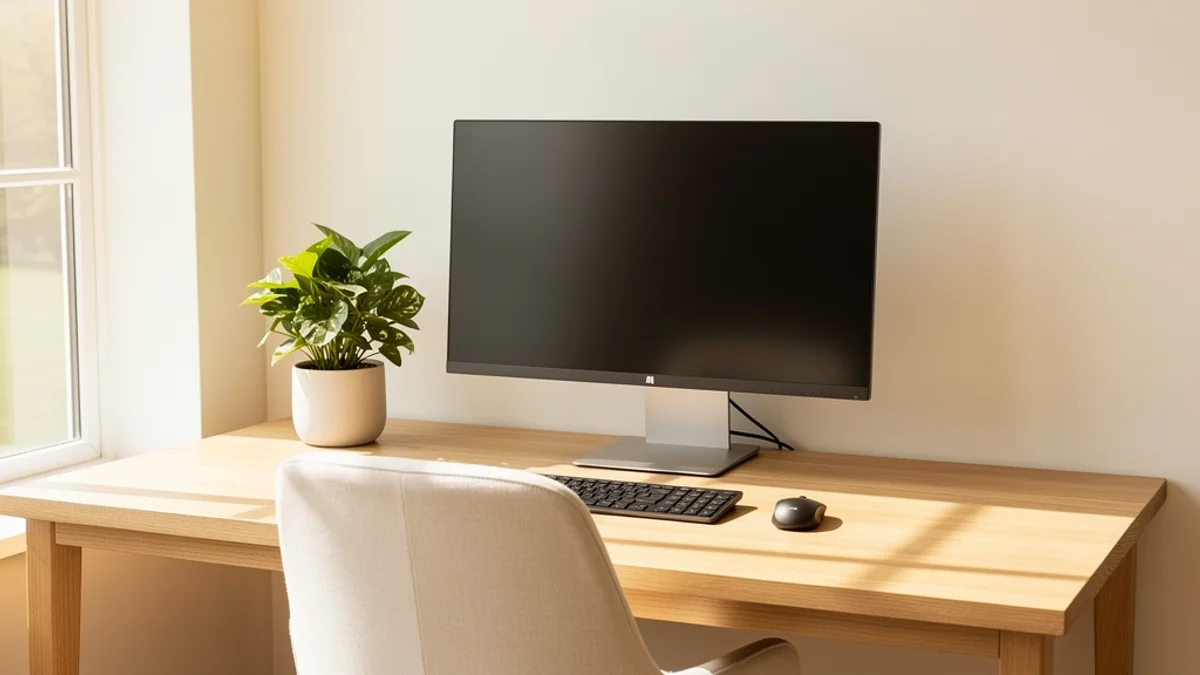
The 90-90-90 rule means maintaining roughly 90-degree angles at three joints:
- Elbows at 90 degrees: Forearms parallel to the floor when typing
- Hips at 90 degrees: Thighs roughly parallel to the floor, back supported
- Knees at 90 degrees: Feet flat on the floor (or a footrest)
Sit down right now and check. Are your elbows bent at 90 degrees? Are your thighs level? Are your feet flat?
If any angle is off, that’s your first fix for any ergonomic home office on a budget, and most of the time, it costs nothing. A cushion to raise your seat height. A box under your feet. A stack of books under your monitor. The 90-90-90 rule turns any workspace into a diagnostic tool.
The $0 Tier: Your DIY Ergonomic Home Office Setup
Rachel Thomas, a Stanford PhD and AI researcher, wrote a widely shared post on cheap and easy ergonomics after watching her partner develop severe repetitive strain injury, bad enough that his arms were temporarily paralysed. Her total investment to build a functional ergonomic setup: $34.
A $21 vertical mouse, a $13 keyboard, and household items to elevate her laptop. She used a brown cardboard box as a laptop stand for months and stored the keyboard and mouse inside it when she packed up for the day.
Her core principle: “If you only do one thing to address ergonomics, obtain a separate keyboard and mouse.” That’s it. When your screen is attached to your keyboard (hello, every laptop), you’re forced to choose between good neck posture and good wrist posture. You can’t have both.
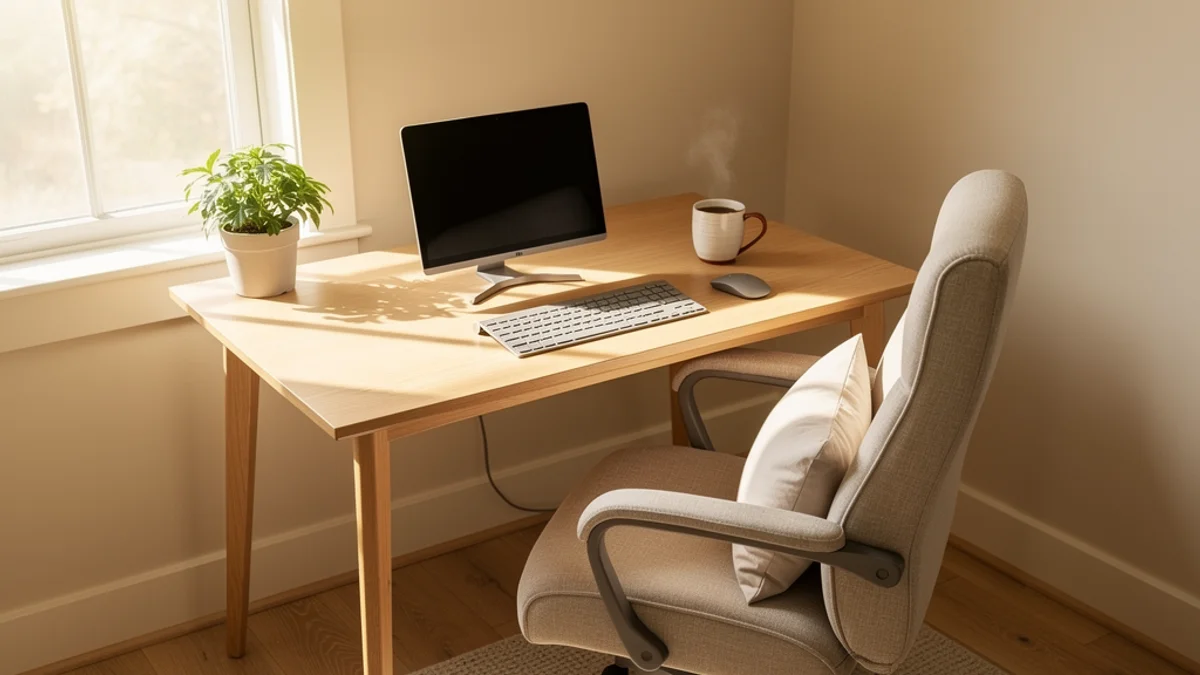
Here’s your $0 fix list for a DIY ergonomic home office tonight:
Monitor/Laptop Height
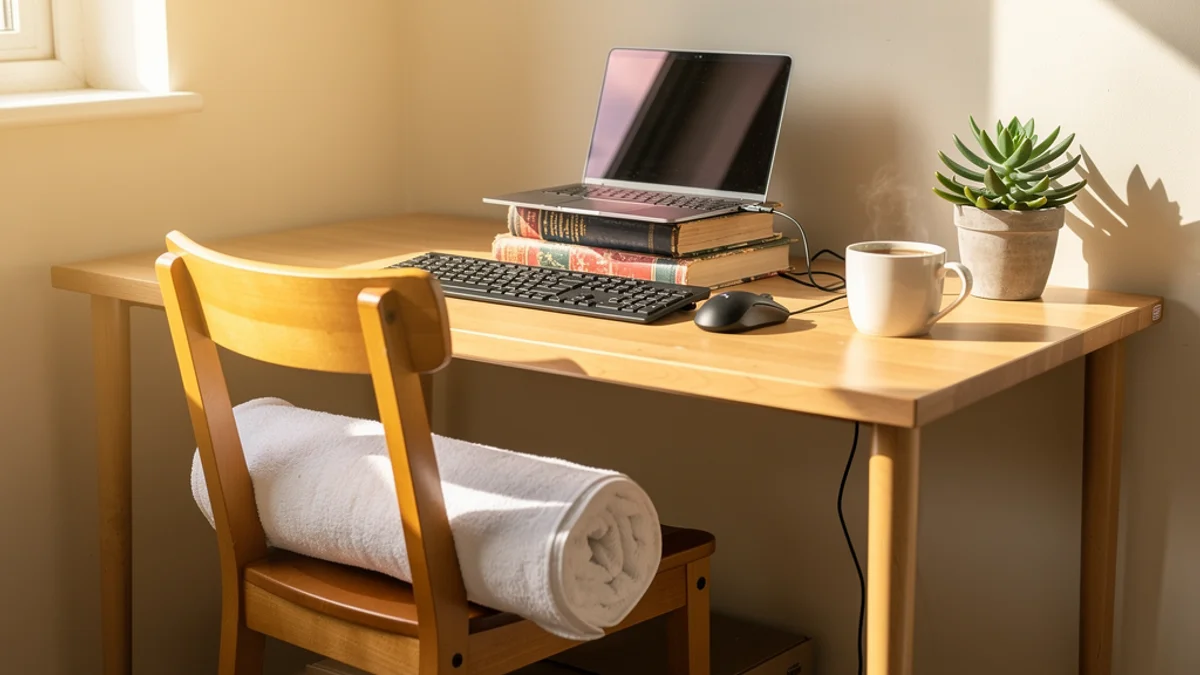
- Stack books, a sturdy box, or a ream of printer paper under your laptop or monitor until the top of the screen sits at eye level. Getting your monitor height right is the easiest free fix - our proper desk posture guide covers the exact measurements
- If using a laptop, this only works with an external keyboard, otherwise your arms will be at shoulder height
Lumbar Support
- Roll up a bath towel and place it in the curve of your lower back
- A small cushion or even a rolled-up hoodie works too
- The goal: support the natural S-curve of your spine so your back muscles aren’t doing all the work
Footrest
- If your feet don’t reach the floor when your chair is at the right height, use a shoebox, a stack of books, or a sturdy step
- Your knees should be at roughly 90 degrees with feet flat
Keyboard and Mouse Position
- Pull your chair close to your desk so your elbows stay near your body
- Wrists should float, not rest on the desk edge with a sharp bend
And one more $0 addition: download SitApp free. It uses your webcam and on-device AI to monitor your posture and nudge you when you slouch. The free tier gives you 1 hour of daily monitoring, enough to start building awareness of your worst habits. No data leaves your computer. Setup takes about 5 minutes.
Budget Ergonomic Desk Setup Under $100
If you’ve got some budget to work with, this cheap ergonomic office setup makes the biggest difference per pound spent:
Laptop Stand ($16-$40) A proper stand is more stable than a book stack and adjustable. Look for aluminium stands with adjustable height, they start at around $16 on Amazon and last years.
External Keyboard and Mouse ($35-$60) This is the single most important purchase for laptop users. A basic ergonomic keyboard and mouse combo from Logitech runs about $40. If you can stretch to $60, consider a vertical mouse (like the Anker Vertical at $21) paired with a Keychron mechanical keyboard. Your wrists will notice the difference within days.
Lumbar Support Cushion ($25-$40) A proper memory foam lumbar cushion beats a rolled towel. Look for ones with an adjustable strap that attaches to any chair, they transform a kitchen chair into something your back can tolerate for hours.
Desk Lamp ($20-$30) Poor lighting makes you lean forward and squint, which destroys your posture. A LED desk lamp with adjustable colour temperature reduces eye strain and keeps you sitting back. Budget LED lamps start around $20.
Total for this tier: $96-$170, depending on what you already own. Skip the desk lamp if your overhead lighting is decent, and your home office ergonomics under $100 are sorted.
For the cost of SitApp Pro, $3.99 a month, you can add unlimited posture monitoring, voice alerts, and a break timer to this setup. That’s less than a single coffee.
Ergonomic Home Office on a Budget: The $100-$300 Tier
This is where your ergonomic home office on a budget starts to rival a corporate setup. The trick? Buy smart, not new.
The Secondhand Premium Chair Hack
Here’s something most buying guides won’t tell you (because there are no affiliate links for used furniture): office liquidation sales are the best-kept secret in ergonomics.
When companies downsize or relocate, chairs that retailed for $1,000-$1,800 end up on Craigslist and Facebook Marketplace for $300-$600. One forum user bought a used Herman Miller Aeron and was still using it 25 years later with only minor part replacements. Cost per year? Barely $15.
Where to look:
- Facebook Marketplace: Search “Herman Miller,” “Steelcase,” or “ergonomic chair”
- Craigslist: Check the office furniture section
- Office liquidation warehouses: Google “[your city] office furniture liquidation”
- eBay refurbished: Sites like BTOD specialise in certified refurbished premium chairs
Reddit’s favourite budget new chair, the Staples Hyken, regularly drops from $300 to $130-$140 during sales. The Sweetcrispy ergonomic chair with flip arms comes in at just $63 on Amazon if you’re on a tighter budget.
Standing Desk Converter ($150-$200)
Standing desk converters sit on top of your existing desk and let you switch between sitting and standing. Prices have dropped significantly, decent options start around $150 now. You don’t need a full motorised desk at this budget.
What NOT to Buy
One thing every ergonomic community agrees on: skip the gaming chair. “For the love of god just don’t get a gaming chair,” as one particularly passionate forum user put it. Gaming chairs prioritise aesthetics over lumbar support and adjustability. For the same $200-$300, you’ll get a far better ergonomic chair, or a premium used one.
Spending Priority
If you can’t buy everything at once, invest in this order:
- Chair (or chair upgrades like a lumbar cushion + seat cushion)
- External keyboard and mouse (for laptop users)
- Monitor stand or laptop stand
- Desk (last, because you sit in your chair for eight hours - a bad chair at a great desk is still a bad chair)
The Missing Layer: Why Furniture Alone Isn’t Enough
Here’s what no other guide about an ergonomic home office on a budget tells you: the best setup in the world fails when you stop paying attention.
The same question comes up constantly in ergonomics forums: “I bought a $500 ergonomic chair and my back still hurts. What am I doing wrong?” The answer, almost every time, is that they’re slouching in a $500 chair. They configured it once, sat down, got absorbed in work, and drifted right back into their old posture within 20 minutes.
This is the posture awareness gap. Furniture alone can’t fix it.
Adjusting to a new chair takes weeks, sometimes months. One person described six months of pain with a SecretLab Titan before they finally figured out how to set it up for their body. They kept blaming the chair. The setup was fine. They just had no way of knowing when they’d slipped back into their old position.
This is where posture monitoring software fills a gap that no piece of furniture can. SitApp uses your existing webcam and on-device AI to learn what good posture looks like for you specifically, not some generic model. When you start to slouch, it gives you a gentle nudge. A friendly tap on the shoulder from software that never gets tired of reminding you.
The privacy piece matters here: your webcam feed never leaves your computer. No images stored. No data uploaded. The AI runs entirely on your device. That’s the architecture, not a marketing line.
And the free tier gives you 1 hour of daily monitoring, which is enough to build the habit. You’ve set up your desk, your chair, your monitor. SitApp handles the one thing furniture can’t: keeping you aware of your posture while you’re focused on your work.

Five-Minute Desk Stretches That Cost Nothing
“Motion is lotion.” It’s a favourite saying among physiotherapists, and it applies perfectly to home office ergonomics. No single position, no matter how ergonomic, is healthy for eight straight hours.
Every 30-45 minutes, stand up and move. If you forget (and you will), set a phone timer or use SitApp’s Break Timer feature to remind you.
Here are five stretches you can do right at your desk in under five minutes:
-
Chin tucks: Pull your chin straight back (making a double chin). Hold for 5 seconds, repeat 10 times. This counteracts forward head posture directly.
-
Thoracic extensions: Sit on the edge of your chair, clasp your hands behind your head, and gently arch your upper back over the backrest. Three sets of 10 seconds.
-
Shoulder blade squeezes: Pull your shoulder blades together as if you’re trying to hold a pencil between them. Hold for 5 seconds, repeat 10 times.
-
Wrist circles: Extend your arms and rotate your wrists in both directions. 10 circles each way. This fights the stiffness that leads to repetitive strain injuries.
-
Standing hip flexor stretch: Step one foot forward into a mini-lunge and hold for 20 seconds each side. Your hip flexors shorten when you sit all day, this counteracts that.
None of these require equipment. Do them consistently and you’ll feel the difference within a week or two.
FAQ
Is It Worth Buying a Used Ergonomic Chair?
Yes, usually. A used Herman Miller Aeron or Steelcase Leap for $300-$400 on Craigslist will outperform a new $300 budget chair on adjustability, build quality, and durability. These chairs are designed to last 12+ years. Check for smooth gas cylinder operation, intact mesh, and functional adjustment levers before buying.
Why Does My Back Still Hurt After Buying an Ergonomic Chair?
Two common reasons. First, most people need 2-4 weeks to adjust to a new chair, your muscles are adapting to a different sitting position. Second, a good chair doesn’t prevent slouching. You still need posture awareness to maintain the position your chair supports. A posture monitoring app catches the moments you forget.
Standing Desk or Better Chair, Which Should I Buy First?
Chair first. You’ll sit in it for most of your working day even if you also stand. A standing desk without a good chair means you’ll eventually sit down, and be right back where you started. Once your chair is sorted, a standing desk converter ($150-$200) is a solid next investment.
How Long Does It Take to See Results From an Ergonomic Setup?
Most people notice reduced pain within 1-2 weeks when they combine proper setup with posture awareness. A new chair without awareness takes longer - you’ll still drift into your old habits while focused on work. A posture monitoring tool like SitApp keeps you consistent during that adjustment period by catching the drift before it becomes a habit.
Can a Posture App Actually Help?
Yes. AI-powered posture apps use your webcam to detect slouching in real time and nudge you to correct it. (See our best posture app comparison for a full breakdown of what’s available.) They catch the drift that furniture can’t - you might have the perfect setup, but if you’re focused on a deadline, you’ll slouch anyway without noticing. SitApp’s free tier gives you 1 hour of daily monitoring to start building the habit.
Your Ergonomic Action Plan
You don’t need to do everything at once. Start where you are:
Tonight: Apply the $0 fixes. Stack books under your monitor. Roll a towel for lumbar support. Check the 90-90-90 rule. These changes take 10 minutes and cost nothing.
This week: Download SitApp free and use the 1-hour daily monitoring to learn your posture patterns. Most people are genuinely surprised how often they’ve drifted without noticing.
This month: Budget for your biggest pain point. For most people, that’s the chair. Check Facebook Marketplace for used premium chairs before buying new. Even a $25 lumbar cushion on your current chair can take the edge off within days.
You don’t need a $2,000 setup to get results. You need awareness, a few smart choices, and a willingness to start with what you already have - even if that’s a rolled-up towel and a stack of books.
