
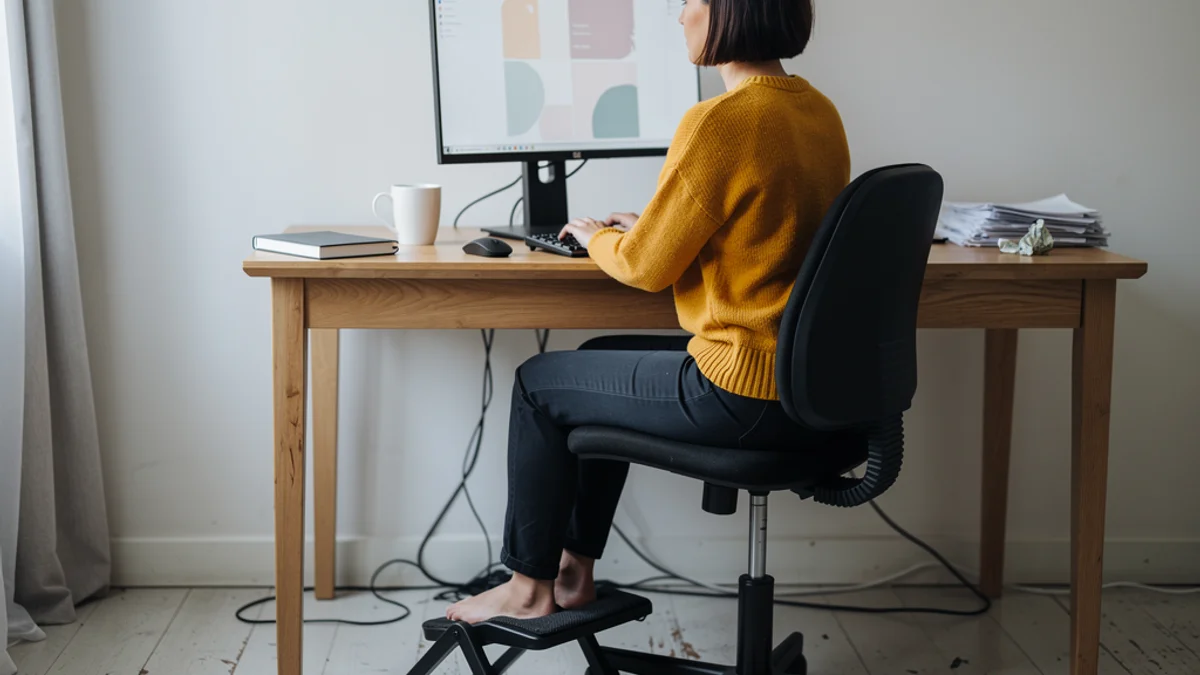
A desk setup for short people starts with the chair. Raise it until your elbows are level with the desk, put a footrest under your feet to fill the gap that leaves, check the seat isn’t too deep for your thighs, and then lower the screen so its top line is at or below eye level.
If the chair can’t go high enough without your knees hitting the desk, bring the keyboard down instead, with a keyboard tray or a lower desk.
Why standard desks are too high for short people
Office furniture guidelines are written to fit everyone from a 5th-percentile woman to a 95th-percentile man. The University of Washington’s office furniture design guidelines, which draw on the ANSI/HFES 100-2007 and BIFMA G1-2013 standards, put that at 90% of the population. They say the 10% outside it, petite people included, may need furniture sized outside the guidelines.
In the CDC’s NHANES body measurement data for 2015-2018, the median height of US women aged 20 and over was 161.3 cm (63.5 in). A quarter were 156.4 cm (61.6 in) or shorter, and the 5th percentile was 149.8 cm (59.0 in).
The UW guidelines quote a minimum height of 28.5 in (72.4 cm) for a fixed desk, from ANSI/HFES 100-2007. The BIFMA G1-2013 range for a seated keyboard tray, in the same document, goes down to 22.6 in (57.4 cm). The bottom of that range is about 6 in (15 cm) lower than a fixed desk.
Chairs have the same limit. The Canadian Centre for Occupational Health and Safety (CCOHS) says in its chair guidance that adjustable chairs fit around 90% of people, and “workers falling in the ranges of 5% of the shortest and the tallest will need custom-made chairs.”
A 2025 study in Work compared the body measurements of 196 office workers in Iran with the furniture they used. The mismatch was greatest among women, and the furniture dimensions that fitted worst were seat height, seat depth and backrest height.
One Hacker News commenter who is 5’4” described working at a desk almost 36 in high: “my options were to sit with toes dangling above the ground, type with fingers at chin height, or perch on the very edge of my chair all day with no lumbar support.”
Step 1: Raise the chair to your elbows
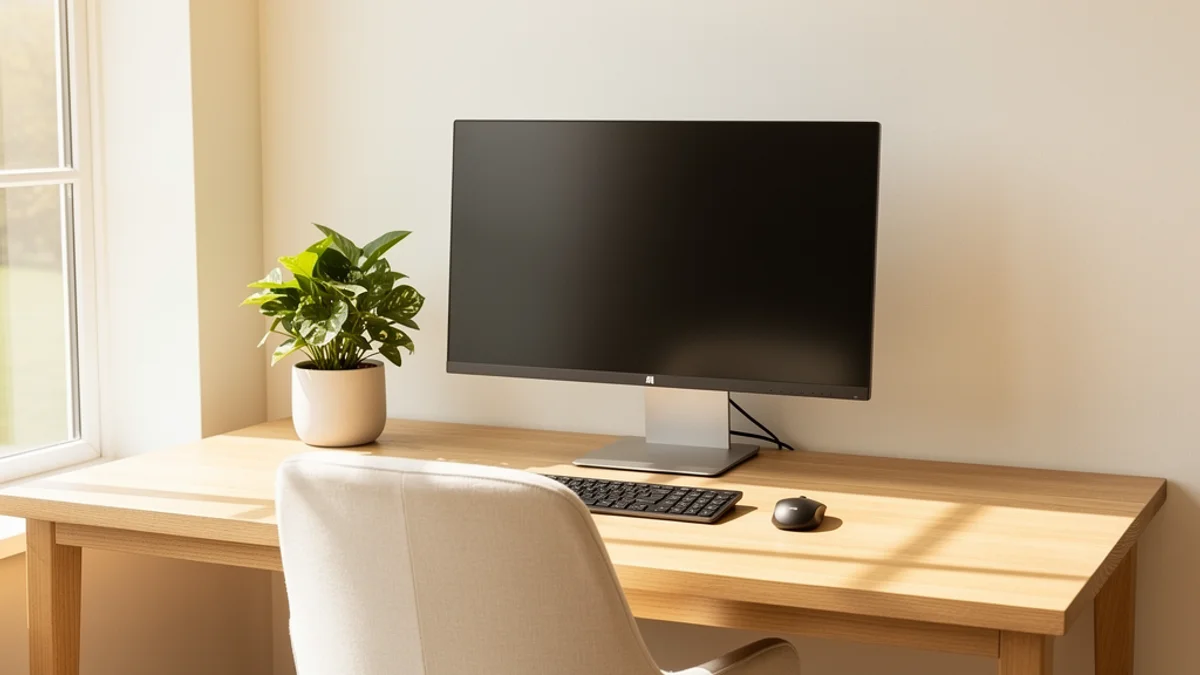
Set the chair for your arms first. OSHA’s keyboard guidance says “Elbows should be about the same height as the keyboard,” and its desk guidance says that if the work surface can’t be lowered, “raise the chair to accommodate the user.”
- Sit back in the chair with your shoulders relaxed and your upper arms hanging at your sides.
- Bend your elbows so your forearms point forward, roughly level.
- Raise the seat until the home row of the keyboard sits at about the height of your forearms.
Don’t go by a height chart. The same commenter put it this way: “user height is a poor proxy for what desk height should be because how much of your height is in your legs vs torso also affects it.”
At this height your feet will probably leave the floor. Step 2 deals with that.
Our step-by-step guide to adjusting an office chair covers the other levers, including backrest and armrests.
Step 2: Size a footrest to the gap
OSHA’s chair guidance is direct about this: “If the seat cannot be lowered (for example, it would make the keyboard or monitor too high), use a footrest to provide stable support for the feet.” CCOHS adds that the footrest “should be adjustable and support both feet”, and its buying guide says a footrest “is highly recommended if you decide on a non-adjustable desk.”
To size one, leave the chair at the height you set in step 1 and wear the shoes you work in. Sit with your thighs roughly level and measure from the floor to the soles of your feet. That’s the footrest height you need.
Check the number against what’s on sale. UCLA’s ergonomics team lists recommended footrests that adjust from 3.5-5 in and 4.3-6.7 in, and it calls the model that goes to almost 7 in “a good choice for shorter users.” It also lists an extra-tall model that goes from 5.95 to 12 in.
OSHA notes that a footrest “may elevate the knee slightly to relieve pressure on the back of the leg.”
If your gap is bigger than any footrest you can find, the desk is too high for a footrest to fix. Go to step 4.
Step 3: Check the seat depth
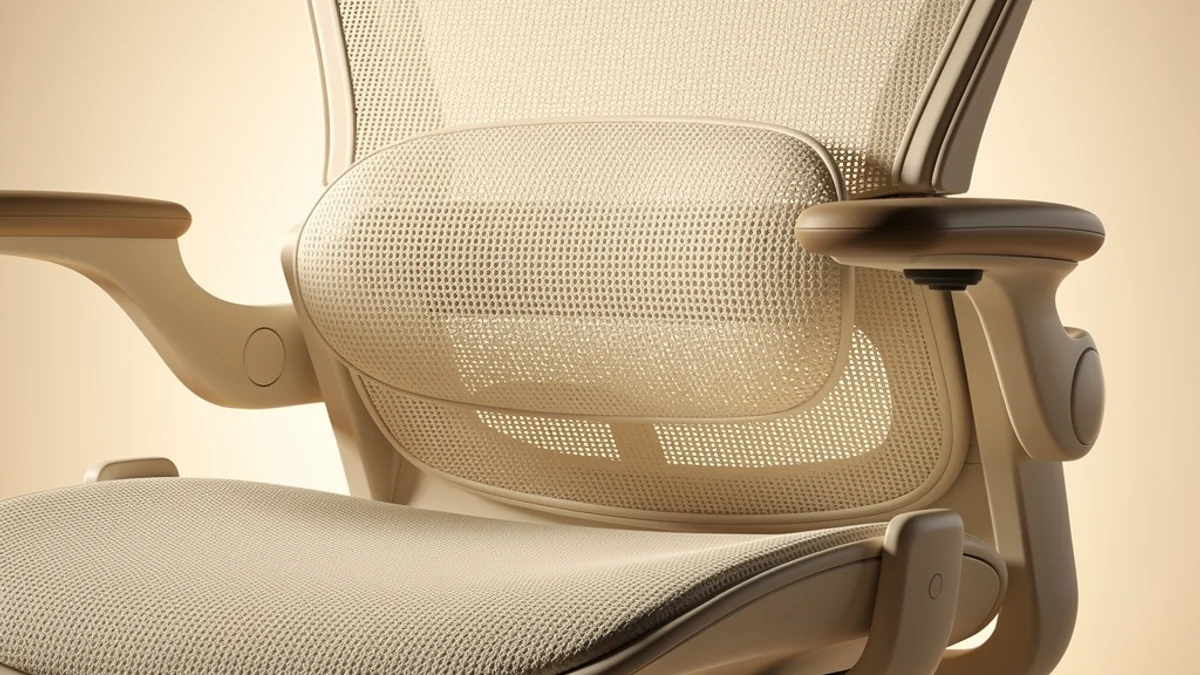
A seat that’s too deep for your thighs leaves you two choices: sit back and have the front edge press into the backs of your knees, or perch forward and lose the backrest.
OSHA says a seat that’s too long “can place excess pressure on the knee area of shorter users and minimize back support.” The seat should support most of the thigh “without contact between the back of the user’s knee and the front edge of the seat pan.”
CCOHS gives a quick test. Sit right back, and check that a clenched fist, about 5 cm (2 in), fits between the front edge of the seat and your calves.
The BIFMA G1-2013 figures quoted by UW suggest a seat length of 14-16 in (36-41 cm) for a small user, against 16 in for an average one. If the seat doesn’t adjust, ANSI/HFES 100-2007 says it should be no more than 16.9 in (43 cm) deep.
A small study backs up the shorter end. In a 2020 trial, 36 university students in Iran sat on six seat depths for 90 minutes each. A depth of 40.2 cm, the 5th-percentile buttock-to-knee length for that population, was rated the most comfortable and caused the least discomfort.
If your chair fails the fist test:
- Use the seat slider. Many task chairs let you pull the seat pan forward and back. Slide it back towards the backrest until the fist test passes.
- Add a lumbar cushion. It moves you forward on the seat so your back still has support.
- Look for a small chair size. Some manufacturers sell their chairs in more than one size, with a shorter seat and lower height range. Our ergonomic chair guide covers what to look for.
Step 4: Bring the keyboard down if the chair can’t go higher
Sometimes the chair runs out of height, or your thighs hit the underside of the desk before your elbows reach the right level. Then the keyboard has to come down.
A keyboard tray. OSHA says one “may be needed if the work surface or chair cannot be properly adjusted,” and the UW guidelines mention “petite or tall employees” as the people who may need one. Choose one that adjusts in height and tilt and leaves room for your mouse.
A lower desk. OSHA’s desk guidance suggests you “Lower work surfaces by cutting off desk legs if necessary.” Leave room for your knees. OSHA puts leg clearance under the desk at 20-28 in (50-72 cm).
A height-adjustable desk. The UW guidelines recommend a range of 22-30 in (56-76 cm) for an adjustable seated desk, citing ANSI/HFES. Before you buy one, check its lowest setting and whether that figure includes the desktop, which UW recommends be no thicker than 1.5 in (3.8 cm).
The 5’4” Hacker News commenter keeps their desk at 24 in when sitting. They wrote that leaving the job with the almost-36 in desk, “getting a desk at a more sane height, a keyboard tray (one without a 6 inch deep wrist rest), and a keyboard with lighter resistance saved my career.”
Step 5: Re-check the screen
Once the chair is at the right height, look at the monitor again. For short people the top of the screen can end up above eye level, so you tilt your head back to read it.
OSHA’s monitor guidance says to place the monitor so the “top line of screen is at or below eye level,” between 20 and 40 in (50 and 100 cm) from your eyes. If the stand won’t go low enough, take it off and use a monitor arm, or set the screen straight on the desk.
A laptop screen usually sits too low instead. Put the laptop on a stand with the top of the screen at eye level, and use a separate keyboard and mouse at elbow height. Our guide to laptop stands for posture compares options, and our post on monitor height and neck pain explains what a screen at the wrong height does to your neck.
Keeping good posture once it fits
A desk that fits takes away the reasons to perch on the front of the seat or crane your neck up at the screen. You can still lean in towards the screen over a long afternoon.
SitApp is a desktop app for macOS, Windows and Linux that checks your posture through your webcam and nudges you when you start to slouch. You calibrate it on your own good posture at your own desk, so it doesn’t assume a standard body. All the image processing happens on your computer, and no images or video leave it. For more habits that help, read how to stop slouching at your desk. If you share a home office with someone much taller, our guide to desk setup for tall people covers the other end.
FAQ
What desk height do I need at 5’0”?
There isn’t a single number, because leg and torso lengths vary. Sit with your arms relaxed and your forearms level, and measure from the floor to the underside of your forearm. Your keyboard’s home row should be at about that height.
Can I use a box or a stack of books as a footrest?
Yes, if it’s stable, the right height and wide enough for both feet. A proper footrest is easier to adjust and to tilt.
Is it better to raise the chair or lower the desk?
Lowering the work surface means you can keep your feet on the floor. If that isn’t possible, OSHA’s order is to raise the chair and add a footrest.
Do I need a petite office chair?
Probably, if the fist test fails and the seat doesn’t slide. A chair with a shorter seat lets you sit back against the backrest.
