
Here’s a number that should give every chair shopper pause: you can spend $1,500 on the most celebrated ergonomic chair ever made and still spend six hours a day hunched over your keyboard like a question mark.
The chair holds the posture. It doesn’t notice when you leave it.
Most buyer’s guides skip that part - because they’re paid on the affiliate margin of the expensive chair. This one doesn’t. We’ll cover which features actually matter, name real chairs at real 2026 prices across every budget, and get into the uncomfortable truth about what a chair can and can’t do for your spine. By the end, you’ll know what to buy and why the chair is only half the job.
What “Ergonomic” Actually Means for Your Posture
“Ergonomic” has become a marketing sticker. Plenty of chairs slap it on a bucket seat with a fixed backrest and call it a day. So let’s anchor on the mechanism.
Your lumbar spine - the lower back - has a natural inward curve. When you sit for long stretches without support for that curve, the pelvis rotates backward, the curve flattens, and you settle into a slouch. As Spine-Health explains, “sitting for long periods without support for this curve tends to lead to slouching (which flattens the natural curve) and strains the structures in the lower spine.” A genuinely ergonomic chair exists to hold that curve so your body doesn’t have to fight gravity to stay upright.
This matters because desk work quietly wrecks a lot of backs. In one study of office workers published in the Journal of Medicine and Life, 88.4% had experienced a musculoskeletal problem in the previous 12 months, with the lower back (72.4%) and neck (55.2%) the most common complaints. A good chair won’t single-handedly reverse those odds, but the wrong chair - or no real chair at all - stacks them against you.
If you’re currently reading this from a kitchen chair, a dining stool, or your bed, the upgrade to a proper ergonomic chair is the single biggest piece of your desk posture you can buy. Let’s look at what to actually look for.
The 6 Features That Actually Matter
Ignore the marketing copy and the number of “ergonomic points.” These six features, drawn from Spine-Health’s chair criteria, are what separate a posture chair from an expensive office prop.
1. Adjustable lumbar support (the non-negotiable). Not just “lumbar support” - adjustable lumbar support, in both height and depth. Everyone’s spine sits at a slightly different place. A pad fixed at one height is a coin flip; an adjustable one lets you place the support exactly into your lower back’s curve. If you only check one box, check this one.
2. Seat height. You want a pneumatic adjustment in roughly the 16-21 inch range so your feet rest flat on the floor and your thighs sit parallel to it - the “90-90-90” position (hips, knees, and elbows each around 90 degrees). Feet dangling means pressure on your thighs; feet tucked under means strain on your knees.
3. Seat depth. With your back against the backrest, you want two to four inches of clearance between the front edge of the seat and the back of your knees. Too deep and you’ll perch forward, away from the lumbar support you just paid for. A sliding seat pan solves this.
4. Backrest and recline. The backrest should support the natural curve of your spine and let you recline. Leaning back slightly (around 100-110 degrees rather than a rigid 90) actually takes load off your lower back. A backrest that locks bolt upright forces your muscles to do all the work.
5. Adjustable armrests. Your shoulders should stay relaxed and your forearms supported, so your elbows sit at roughly 90 degrees without hiking your shoulders up toward your ears. Fixed armrests at the wrong height are worse than no armrests at all.
6. Dynamic, synced movement. The best modern chairs let the seat and backrest move with you as you shift - sometimes called a synced tilt. This matters more than most spec sheets suggest: good posture isn’t a single frozen position. It’s a range, and a chair that locks you in place fights the way your body actually needs to move. More on that below.
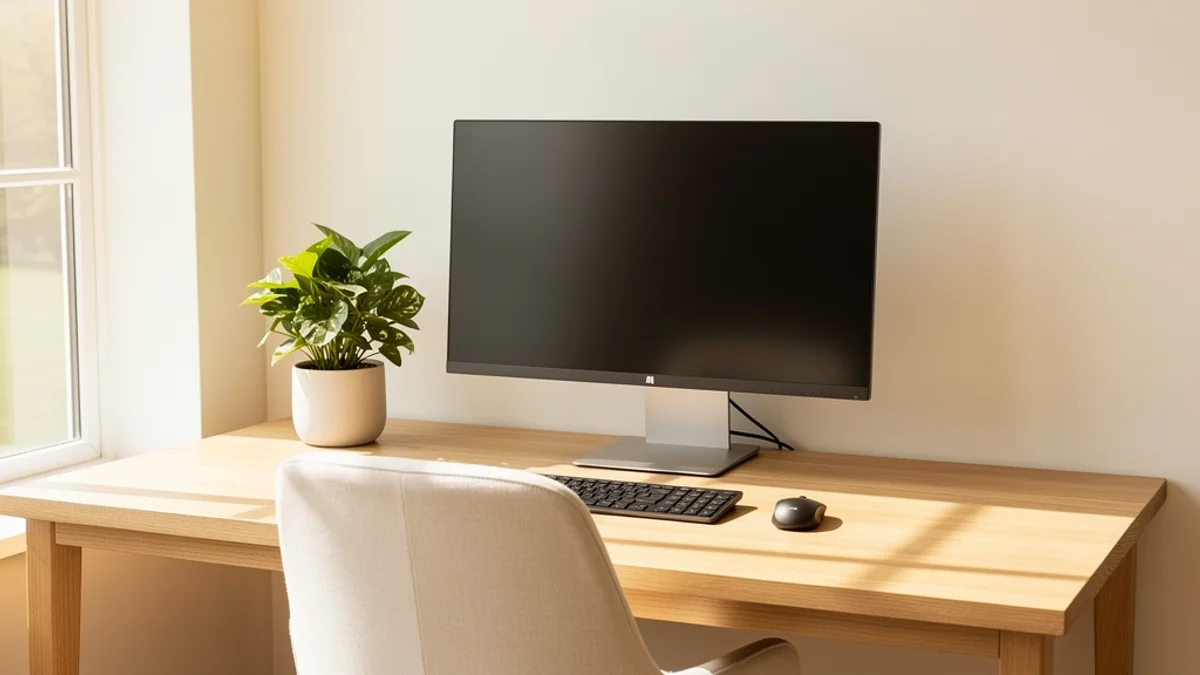
Best Ergonomic Chairs for Posture by Budget (2026)
Below are the chairs that consistently show up across expert roundups and ergonomics communities, grouped by budget. Prices are approximate 2026 street prices and move constantly with sales, so treat them as ballpark and check the live retailer page before you buy.
Premium ($1,000+): buy-it-for-a-decade chairs
| Chair | Approx. price (2026) | Why it’s recommended |
|---|---|---|
| Herman Miller Aeron | ~$1,400-$1,900 | The default “best overall” mesh chair; PostureFit SL targets the pelvis to hold the lumbar curve |
| Steelcase Leap V2 | ~$1,350-$1,600 | The perennial “best for back pain” pick; the LiveBack flexes with your spine |
| Steelcase Gesture | ~$1,500 | 360-degree arms for laptop/phone/tablet posture; long warranty |
| Herman Miller Embody | ~$1,500+ | Designed around spinal support and pressure distribution for all-day sitting |
These are genuinely excellent, with 10-12 year warranties that make the cost-per-year smaller than it looks. But “expensive” and “right for your body” aren’t the same thing - and none of them fix the problem we’ll get to in a minute.
Mid-range ($300-$700): the value sweet spot
| Chair | Approx. price (2026) | Why it’s recommended |
|---|---|---|
| Branch Ergonomic Chair Pro | ~$450-$500 | Premium-feel adjustability (including adjustable lumbar) at a fraction of the boutique price |
| Steelcase Series 1 | ~$500 | Steelcase build quality and adjustability at the bottom of their range |
| Autonomous ErgoChair Pro/Ultra | ~$400-$500 | Highly adjustable mesh chair with strong lumbar options |
| Sihoo Doro C300 | ~$250-$300 | Frequently cited budget pick with self-adjusting dynamic lumbar support |
For most people, this is where the smart money sits. You get adjustable lumbar support, a reclining backrest, and adjustable arms - the features that actually drive good posture - without paying boutique prices.
Budget (under $300): better than the kitchen chair, by a lot
| Chair | Approx. price (2026) | Why it’s recommended |
|---|---|---|
| IKEA Markus | ~$180 | The cult budget favorite; high mesh back and built-in lumbar support |
| Nouhaus Ergo3D | ~$280-$300 | Adjustable lumbar and 4D armrests at a budget price |
| HBADA ergonomic models | ~$120-$210 | Reliable entry-level adjustability for tight budgets |
| Sihoo M57 | ~$190 | Adjustable lumbar and headrest at a low price |
A sub-$300 chair with real adjustable lumbar support, used well, will do more for your back than a $1,500 chair used badly. Which brings us to the question the expensive guides won’t ask.
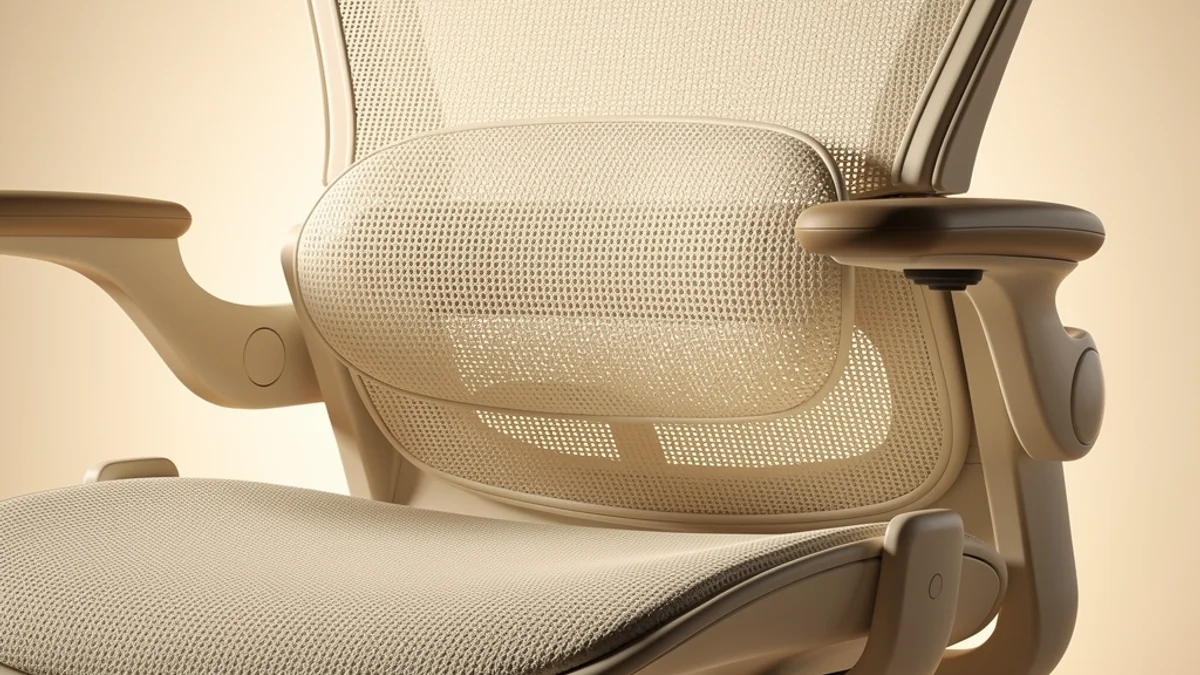
Do You Actually Need a $1,500 Chair?
Probably not.
The features that drive good posture - adjustable lumbar support, an adjustable seat, a reclining backrest, adjustable arms - all show up on chairs in the $250-$500 range. What you’re often paying for above that is build quality, materials, a longer warranty, and brand. Those are real things. If you sit eight hours a day for the next decade, a Steelcase or Herman Miller can be a sound investment. But they are not a posture cheat code.
A good $300 chair with good habits beats a $1,500 chair you slouch in. Every time. Spend what your budget genuinely allows, prioritize the adjustable lumbar support, and then put the rest of your attention where it actually moves the needle - which is not the chair at all.
The Catch No Buyer’s Guide Tells You: A Chair Can’t Make You Sit in It
Here’s where the honesty has to come in, even though it complicates the sale.
A chair is passive. It offers support, but it cannot make you use it. Buy the best ergonomic chair on the planet, and within twenty minutes of deep focus you will slide forward off the lumbar pad, round your shoulders toward the screen, and crane your neck - exactly the forward-head posture the chair was supposed to prevent. The chair holds a good posture; it has no idea when you’ve abandoned it.
The research backs this up, uncomfortably. A 2022 systematic review in the International Journal of Occupational Safety and Ergonomics examined chair interventions for office workers and concluded that, on the current evidence, “chair interventions are not recommended to reduce LBP or discomfort.” The evidence that a special chair alone fixes back pain was rated very low to low quality. That doesn’t mean ergonomic chairs are useless - a chair that lets you sit well is a genuine asset - but it punctures the idea that buying the right chair is, by itself, the fix.
So what does the evidence point to instead? Movement and variety. Cornell University’s ergonomics guidance is blunt about it: don’t stay in any one position too long, take a posture break roughly every 20-30 minutes, and actually move. As Cornell puts it, “simply standing is insufficient. Movement is important to get blood circulation through the muscles.” (This is also why a standing desk on its own isn’t a posture fix - swapping one static position for another static position misses the point.)
A chair can support a good posture. It can’t notice when you’ve drifted out of one, and it can’t remind you to move. That part has always been on you - which is exactly why it so often doesn’t happen.
How to Actually Sit Well in a Great Chair
Once you’ve got a chair with adjustable lumbar support, the technique is straightforward:
- Set the height first. Feet flat, thighs parallel to the floor, elbows at roughly 90 degrees to your desk.
- Dial in the lumbar support. Adjust it up or down until the pad sits into the curve of your lower back, not above or below it.
- Use the backrest. Sit all the way back so your spine is supported, and let yourself recline slightly rather than perching forward.
- Relax your shoulders. Set the armrests so your forearms are supported and your shoulders aren’t creeping up.
- Then move. Shift position, stand, stretch, and walk for a minute or two every half hour. A few simple desk exercises between focus blocks do more for your back over a year than any single purchase.
None of that is hard. The part that trips people up is remembering to do it while your brain is buried in work - and that’s also why a great chair tends to stop being used as one within minutes of deep focus.
Where SitApp Fits
This is the exact gap SitApp was built to fill. Your chair provides the support; SitApp provides the awareness.
SitApp uses your webcam and on-device AI to learn what your good posture looks like, then gently nudges you when you slide into a slouch - the moment you drift off the lumbar pad you paid for, not an hour later when your neck already aches. It’s the feedback loop a chair can’t give you: a quiet tap on the shoulder that says “you’ve drifted, sit back up,” followed by the satisfaction of catching it before it becomes pain.
It runs entirely on your device. There’s no image or video data sent anywhere - the analysis happens locally and your camera feed never leaves your computer. You can try it free with an hour of daily monitoring, and if it earns a place in your day, SitApp Pro covers all-day awareness.
Think of it as the other half of the purchase. The chair gives you the support; SitApp makes sure you’re actually using it.
Frequently Asked Questions
What is the best ergonomic chair for posture overall?
For most people, the best ergonomic chair for posture is one with genuinely adjustable lumbar support (in height and depth), an adjustable seat and backrest, and adjustable arms - features you can get in the $300-$500 range from chairs like the Branch Ergonomic Chair Pro or Steelcase Series 1. Premium options like the Herman Miller Aeron or Steelcase Leap V2 are excellent if your budget allows, but the most expensive chair isn’t automatically the best one for your body or your back.
Does an ergonomic chair actually fix bad posture?
Not on its own. An ergonomic chair makes it easier to sit well by supporting your spine’s natural curve, but research shows a chair alone is not a reliable fix for back pain or slouching. Good posture comes from using the chair correctly and, crucially, from moving regularly and staying aware of how you’re sitting. The chair is the support; the habit is the fix.
How much should I spend on an ergonomic chair?
Most people get 80% of the benefit from a chair in the $250-$500 range, as long as it has adjustable lumbar support. Premium $1,000-plus chairs add better materials, build quality, and longer warranties, which can be worth it for heavy daily use, but they don’t improve your posture more than a well-set-up mid-range chair you actually sit in properly.
Is lumbar support the most important feature?
Yes. Adjustable lumbar support is the single most important feature for posture, because it holds the inward curve of your lower back and stops the backward pelvic tilt that leads to slouching. Look specifically for support you can adjust in both height and depth, not a fixed pad.
Can a posture app replace a good chair?
No - they solve different halves of the problem. A good chair gives your spine physical support. A posture app like SitApp gives you the awareness to actually maintain a good position and move regularly. The two work together: the chair removes the excuse to slouch, and the app catches you when you do anyway.
The Bottom Line
The best ergonomic chair for posture is the one that gives you adjustable lumbar support, an adjustable seat and backrest, and arms you can set to your body - and you can get all of that without spending four figures. Prioritize those features, spend what your budget genuinely allows, and don’t believe the guides that imply the chair is the whole answer.
Because it isn’t. A great chair removes the excuse to slouch, but it won’t stop you from doing it anyway. Pair the right chair with something that actually catches you when you drift - move every half hour, sit back into the support, build the habit - and you’ve got both halves covered. Your back will notice the difference. So will the version of you that, a year from now, doesn’t dread standing up.
