
Your break reminder goes off at 3:40pm on an ordinary Tuesday. You dismiss it and keep typing. Or you stand up, stand there for a second, walk to the kitchen, come back with nothing, and sit down again.
Break reminder apps are good at telling you a break is due. They go quiet about what to do with it, so the prompt lands and that’s where it stops.
SitApp has had break reminders for a long time and they had exactly this problem. Not any more. Movement Breaks turns the reminder into a single one-minute movement, with an animated figure showing you what it looks like.
Your Droid spends most of the day pointing out that you have slouched again. Treat this as the other half of the arrangement.
You already know the exercises
This isn’t a list of new stretches. There’s no shortage of those, including three on this blog:
- Best Posture Exercises for Desk Workers: A 5-Minute Daily Routine
- Desk Stretches You’ll Actually Do: An Every-Hour Routine
- Text Neck Exercises That Undo a Day of Looking Down
Go and read those if you want the movements themselves and the research behind them. They cover that ground better than this post will.
They also leave the same gap every desk-exercise article leaves. You finish reading, you agree with all of it, you bookmark it next to the other four, and then Tuesday afternoon arrives and you do none of it.
Doing one at 3:40pm means stopping, remembering a routine, picking a movement out of it, and starting. That’s four decisions, at the hour of the day when you’ve got none spare. Carrying on typing costs you nothing, so that’s usually what happens.
What changed
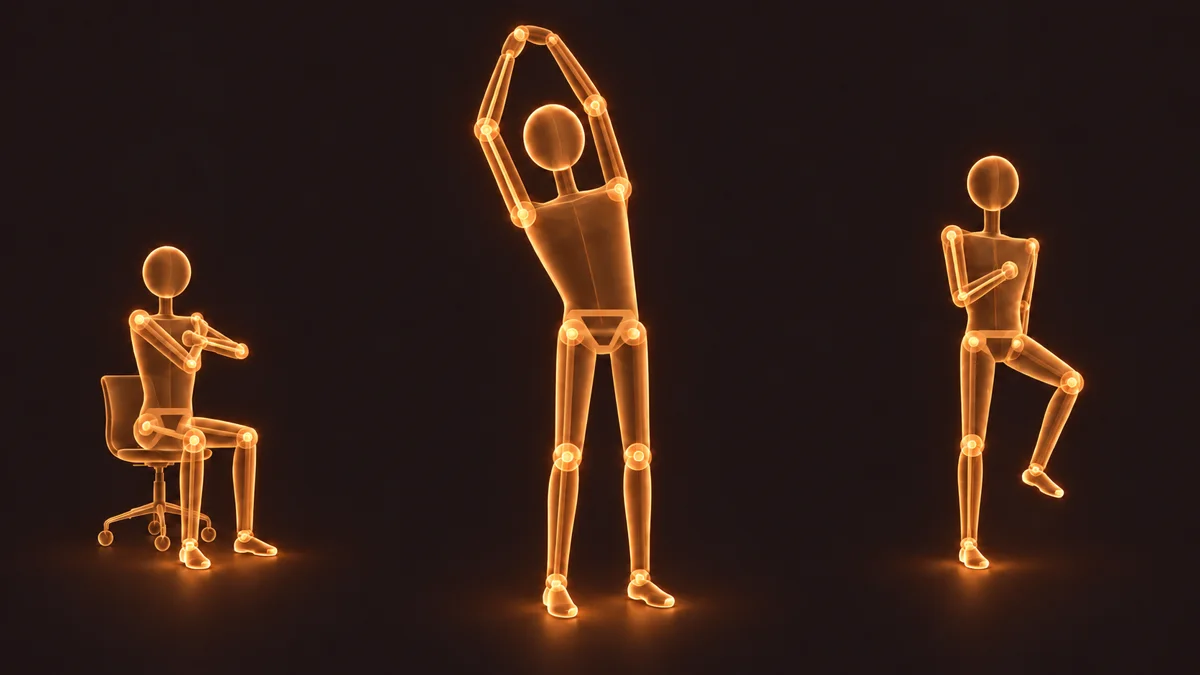
At each regular break, SitApp picks one movement and puts it on screen. Sixty seconds, the steps written out, and an animated figure showing you roughly what it should look like.
You tap Done when you’ve finished, and your dashboard counts three Movement Breaks a day.
That’s deliberate. Put seven options on a screen and you still have to choose one, which is where it always fell apart. Something already up on screen asks nothing of you but starting.
The seven movements
Equipment-free, all sixty seconds. The illustrations below show the shape of each one, and there’s a clip further down of what the app actually puts on screen.
Seated
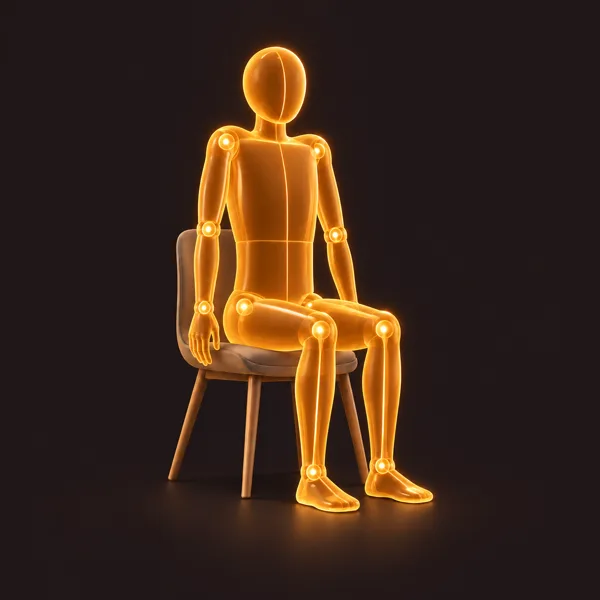
Shoulder rolls. Roll both shoulders slowly up, back and down. Five calm circles, then reverse.
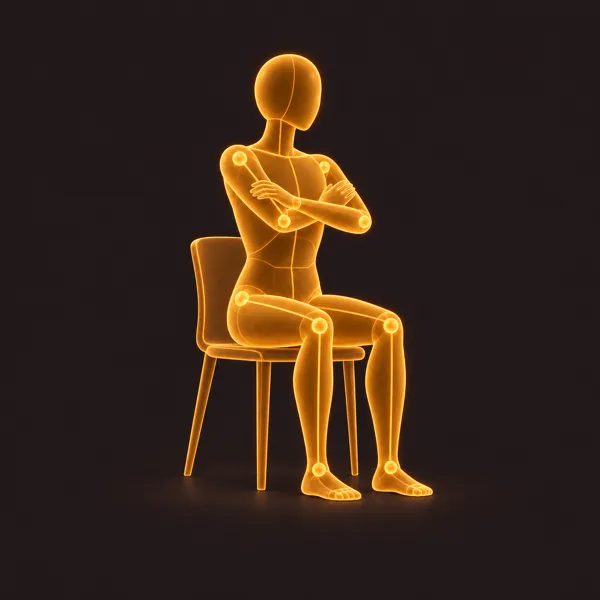
Chair twist. Shuffle to the front of your seat with your feet planted, fold your arms across your chest, and rotate slowly through your upper back before switching sides.
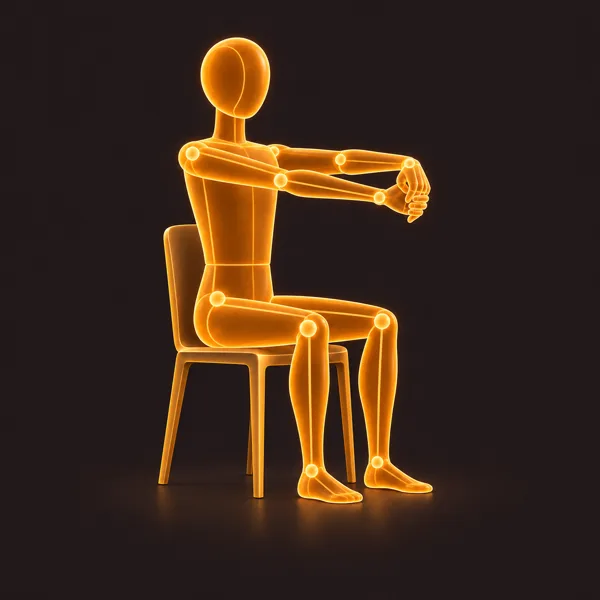
Seated wrist release. Bring your hands together at your chest with one palm facing up, rest the other hand across it, and press forwards together so the stretched fingers turn down. Then change sides. Skip this one if your wrists hurt or you have a wrist condition.
Standing
Overhead side reach. Reach both arms overhead without forcing them, then lean gently to each side and keep breathing.
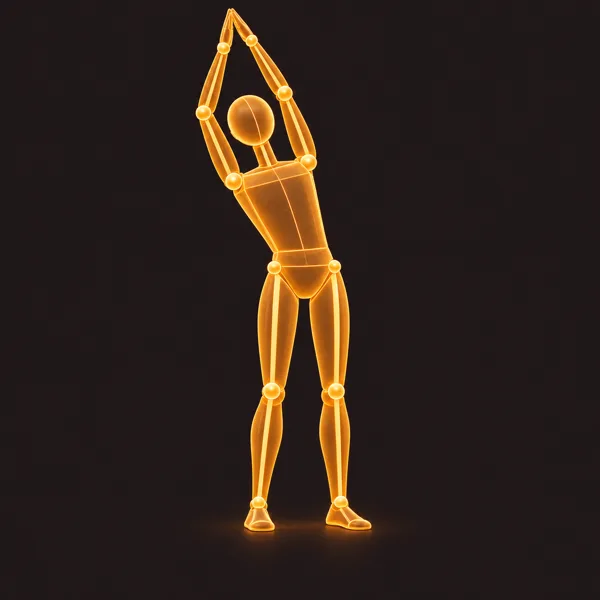
Standing chest opener. Hands behind you, shoulders drawn gently down and back, held for three slow breaths.
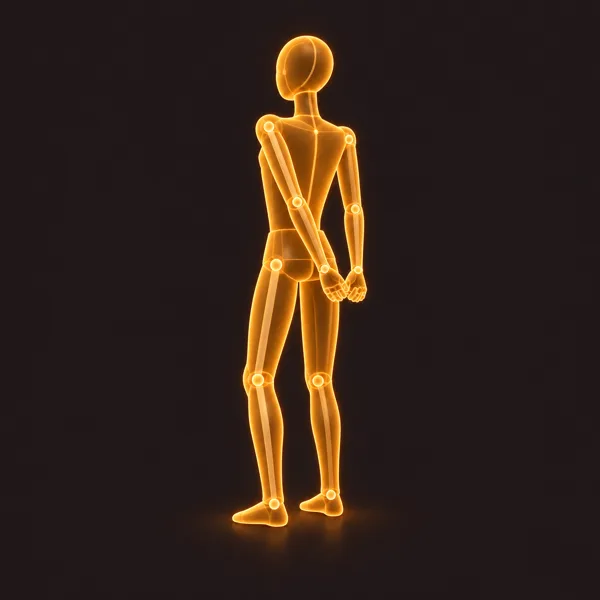
Sit to stand. Perch near the edge of a sturdy chair without wheels, rise to standing at an easy pace, and lower yourself back down with control, five times in all.
That’s the actual figure, recorded from the app and looping the way it does on screen. The other six move the same way.
Standing march. March gently in place beside your desk with support nearby, shoulders relaxed.
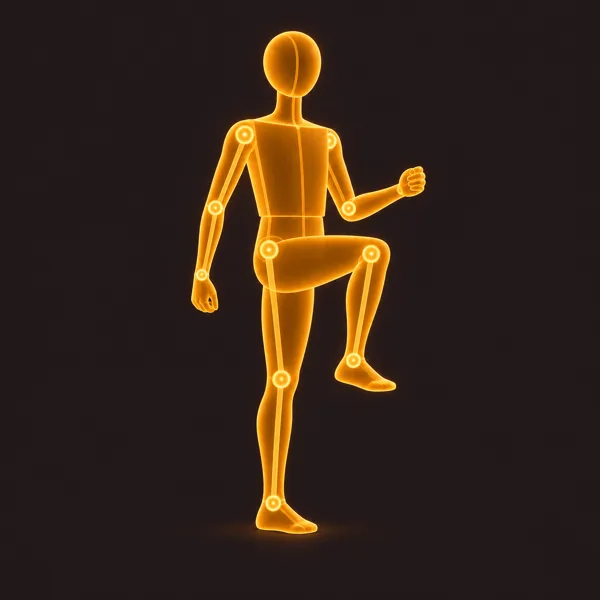
Marching on the spot beside your desk looks exactly as odd as you are imagining, so if you sit in an open-plan office or spend your afternoons on camera, you can switch the standing ones off and keep the three seated. Otherwise SitApp works through the whole set rather than repeating itself, alternating seated and standing where it can, so three breaks in a day get to more than one part of you.
If you want more chair-based movements, the NHS has guides to sitting exercises and strength exercises, which also recommend a chair without wheels.
Your camera isn’t part of it
SitApp pauses posture monitoring for the length of the break, so nothing is watching while you move. It genuinely can’t tell whether you did the movement well, or at all, which is why you press Done instead of it noticing.
The monitoring itself works the way it always has. It runs on your own machine and collects no visual or image data, and nothing from your camera leaves your computer.
Turning it on
New installs get asked during setup, where it’s on by default alongside break reminders.
If you already have SitApp, it’s off until you turn it on, either in Settings → Movement Breaks or from the Movement Breaks card on your dashboard. You’ll need break reminders on too, because a Movement Break rides along with a break you were already taking. It doesn’t add interruptions to your day.
Before you start
These are general suggestions for breaking up a long stretch of sitting. They are not therapy, not a prescribed programme, and not tailored to you. Nobody assessed your body before the app suggested a shoulder roll.
So move gently, stay in a range that is comfortable, and stop if you feel pain, dizziness, numbness or tingling. Skip anything that does not feel right, including on days when the answer is all of it. The daily target of three is there to make the feature finishable, not because three is a number anyone should be chasing through discomfort. If you are pregnant, recovering from an injury or surgery, or managing a condition that physical activity affects, talk to someone qualified before you start. The full position is in the terms.
The honest version
A minute of shoulder rolls won’t undo eight hours in a chair. Nothing about sixty seconds is dramatic, and any product telling you otherwise is selling you something.
More of your breaks should end with you having actually moved. That’s the bit that kept failing, and for a fairly dull reason. When the reminder landed, doing nothing took less effort than working out what to do. So SitApp does the working out.
