
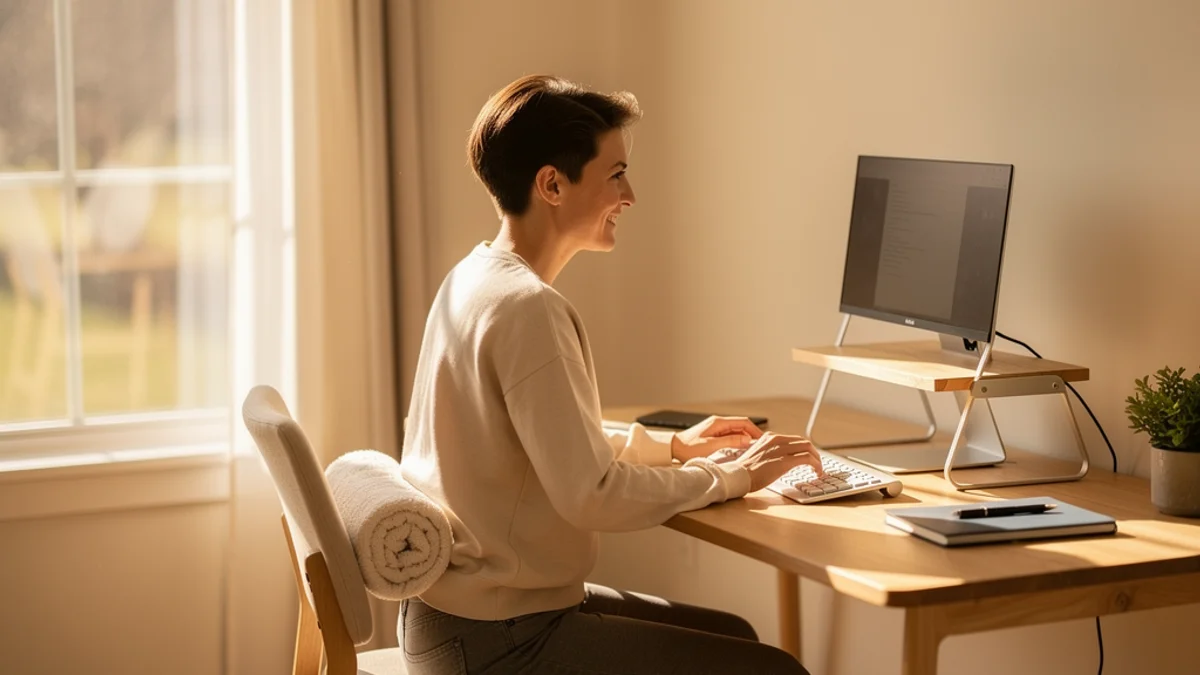
It’s 3 PM. You’ve been “working from the couch” since lunch, your laptop balanced on a cushion, your neck craned forward at an angle that would make a vulture wince. Your lower back is doing that thing where it’s not quite painful yet - just a low hum of disapproval that you’ve been ignoring for, oh, about two years now.
Sound familiar? You’re not alone, and you’re not lazy. You probably already know you should “sit up straighter” and “take more breaks.” The problem was never knowledge. The problem is that three hours vanish and you don’t notice your posture has collapsed until your body starts yelling.
This isn’t another article telling you to buy a $1,500 chair and sit like a robot. The science on posture has actually changed quite a bit in recent years, and the real answer to how to improve posture working from home is simpler - and weirder - than you’d expect.
Why Remote Workers Have It Worse
Let’s start with the uncomfortable truth: working from home is harder on your body than working in an office.
Forward head posture - that chin-jutting, neck-craning position you default to when staring at a screen - is the single most common postural pattern among desk workers, and remote workers tend to show it more than their in-office counterparts because home setups usually skip the ergonomic defaults offices provide.
Why? Because offices gave us ergonomic defaults we never appreciated. Adjustable chairs. External monitors at eye level. Desks at the right height. Maybe even that one coworker who’d walk by and say “you’re slouching again.” Remote work stripped all of that away and replaced it with… a kitchen table and a laptop.
And here’s the real kicker with laptops: the screen is attached to the keyboard. That means you’re forced to choose between good neck posture (screen at eye level) and good wrist posture (keyboard at elbow height). You literally can’t have both. It’s a design compromise that your spine pays for every single day.
The numbers paint a grim picture. Surveys of remote workers have found musculoskeletal discomfort in around 61% of homeworkers, with the neck, shoulders and lower back leading the list. Your head weighs about 10 pounds when balanced over your spine - but tilt it forward just 15 degrees, the angle most of us default to, and it exerts roughly 24 pounds of force on your neck and upper back.
That’s like strapping a toddler to the back of your head. All day. Every day.
If you’re already dealing with lower back issues, our guide on lower back pain from sitting at a desk goes deeper into causes and fixes.
Forget “Perfect Posture” - Here’s What Actually Works
Most posture guides are still stuck on “sit correctly.” That’s the wrong frame.
For decades, the advice was to maintain “perfect posture” - shoulders back, spine aligned, 90-degree angles everywhere. Sit like a Victorian schoolchild and all will be well. Physiotherapists and ergonomics researchers have largely abandoned that view.
The phrase you’ll hear now is this: “Your best posture is your next posture.”
Static posture - even textbook-perfect static posture - causes problems over time. Your muscles fatigue. Blood flow slows. Discs compress. The issue isn’t sitting “wrong.” You’re sitting still.
A study in BMC Public Health found that what researchers call “dynamic sitting” - frequently shifting your position, even fidgeting - is significantly associated with less discomfort and better productivity than holding a single posture.
Enter the 20-8-2 rule.
Alan Hedge, a professor of ergonomics at Cornell University, developed this framework: in every 30-minute cycle, spend 20 minutes sitting, 8 minutes standing, and 2 minutes moving or stretching. That’s the whole thing.
It’s more specific than “take a break every hour” and more realistic than “stand all day.” The 2-minute movement window is where the magic happens - it resets your posture, gets blood flowing, and interrupts the slow collapse that happens when you sit for extended periods.
If you don’t have a standing desk, don’t worry. Swap the 8 minutes of standing for 8 minutes in a different seated position - shift to the edge of your chair, sit cross-legged for a bit, or move to a different spot. The principle is movement variety, not equipment.
For more on what good seated posture actually looks like (for those 20-minute sitting blocks), check out our proper desk posture guide.
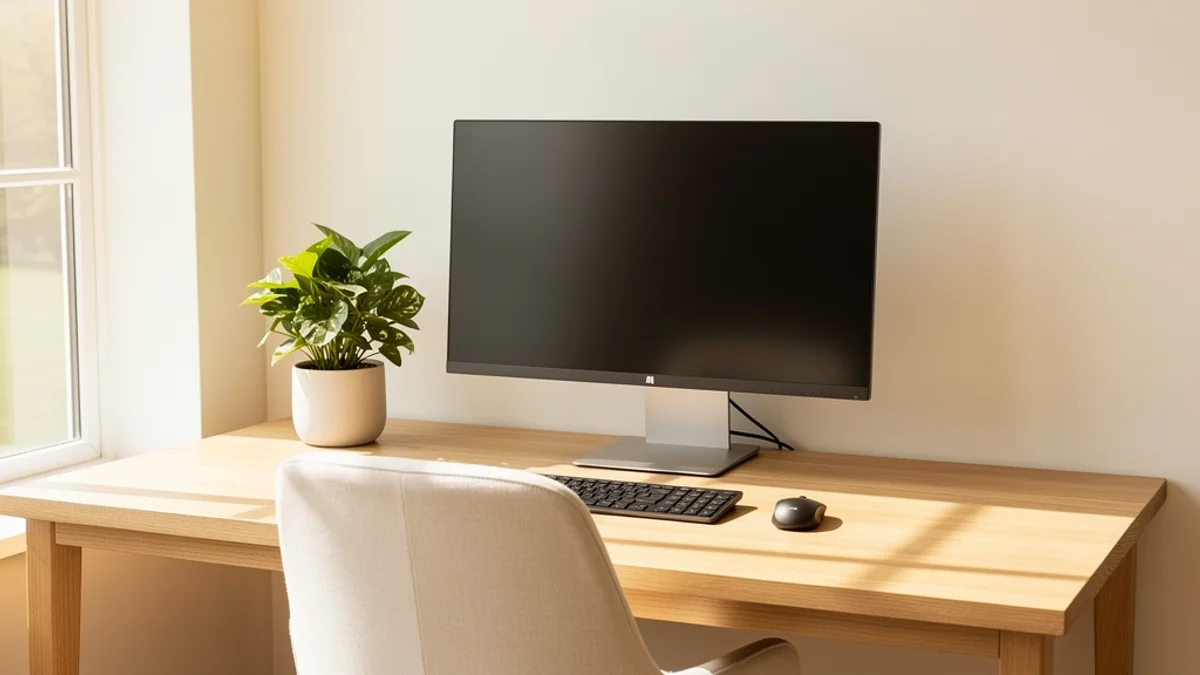
Your Home Office Setup Checklist
You don’t need to spend a fortune to improve your posture working from home. The highest-impact changes cost nothing.
The $0 Fixes (Things You Already Have)
Raise your screen to eye level. Stack books, a shoebox, or a ream of paper under your laptop or monitor until the top of the screen sits at eye level. This single change eliminates the forward head tilt that causes most neck and upper back pain. It’s the biggest bang-for-zero-bucks fix there is.
Separate your keyboard from your screen. If you use a laptop, this is the most important investment you can make - but you might already have a USB keyboard gathering dust in a drawer. When your screen and keyboard are at different heights, you can finally have good neck posture AND good wrist posture at the same time.
Roll up a towel for lumbar support. Place a rolled-up bath towel in the curve of your lower back. It’s not glamorous, but it works just as well as a $40 lumbar cushion. Your lower spine has a natural inward curve - the towel maintains it when your chair doesn’t.
Use a box as a footrest. If your feet don’t rest flat on the floor (common when you raise your chair to get your elbows at desk height), a shoebox or stack of books under your feet makes a real difference. Dangling feet pull on your lower back and restrict circulation.
The Under-$100 Upgrades
If you can swing a small budget, these three items will transform your setup:
- Laptop stand ($20-40) - More adjustable than books and won’t topple over during a video call
- External keyboard and mouse ($25-50) - The single upgrade every ergonomics expert recommends first
- Lumbar cushion ($15-30) - More consistent than a towel and stays in place
That’s a full ergonomic upgrade for under $100. For a complete budget breakdown with specific product recommendations, see our ergonomic home office on a budget guide.
The 90-90-90 Quick Check
Whatever your budget, use this framework to sanity-check your setup. You want roughly 90-degree angles at three joints:
- Elbows at 90 degrees - forearms parallel to the floor when typing
- Hips at 90 degrees - thighs roughly parallel to the floor
- Knees at 90 degrees - feet flat on the floor or a footrest
Sit down right now and check. If any angle is way off, that’s your next fix. Most of the time, it’s a height adjustment that costs nothing.

5 Exercises You Can Do at Your Desk (in 2 Minutes)
Remember the “2” in the 20-8-2 rule? Here’s what to do with those two minutes. These exercises specifically target the muscle imbalances that desk work creates - tight chest and hip flexors, weak upper back and core, and that stubborn forward head position.
1. Chin Tucks (30 seconds) This is the single best exercise for forward head posture, and you can do it sitting down. Pull your chin straight back - like you’re giving yourself a double chin on purpose. Hold for 5 seconds. Repeat 5 times. It looks ridiculous and feels amazing.
2. Chest Opener (30 seconds) Stand up, interlace your fingers behind your back, and gently lift your arms while squeezing your shoulder blades together. Hold for 15 seconds. This directly reverses the hunched “typing position” your chest muscles have been locked in all morning.
3. Seated Spinal Twist (20 seconds each side) Sit up tall, place your right hand on the outside of your left knee, and gently twist your torso to the left. Hold for 10 seconds, then switch sides. This mobilises your thoracic spine - the mid-back area that gets stiff and locked up from sitting.
4. Shoulder Blade Squeezes (20 seconds) Sit or stand with your arms at your sides. Squeeze your shoulder blades together as if you’re trying to hold a pencil between them. Hold for 5 seconds, release, repeat 4 times. This activates the muscles that keep your shoulders from rolling forward.
5. Standing Hip Flexor Stretch (20 seconds each side) Stand up and take a big step back with one foot. Gently push your hips forward until you feel a stretch in the front of your back hip. Tight hip flexors from prolonged sitting are a major contributor to lower back pain that most people overlook.
Run that every time the 20-8-2 cycle comes around and you’re hitting the key muscle groups three to four times per hour. For a fuller routine, check out our full guide to posture exercises for desk workers.

The Missing Layer: Real-Time Posture Awareness
There’s a part of this most guides skip.
You can have the perfect ergonomic setup, know every exercise, and memorise the 20-8-2 rule. Then Monday morning comes, you get pulled into a project, and three hours later you’re hunched over your laptop like Gollum with a deadline.
Knowing doesn’t cut it. That gap - between awareness and actually moving - is why most posture advice doesn’t stick.
Timers help a little. Set one for every 30 minutes and it’ll remind you to check. The problem is they fire whether you need them or not, and most people tune them out within a week. What you actually need is something that watches your posture in real time and only nudges you when you’ve slipped.
That’s what SitApp does. It uses your webcam and on-device posture monitoring to learn what your good posture looks like, then gives you a gentle nudge when you start slouching. Think of the Droid as that helpful coworker you lost when you went remote - the one who’d tap you on the shoulder and say “you’re doing it again.”
A few things that matter here:
- Everything stays on your computer. The Droid runs entirely on your machine. No images or video are recorded, no visual data leaves your device, no one is watching you. It’s 100% private.
- It learns YOUR posture, not some generic ideal. You calibrate it to your body, your chair, your setup. It knows the difference between you leaning back to think and you collapsing into a slouch.
- The free tier gives you 1 hour per day. That’s genuinely enough to build awareness. Most people find that even after SitApp stops monitoring, the habit of self-checking carries through the rest of the day.
If you want to go deeper, Pro is $3.99/month or $34.99/year for unlimited monitoring. But start with the free tier and see if the nudges change your behaviour.
Building the Habit: A 2-Week Starter Plan
Knowing all this stuff is useless if you don’t actually do it. Here’s a simple plan to make these changes stick without overwhelming yourself.
Week 1: Setup + Awareness
Day 1: Do the $0 fixes. Raise your screen, separate your keyboard if you use a laptop, roll up a towel for lumbar support. Time investment: 10 minutes.
Day 2: Install SitApp and calibrate the Droid. Use the free tier during your most focused work hour. Let it nudge you when you slip.
Day 3-7: Practice the 20-8-2 rhythm. Set a 30-minute timer as a backup while you build the habit. Every time it goes off, shift positions and do one exercise from the list above. Just one. Keep it stupidly simple.
Week 2: Add the Exercises
Day 8-10: Start doing the full 2-minute routine during your movement breaks instead of just one exercise. It becomes automatic faster than you’d think.
Day 11-14: Notice what’s changed. Most people report feeling a difference within 10-14 days - less end-of-day stiffness, fewer headaches, and a weird new awareness of when they’re slouching even without the nudge.
The compound effect here is real. You’re not overhauling your life. You’re raising your screen, moving every 30 minutes, and doing a couple of chin tucks. But stacked up over weeks and months, these small changes prevent the kind of chronic pain that sends people to physiotherapists.
If you’re already dealing with neck pain from desk work, our guide on neck pain from desk work covers targeted relief strategies.
The Bottom Line
The old advice to “just sit up straight” was always a bit rubbish. Your body wasn’t designed to hold any position for eight hours, no matter how perfect that position looks on a diagram.
To genuinely improve your posture working from home, three things actually move the needle:
- A setup that doesn’t fight your body - screen at eye level, keyboard at elbow height, feet on the floor. Most of the fixes are free.
- Movement baked into your day - the 20-8-2 rule gives you a framework. Twenty minutes sitting, eight minutes standing or shifting, two minutes stretching.
- Awareness when it matters - the real enemy is the three-hour focus tunnel where your posture silently disintegrates. A timer, a habit, or a friendly Droid watching your webcam - something has to close the gap between intention and action.
Your back doesn’t care about your intentions. Pick one thing from this article, do it right now, and build from there.
Working from home specifically? The posture app for remote workers page covers per-room calibration, video-call behaviour, and why this can never become employee monitoring.
