
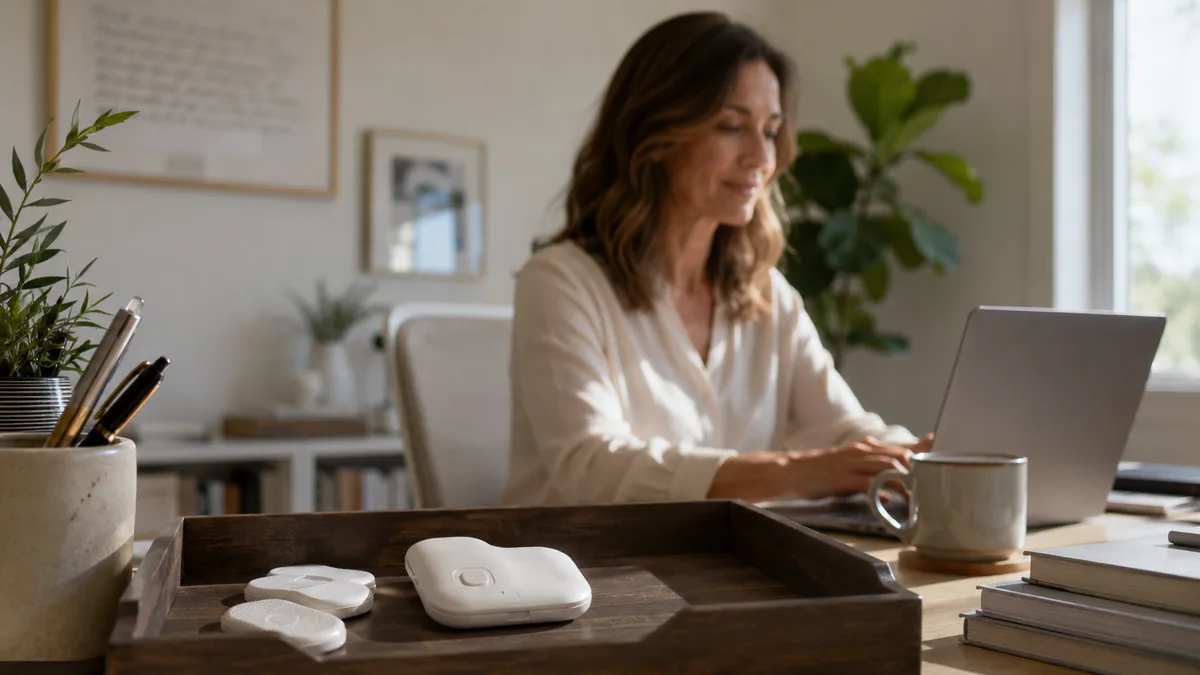
The Upright GO does what it promises: stick it to your back and it vibrates when you slouch. But plenty of owners eventually go looking for an alternative, usually for one of three reasons. The adhesives run out and keep costing money. The charging-and-wearing routine gets skipped one busy week and never restarts. Or the buzzing starts to feel like nagging and the device retires to a drawer.
If your slouching mostly happens at a desk, you don’t need to wear anything at all. Your computer already has a webcam, and modern on-device AI can do the detection without a single adhesive pad.
Full disclosure: I built SitApp, the first app on this list. I’ve tried to give every option a fair shake, including where each beats mine.
What to Look For in an Upright GO Alternative
Before the list, three questions worth asking:
Where do you actually slouch? If it’s at a computer, a webcam app covers you with zero friction. If it’s walking around or driving, you genuinely need a wearable or phone-based option - a desktop app can’t follow you.
Detection or reminders? The Upright GO’s strength is real-time feedback the moment you slump. Timer apps that ping “sit up!” on a schedule are a weaker replacement, because they fire whether you need them or not and quickly become background noise. Look for something that actually detects.
Privacy. Webcam-based alternatives should process everything on your device. If the feed goes to a cloud server, keep looking.
The 5 Best Upright GO Alternatives
1. SitApp - webcam AI detection, nothing to wear
Platforms: Mac, Windows, Linux Pricing: Free (1 hr/day, permanent) | Pro $3.99/mo or $34.99/yr
SitApp replaces the Upright GO’s sensor with the webcam already pointed at you. A one-minute calibration teaches it your good posture; from then on it alerts you (sound, voice, or a visual nudge - your pick) only when you actually drift. Detection runs entirely on-device, so no images ever leave your computer, and it works offline.
Against the GO specifically: no adhesives to rebuy, nothing to charge, and nothing to remember each morning. You keep the same real-time feedback loop and lose all the hardware upkeep. Neither approach has strong trial evidence behind it, and the one randomised trial of biofeedback in young adult computer users found no benefit over a control group, so pick on friction rather than on claims.
The honest limitation: it only sees you at your computer. Away from the desk it does nothing, which is exactly the case where the Upright GO still earns its keep.
Best for: Desk workers who want the GO’s real-time feedback without wearing or charging anything.
Try SitApp free - no card, permanent free tier.
2. Zen - the mobile-first ecosystem
Platforms: Mac, Windows, Linux, iOS, Android Pricing: ~$3.99/month or $23.99/year, 7-day trial
Zen is the closest thing to “the Upright GO experience without the device”. It’s YC-backed, covers desktop and mobile, and can use AirPods motion sensors to track head position on the go - the only entry here that follows you away from the desk like a wearable does. It layers exercise plans and coaching content on top.
The trade-off is depth: the desktop experience feels secondary to mobile, and pricing is confusingly inconsistent across its site and app stores.
Best for: People who want posture tracking on their phone and computer, and already live in AirPods.
3. Posturr - free, open source, Mac only
Platforms: Mac Pricing: Free (open source)
Posturr uses Apple’s Vision framework and a creative punishment: your screen progressively blurs as you slouch. No alerts to dismiss - your work literally becomes harder to see until you sit up. Fully open source, so the privacy claim is verifiable line by line.
There’s no tracking, no stats, no habit features, and you install it from GitHub. But as a free replacement for a $79 wearable, it’s a remarkable amount of value for zero dollars.
Best for: Mac-using developers and privacy purists.
4. BLiiNK - posture plus everything else
Platforms: Mac (M1/M2 only), Windows Pricing: From $3.99/month (trial only, no free tier)
BLiiNK bundles posture detection with eye-strain tracking, blink-rate monitoring, hydration nudges, and stretch prompts. If the Upright GO was one piece of a bigger “fix my desk habits” ambition, BLiiNK covers the most ground in one app. Their in-house numbers put the payoff at a 41% drop in neck and back pain over three months.
Posture is one feature among many rather than the focus, there’s no Linux support or Intel Mac support, and there’s no permanent free tier.
Best for: People who want one app watching all their desk habits at once.
5. Upright GO S - the cheaper sibling
Platforms: iOS, Android app Pricing: ~$60 device
If your issue with the Upright GO 2 is only the price, the GO S is the same idea from the same company for roughly $20 less, with fewer refinements. Every wearable trade-off on this page still applies - adhesives, charging, remembering to wear it - but it’s the honest answer if you specifically want a vibrating wearable and the GO 2 feels expensive.
Best for: People set on a wearable who want to spend less.
Quick Comparison
| SitApp | Zen | Posturr | BLiiNK | Upright GO S | |
|---|---|---|---|---|---|
| Type | Webcam AI | App + AirPods | Webcam (Vision) | Webcam AI | Wearable |
| Works away from desk | No | Yes (AirPods) | No | No | Yes |
| Free option | 1 hr/day forever | Trial | Fully free | Trial | No |
| Upfront hardware cost | $0 | $0 | $0 | $0 | ~$60 |
| Mac | Yes | Yes | Yes | M1/M2 only | App only |
| Windows | Yes | Yes | No | Yes | App only |
| Linux | Yes | Yes | No | No | No |
Which Alternative Should You Pick?
- You slouch at a computer - SitApp. Zero friction, real detection, free to start.
- You slouch everywhere - Zen with AirPods, or stay with a wearable (GO S if price was the issue).
- You want free and auditable - Posturr, if you’re on a Mac.
- You want the full desk-health bundle - BLiiNK.
Most abandoned Upright GOs didn’t break. The routine around them broke: charge it, peel a fresh adhesive, stick it on, sync it. Whatever you pick next, pick the one whose routine you’ll actually keep. For a desk worker that’s usually the app that starts when the computer does.
Download SitApp free and find out in an afternoon whether webcam detection does the job for you.
Still weighing wearables against software? Our posture corrector vs app guide covers the research on both, and the SitApp vs Upright GO head-to-head goes deeper on this exact matchup.
FAQ
Why do people replace the Upright GO?
The recurring themes in owner reviews: adhesive pads are a consumable cost, the wear-and-charge routine is easy to drop, Bluetooth connections can be flaky, and some people find constant vibration feedback grating. None of these mean the product is bad - they’re the inherent friction of a wearable.
Is there a free Upright GO alternative?
Two real ones. SitApp’s free tier gives you an hour of AI posture monitoring per day permanently, and Posturr is fully free and open source on Mac. Both do actual detection rather than timed reminders.
Can a webcam app really match a wearable’s accuracy?
At a desk, yes - and it sees things a back-mounted sensor can’t, like forward-head drift toward the screen. Away from a desk, no. The sensor wins anywhere there’s no webcam pointed at you.
Do I need to keep buying anything with a webcam posture app?
No. That’s the structural advantage: no adhesives, no battery degradation, no replacement hardware. SitApp’s free tier costs nothing indefinitely; Pro is optional.
