
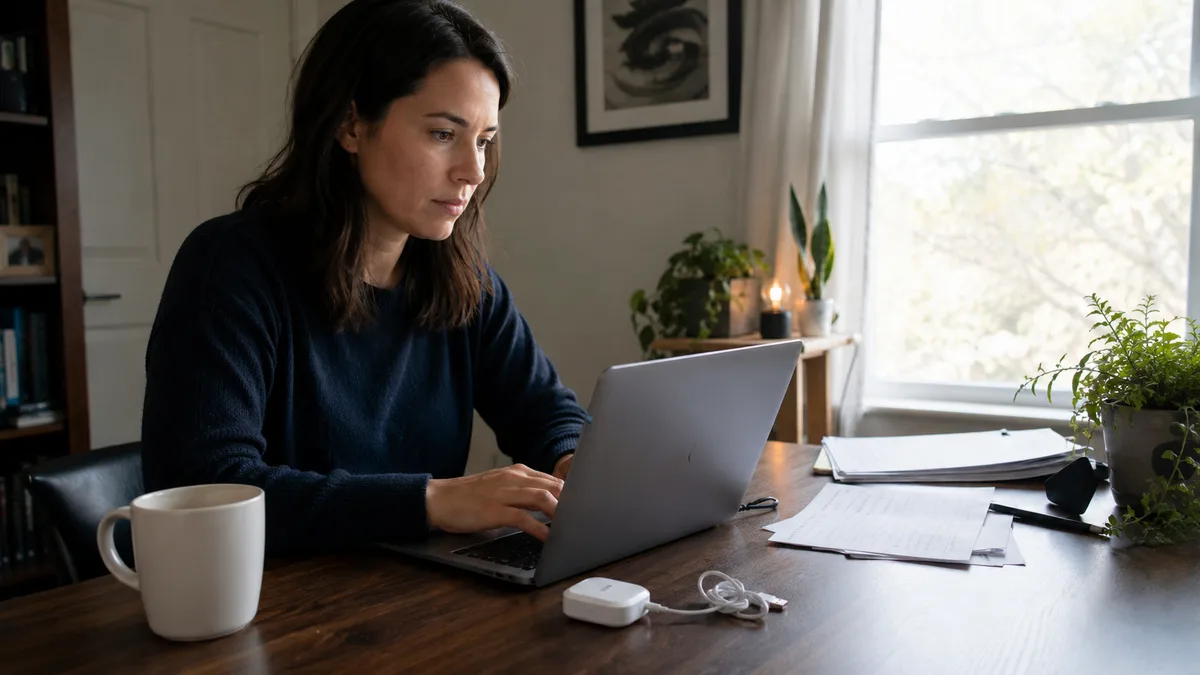
The Upright GO 2 is a small device you stick to your upper back. When you slouch, it vibrates. SitApp is a desktop app that watches your posture through your webcam and nudges you on screen. Both give you real-time feedback the moment your posture drifts, which is exactly what makes posture training work. Everything around that moment differs, though - the cost, the upkeep, and where in your day each one can actually see you.
Full disclosure: I built SitApp. The Upright GO is a well-made product with a real track record, and there are situations where a wearable is the better call. I’ll be straight about them.
Quick Comparison
| Feature | SitApp | Upright GO 2 |
|---|---|---|
| Type | Desktop app (webcam AI) | Wearable device |
| Upfront cost | Free tier | $79 device |
| Ongoing cost | Free, or $3.99/mo Pro | Replacement adhesives |
| Feedback | Sound, voice, or visual alert | Vibration on your back |
| Works away from desk | No | Yes |
| Anything to wear | No | Yes (adhesive or necklace) |
| Charging | No | Yes (USB-C) |
| Platforms | Mac, Windows, Linux | iOS, Android app |
| Privacy | On-device AI, no images leave your machine | Motion sensors, no camera |
How Each One Works
Upright GO 2: Vibration Feedback From a Wearable
The Upright GO 2 uses two built-in movement sensors to track the angle of your upper spine. You attach it between your shoulder blades with a medical-grade silicone adhesive (Upright includes 10 in the box and says each survives about 10 uses) or wear it on a necklace accessory. When the sensors detect you’ve drifted into a slouch, the device vibrates until you straighten up.
It pairs with a free companion app for iOS and Android that tracks your progress and runs structured training programmes. Upright quotes up to 12 days of battery from a charge based on around 3 hours of daily use. The company behind it, Upright Technologies, was acquired by DarioHealth as part of their move into musculoskeletal health, and a cheaper sibling, the Upright GO S, sells for around $60.
The core idea is sound. A vibration on your back is impossible to ignore and needs no screen at all.
SitApp: AI Posture Detection Through Your Webcam
SitApp runs on your computer and uses on-device AI to learn what your good posture looks like through a short calibration. When you slouch, the Droid alerts you with your choice of sound, voice, or a visual nudge. There’s no hardware involved and nothing touches your skin.
The webcam feed never leaves your machine. Detection runs entirely on-device, no images are stored or uploaded, and the whole thing works offline. Real-time feedback at the moment of slouching is what both SitApp and the Upright GO deliver. They just deliver it through different senses.
The Real Differences
Cost over time
The Upright GO 2 costs $79 up front, and the adhesives are a consumable: Upright rates each pad at about 10 uses, so daily wear means buying replacements a few times a year. SitApp’s free tier gives you an hour of monitoring per day permanently, and Pro is $3.99/month or $34.99/year. Two years of SitApp Pro costs less than the device plus adhesives, and two years of the free tier costs nothing.
Wearing something vs sitting in front of something
This is the question that should decide it. A wearable works anywhere: walking, standing in the kitchen, on the train. If most of your slouching happens away from a desk, a webcam app can’t see it and the Upright GO wins outright.
But the reverse also holds. If your slouching happens during eight hours at a computer (for most desk workers it does), the wearable asks a lot: remember to put it on, keep it charged, replace the adhesive, sync the app. Reviews on Trustpilot regularly mention Bluetooth connection drops and batteries that fade with age, which is the standard tax on any small rechargeable gadget. An app that starts with your computer has none of that friction - it’s already running by the time you sit down.
Feedback style
Vibration is private and impossible to miss. It’s also, by design, a buzz on your spine every time you slump, and some people find that nagging enough to take the device off. SitApp lets you pick the nudge: a gentle sound, a spoken reminder, or a quiet visual cue, and you can tune how sensitive it is. Which style keeps you going is personal, and it matters more than any spec.
Posture data
Both track progress. The Upright app shows daily slouch time and streaks on your phone. SitApp shows your posture timeline, streaks, and achievement levels on the machine where you actually work, and can tell you when in the day you slouch most.
When the Upright GO Is the Better Choice
- Your slouching isn’t desk-bound - standing, walking, driving, on your feet all day
- You’re often away from a computer - a webcam app is useless in the kitchen
- You can’t or won’t grant webcam access - motion sensors need no camera
- You want feedback nobody else can see or hear - vibration is completely private in an open-plan office
When SitApp Is the Better Choice
- Your slouching happens at a computer - which is where most desk workers lose their posture
- You don’t want to wear anything - no adhesives, no charging, no device to forget
- You want to try before spending - the free tier is permanent, no $79 gamble
- You’re on Linux or split across platforms - SitApp runs on Mac, Windows, and Linux
- Ongoing costs bother you - no consumable adhesives to rebuy
Can You Use Both?
They actually pair well. The Upright GO covers you away from the desk; SitApp covers the hours in front of the screen without asking you to wear anything. If you already own a GO and it lives in a drawer (adhesive fatigue is real), SitApp is a way to keep the habit going with zero friction.
Bottom Line
Pick based on where you slouch. If it’s mostly away from a desk, get the wearable. If it’s mostly at your computer, try the app first: it’s free to find out whether posture feedback works for you before you spend $79 on hardware.
Ready to try SitApp? Download it free for Mac, Windows, or Linux.
Weighing posture wearables against apps more broadly? Our posture corrector vs app comparison covers braces too, and the 7 best posture apps roundup covers the software field.
FAQ
Is the Upright GO 2 still available?
Yes. It sells for around $79 through Upright’s store and Amazon. Upright Technologies is now part of DarioHealth, and the cheaper Upright GO S is also available.
Does the Upright GO require a subscription?
The companion app is free to download and use for training and tracking. The device itself is a one-time purchase, though adhesive pads are a recurring cost with daily use.
Can SitApp replace a posture wearable?
At a desk, yes - it gives you the same real-time slouch feedback without anything on your body. Away from a desk, no. A webcam app only works where there’s a webcam.
Which is more accurate?
They measure different things. The Upright GO reads your upper-spine angle directly from motion sensors, so it works in any location. SitApp reads your whole visible upper body against a calibrated baseline, so it can catch head-forward drift and sideways lean a back-mounted sensor misses. At a desk they’re both accurate enough that consistency, not precision, decides your results.
Do posture trainers actually work?
The evidence is weaker than the marketing in this category. A 2026 review of 14 biofeedback studies found short-term improvements in posture and pain, on trials its authors call small and methodologically weak, and the one randomised trial of biofeedback in young adult computer users found no benefit over a control group. The catch with any tool is adherence - it only works while you keep using it, which is why friction (charging, adhesives, remembering to wear it) matters as much as the technology.
