
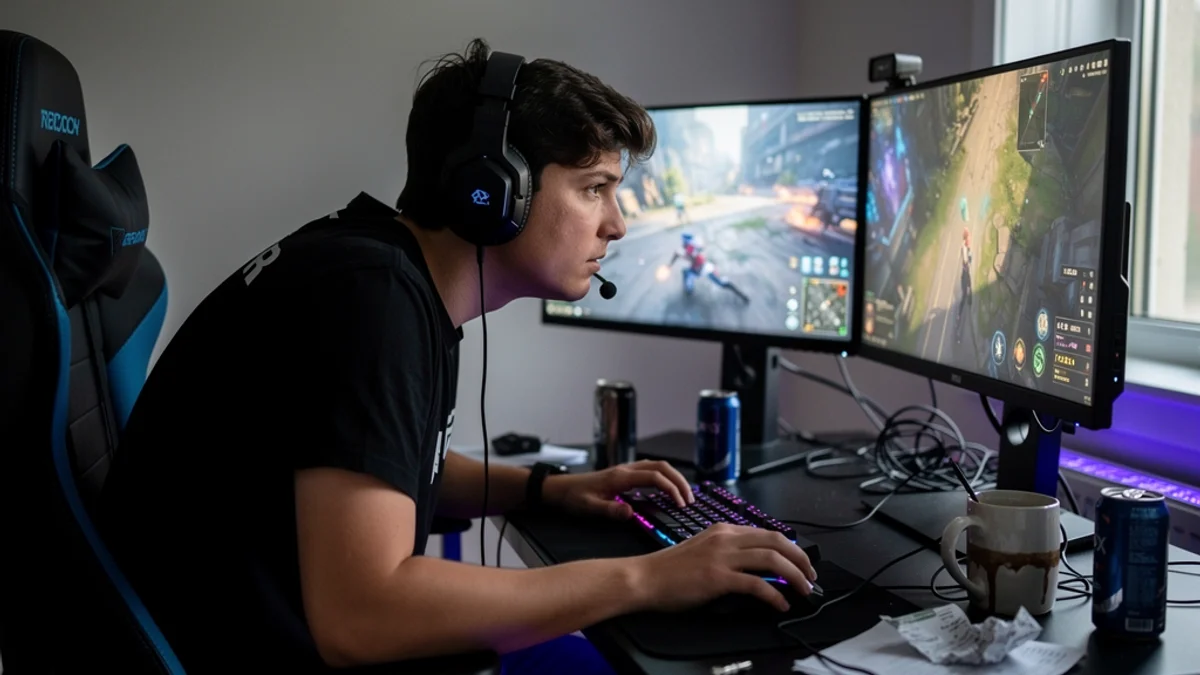
There is a posture every gamer slides into without noticing, and it always shows up at the worst moment. The match is close. The objective is contested. Your team needs this round. So you lean in - chin toward the screen, shoulders rolled forward over the mouse, hips creeping away from the backrest - and you hold that coiled position through every tense second. You win the round. Your lower back quietly logs the damage. Three hours later you stand up and feel like you aged a decade.
The research is blunt about where that leads. A 2026 systematic review and meta-analysis in Sports Medicine - Open pooled data across esports players and found a one-year pain prevalence of 73% - almost three quarters had hurt somewhere in the past year, and the spine was the single most affected region. Neck pain alone turned up in 48% of players, with hand, wrist, and finger pain close behind at 37%. These are people whose entire skill is sitting at a screen, and most of them are in pain.
Most gaming-posture advice is just office-ergonomics copy with the word “gamer” pasted into the title. This guide is about the parts that are actually yours: the marathon session, the clutch-moment lean, the gaming-chair myth, and how to keep your back intact without killing the part of gaming you actually enjoy.
Why Gamers Need Their Own Posture Playbook
An office worker and a gamer can sit at identical desks and wreck their bodies in completely different ways, because the activity is different. Gaming has a few specific problems that office ergonomics just doesn’t cover:
- Sessions don’t have a natural end. A work task finishes. A meeting ends. A ranked grind ends when you decide to stop - which, if you are honest, is usually two hours after you meant to. The body’s “you’re stiff” signal gets overridden by “one more game.”
- Intensity locks you into one position. Office work has micro-movements - reaching for a pen, turning to a colleague, getting coffee. A tense firefight freezes you. You stop shifting, stop breathing deeply, and hold a forward-coiled posture rock-still for minutes at a time.
- The hands take a beating. Competitive play means fast, repetitive, high-tension inputs - claw grip on a mouse, rapid keyboard taps, thumbsticks under constant pressure. That load concentrates in the wrists and fingers in a way casual typing never does.
- The chair lies to you. A racing-style gaming chair looks like serious ergonomic gear. It often isn’t. The bucket shape and flashy bolsters can actively encourage a slouch, which we’ll get into below.
- Setups are built for vibes, not bodies. Gaming desks are designed around monitor walls, RGB, and reach to peripherals - not around keeping your head balanced over your spine. The cooler the battlestation looks, the easier it is to sit in it badly.
So “sit up straight and take breaks” doesn’t survive contact with an actual ranked session. The tips below are built for how gamers really play.
What Long Sessions Actually Do to Your Body
The mechanics matter, and they’re more dramatic than “gaming is bad for you, probably.”
Start with the neck. Your head weighs about 10 to 12 pounds balanced over your shoulders. Tip it forward toward a screen and the effective load climbs fast. According to the Cleveland Clinic, a slight glance down makes your head feel like a 27-pound weight; at a 30-degree tilt it’s about 40 pounds; with a significant forward lean you can put “upwards of 60 pounds of force on your neck.” The clinic is blunt about the consequence: “your shoulders round as you hunch forward to improve your view of the screen,” and over time “we see cervical disks in your spine degenerating because of that forward head posture.” (That poundage is a biomechanical model, not a guarantee of injury - but the sustained forward lean of a long gaming session is exactly the pattern it describes.)
Then there’s the dose-response data. A 2022 systematic review in BMC Musculoskeletal Disorders, pooling 16 studies and 62,987 participants, found that the odds of musculoskeletal problems climbed with playtime - “the odds ratio of musculoskeletal disorders increased up to 5.2 for excessive video game playtime (> 3 h/day).” The most commonly reported sore spots across those studies were the neck, shoulders, and back. Longer sessions, higher risk - and most gamers aren’t stopping at three hours.
None of this means quit gaming. It means the time you spend in the chair is the single biggest lever you have, so the position you hold during that time matters more than for almost anyone else at a desk. This is the gaming version of tech neck, and the rest of this guide is about defusing it.
The Gaming Chair Myth
Buying a gaming chair does not fix your posture. Most people who buy one are worse off than before.
Racing-style gaming chairs were styled after car bucket seats, which are designed to hold a driver in place against cornering forces - not to support eight hours of seated work. The deep side bolsters often force your hips into a fixed position, and the flat-bottomed bucket shape pushes your pelvis into a backward tilt - the exact posterior tilt that flattens your lower back’s natural curve and dumps load onto the lumbar discs and muscles.
What protects your back is whether the chair supports a neutral posture. The brand and the RGB don’t factor in. OSHA’s guidance for seated computer work is refreshingly un-flashy: the “back is fully supported with appropriate lumbar support when sitting vertical or leaning back slightly,” “thighs and hips are supported and generally parallel to the floor,” feet are “fully supported by the floor or a footrest,” and the head is “level, forward facing, and balanced… in-line with the torso.” A $400 gaming throne that lets your hips slide forward fails that test. A basic office chair with a firm lumbar cushion that keeps the curve in your lower back passes it.
If you already own a gaming chair, you don’t need to replace it. You need to use it correctly:
- Sit all the way back. Your hips should be against the seat back, not parked in the middle of the seat. This is the single most common gaming-chair mistake.
- Use the lumbar pillow - properly. Position the included lumbar cushion so it fills the gap in the small of your back and gently holds your lower-back curve. If it sits too high or too low, adjust it or swap it for one that fits.
- Don’t over-recline mid-game. Leaning back to 110 degrees with good lumbar support is fine for relaxed play. Reclining to 130 degrees and then craning your head forward to see the screen is the worst of both worlds.
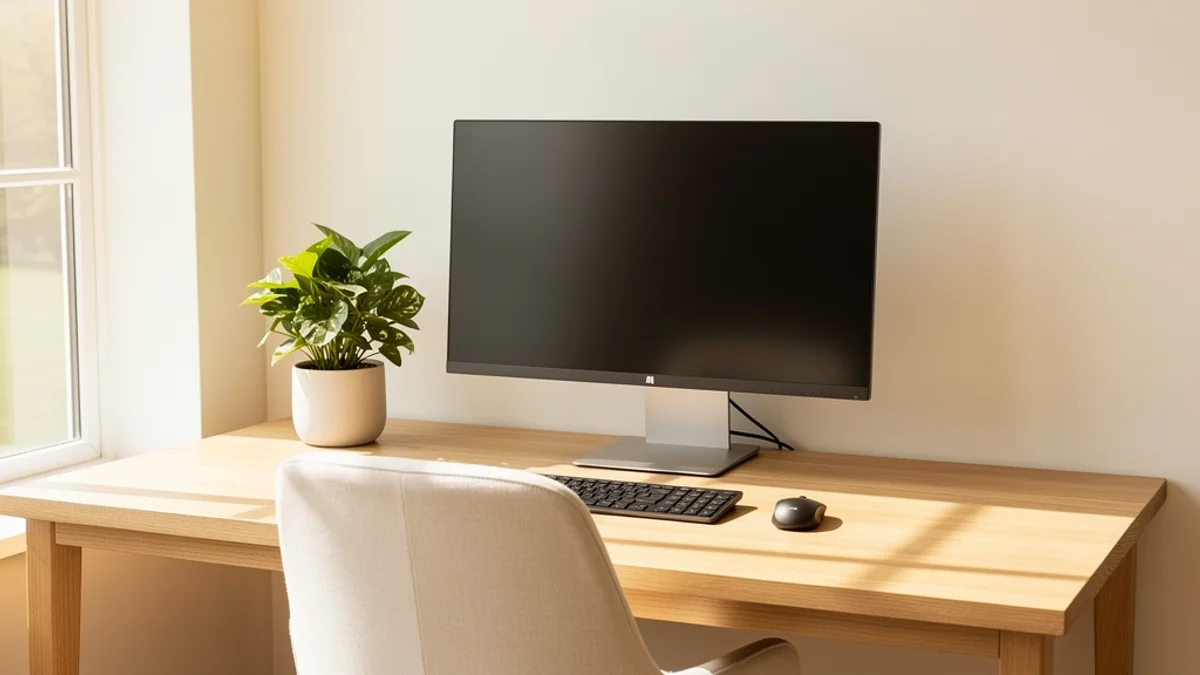
For the bigger picture on chairs, monitors, and desk geometry, our best desk setup for posture guide covers the foundation in detail.
Set Up Your Battlestation for Your Spine
You can’t out-discipline a setup that forces your body into a bad position. Geometry first, willpower second.
Monitor at Eye Level
The top of your monitor should sit at or just below eye level, about an arm’s length away, so your head stays balanced instead of dropping forward. Gamers often run monitors low - flat on the desk, or tilted up from a too-low stand - which guarantees the forward-head lean. Raise it on a monitor arm or a stand. If you run a multi-monitor wall, keep your primary game screen dead center so you’re not twisting your neck toward the action for hours.
Chair Height and Feet
Set the chair so your feet rest flat on the floor and your thighs are roughly parallel to it. Feet dangling means the seat is too high and your thighs take the strain; thighs sloping up toward your knees means it’s too low. If a high desk forces the chair up, add a footrest rather than leaving your feet hanging.
Elbows and Arms
Position the desk or armrests so your elbows stay close to your body and bend somewhere between 90 and 120 degrees, with forearms roughly parallel to the floor and shoulders relaxed - not hiked up toward your ears. Armrests that are too high tense your shoulders; too low and you’ll lean on the desk and round forward. Your mouse and keyboard should sit close enough that you’re not reaching.
Kill the Couch-and-Controller Slump
Console gaming from the sofa is its own trap. Sunk into soft cushions with a controller, your lower back rounds completely, your neck cranes up or down to the TV, and there’s no support anywhere. Occasional couch gaming is fine. If it’s your main setup, put a firm cushion behind your lower back, sit toward the front of the seat rather than sinking in, and keep the TV at roughly eye level so your neck stays neutral.

The Clutch-Moment Lean (The Habit Nobody Warns You About)
This is the gamer-specific behavior that no office-ergonomics guide will ever mention, and it’s where a lot of the damage actually happens.
You can have a perfect setup and still wreck your posture, because intensity changes how you sit. When the round gets tense, players unconsciously lean in - pulling the head forward, rounding the shoulders over the mouse, tightening everything, and holding it. You’re not relaxed in your nicely-adjusted chair anymore; you’re coiled six inches from the screen, barely breathing, for the length of a clutch. Then the next round starts and you do it again.
Equipment doesn’t fix this. The body sends a “you’re tight, sit back” signal, but the game suppresses it. You’re so locked onto the screen that you genuinely don’t feel the hunch until you stand up and your neck reports in.
The fix is to make the invisible visible. A between-rounds reset - sit back, drop the shoulders, exhale, feel your lower back touch the chair - works if you can remember to do it. The honest problem is that you can’t remember to, mid-flow. That’s exactly the gap a posture tool is built to fill: something watching the position you can’t feel and giving you a quiet nudge the moment you’ve coiled forward, so awareness doesn’t depend on you policing yourself during a firefight. (That’s the idea behind SitApp - the Droid learns what your good posture looks like and pings you when you drift, on-device, with no video ever leaving your machine.)
Hands and Wrists: The Gamer’s RSI Problem
Competitive gaming funnels hours of fast, pressured, repetitive movement through your hands - and the data reflects it, with hand, wrist, and finger pain hitting 37% of esports players in that Sports Medicine - Open review. A few things help:
- Keep wrists neutral. Your wrists should stay roughly straight, not bent up off the desk or cocked to the side. A keyboard wrist rest and a mouse that fits your hand size both help keep the joint neutral.
- Loosen the death grip. Claw-gripping the mouse and hammering keys with full tension all session loads the tendons hard. Consciously relaxing between intense moments makes a real difference.
- Shake them out. Between matches, open and close your hands, gently circle your wrists, and stretch your forearms. Thirty seconds of this breaks up the static tension that builds into RSI.
If your wrists or fingers are already aching during or after sessions, take it seriously. Early-stage RSI fixes easily. Once it’s chronic, it doesn’t.
Movement Between Matches
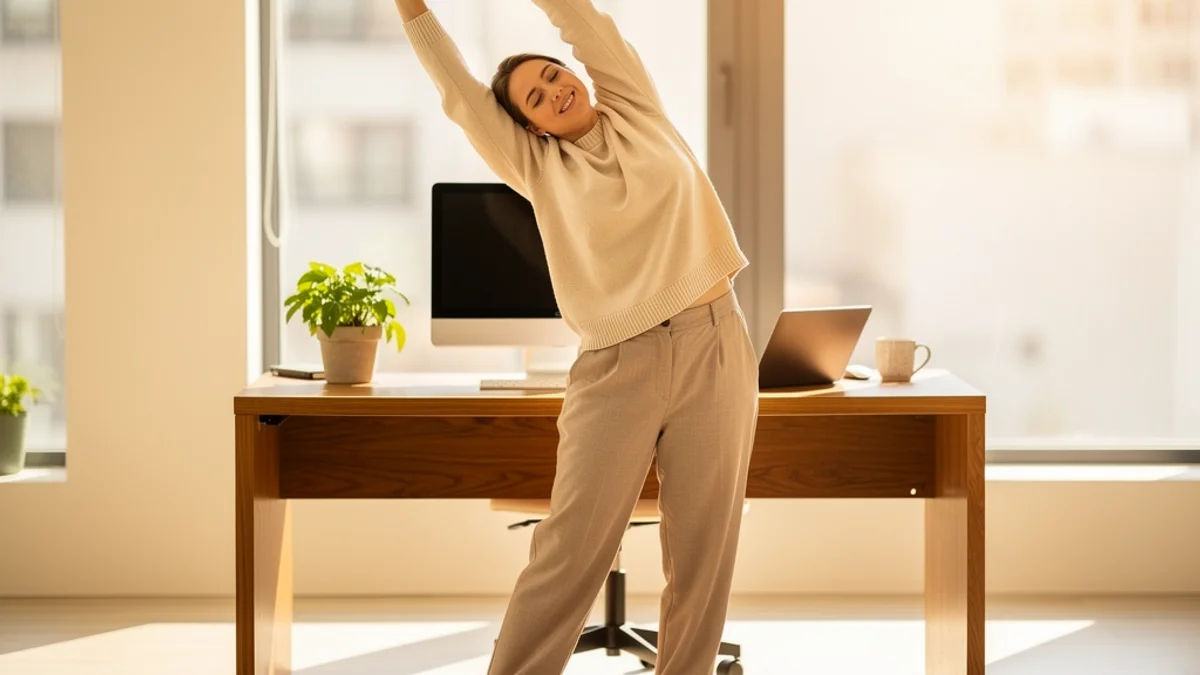
Posture isn’t only about how you sit - it’s about how long you stay in any one position. OSHA puts it plainly: “working in the same posture or sitting still for prolonged periods is not healthy.” Even a perfect position held for four hours straight stiffens you up.
Attach movement to something that already happens in your session, so it doesn’t rely on willpower:
- Use the natural breaks. Queue times, loading screens, hero/agent select, the lobby between matches - these are free movement windows. Stand up, roll your shoulders, look at something across the room.
- Stand for one stretch every game or two. A quick stand, a backward shoulder roll, and a gentle chin tuck (pull your head straight back over your spine, hold a beat) reverses the forward hunch you’ve been building.
- Hydrate on purpose. Keeping water nearby and drinking it means you’ll naturally need to get up - a built-in movement timer that also keeps you from running on energy drinks alone.
A few targeted posture exercises for desk workers carry over directly to gaming, and the same logic behind the 20-8-2 rule - alternate sitting, standing, and moving - works just as well between matches as it does between meetings.
Frequently Asked Questions
Does a gaming chair fix bad posture? No. A gaming chair can support good posture if it has real lumbar support and you sit all the way back in it, but most racing-bucket shapes actively encourage a slouch. The chair is one variable. Your setup and your habits do most of the work.
How often should I take breaks while gaming? Aim to stand and move at least every 30 to 60 minutes, and use the natural gaps - queue times, loading screens, between-match lobbies - as free movement windows. The exact interval matters less than not staying frozen in one position for hours.
Is gaming on the couch bad for your back? It’s the hardest position to do well. Soft cushions round your lower back and the TV usually pulls your neck out of line. Occasional couch gaming is fine; if it’s your main setup, add firm lumbar support, sit toward the front edge, and get the screen to roughly eye level.
What’s the best monitor height for gaming posture? The top of the screen at or just below eye level, about an arm’s length away, with your primary game screen centered so you’re not twisting your neck toward the action. Low monitors are the most common cause of the gamer forward-head lean.
Can long gaming sessions cause permanent damage? Pain and stiffness are common and usually reversible with better setup and movement. The research links higher playtime to higher musculoskeletal risk, so the smart move is to fix posture and add movement now, while issues are still easy to undo - not after they become chronic.
The Bottom Line
Gaming isn’t the problem. Holding one coiled, forward-leaning position for hours is - and gamers are uniquely exposed to it because sessions run long, intensity freezes you in place, and the gear is built for looks more than spines.
Start with the session you’re in. Sit all the way back, get your monitor to eye level, and do one reset between matches - shoulders down, exhale, feel your lower back touch the chair. That’s it for today.
This week, sort the geometry: lumbar support that fills the curve of your back, feet flat, elbows at 90 to 120 degrees, primary screen centered. Fifteen minutes of adjusting your chair and monitor will pay back over every session after.
Longer term, build movement into queue times and loading screens - not because you remembered, but because it’s the habit. And if the clutch-moment hunch is something you do and can’t catch yourself, SitApp watches your position on-device and nudges you when you drift, so awareness doesn’t depend on policing yourself mid-firefight.
There’s also a dedicated posture app for gamers page covering alert setups that don’t interrupt a match, dark-room detection, and what the free tier covers.
