

If you’re narrowing down your posture app choice to SitApp and PostureNet, you’re comparing two webcam-based AI tools that detect slouching in real time. They differ on platform support, pricing, and detection approach - and those differences matter depending on your setup.
Full disclosure: I built SitApp. I’ll be fair about what PostureNet does well.
Why AI Posture Detection Matters
Both SitApp and PostureNet use AI to detect posture - and that matters more than you might think. Over 80% of office workers develop musculoskeletal issues from their desk setup, and most don’t notice their posture degrading until the damage is done. Research shows that slouching measurably reduces breathing capacity - less oxygen to your brain, lower focus, and cumulative strain on your spine.
Timer-based tools like Stretchly or Workrave remind you to take breaks, but they can’t tell if you’re slouching between those breaks. That’s where AI posture detection comes in - and both SitApp and PostureNet deliver it. The question is which one fits your setup better.
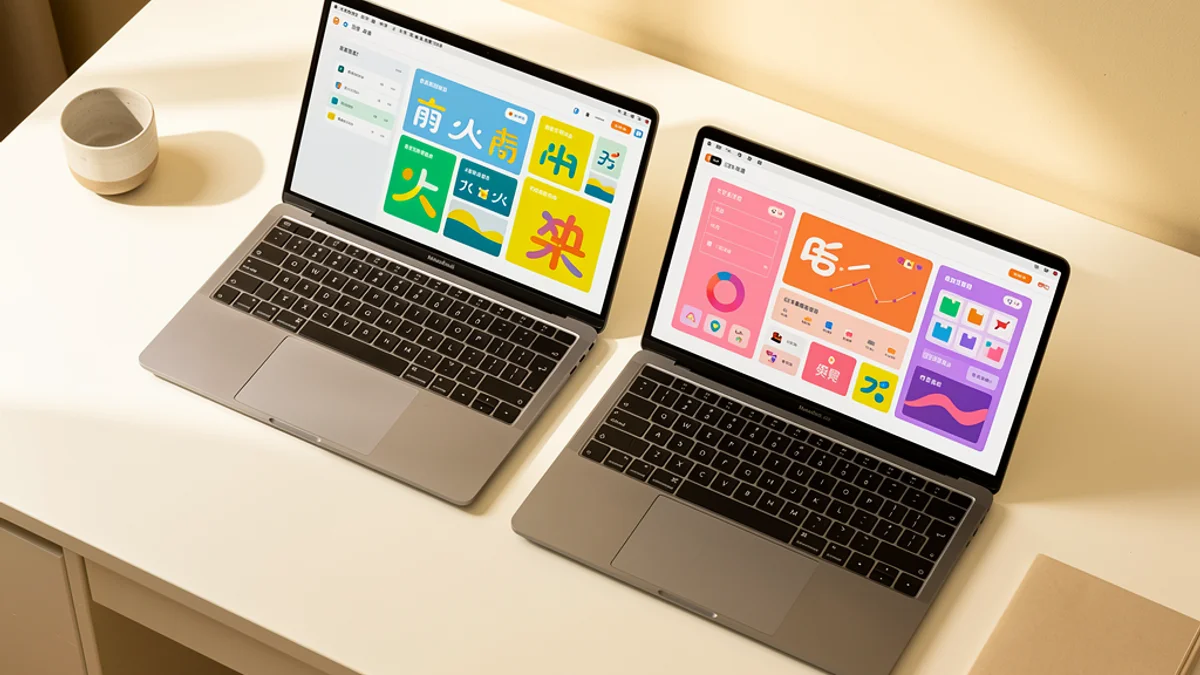
Quick Comparison
| Feature | SitApp | PostureNet |
|---|---|---|
| Platforms | Mac, Windows, Linux | Mac only |
| Free tier | Yes (core features) | 24-hour trial only |
| Paid price | $3.99/mo or $34.99/yr | $4.99/mo or $49.99/yr |
| AI posture detection | Yes (on-device) | Yes (on-device) |
| AI framework | Cross-platform on-device AI | Apple Vision (Mac only) |
| Custom calibration | Per-location profiles | Standard model |
| Privacy | 100% on-device | 100% on-device |
| Linux support | Yes | No |
| Windows support | Yes | No |
Platform Support
PostureNet is Mac-only. If you use Windows, Linux, or switch between operating systems, it’s out immediately.
SitApp runs on Mac (Intel + Apple Silicon), Windows, and Linux. For the 61% of remote workers who report worsening musculoskeletal pain since working from home - many of whom bounce between a home office desk and a living room couch on different machines - cross-platform support means the app follows them.
Winner: SitApp - three platforms vs one.
Pricing
PostureNet costs $4.99/month or $49.99/year. The trial is 24 hours - you subscribe or you stop using it.
SitApp costs $3.99/month or $34.99/year, and keeps a permanently free tier with core posture monitoring. You can run the free version as long as you want and upgrade when you need location-aware detection or detailed analytics.
That’s a $15/year gap on annual plans. Plus with SitApp you get a real evaluation period rather than a single day to decide.
Winner: SitApp - lower price and a free tier that doesn’t expire.
Posture Detection Approach
Both apps use computer vision via your webcam to detect posture in real time, processing everything on your device. Neither sends webcam data to external servers. Their technical approaches are genuinely different, though.
PostureNet uses Apple’s Vision framework on macOS. It integrates tightly with Apple hardware and gets macOS-level performance optimisations on Apple Silicon. No setup required - the detection model works out of the box.
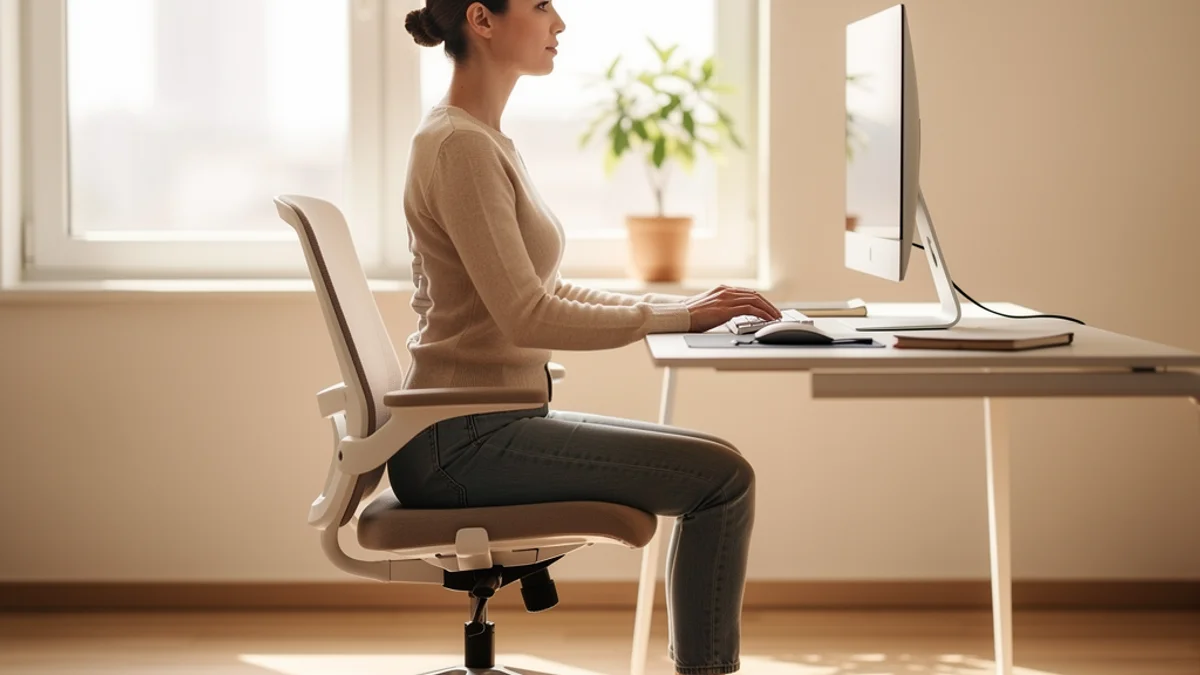
SitApp uses on-device AI that runs on any platform. The main difference is location-aware calibration - you train the Droid on what good posture looks like for your specific setup. Your office chair posture, your standing desk posture, your couch posture - all different. SitApp tracks separate profiles for each, which lines up with OSHA workstation guidelines noting that correct posture depends on your specific chair, desk, and monitor configuration.
Winner: Tie - PostureNet has polished Mac integration; SitApp gives you more control over calibration.
Does Posture Correction Software Work?
Less well than the category likes to claim. A 2026 review of 14 biofeedback studies found short-term improvements in posture and pain, across trials the authors themselves describe as small and methodologically weak. The one randomised trial of biofeedback in young adult computer users found no benefit over a control group. Ergonomics in general does better: a meta-analysis of 24 randomised trials covering 4,086 workers found a small but real reduction in pain, and the gains only arrive when people keep using the thing.
That last part is the catch. Consistency matters more than which app you pick. So pick the one you’ll leave running.
Who Should Pick What
Choose SitApp if:
- You use Windows or Linux (PostureNet won’t work)
- You want a free tier that doesn’t expire
- You work from multiple setups and want per-location calibration
- You prefer the lower price point
- You have an older Intel Mac
Choose PostureNet if:
- You’re exclusively on Mac and want tight macOS integration
- You prefer Apple-native technology (Vision framework)
- You don’t mind the higher price for a Mac-optimised experience
- You want zero-configuration detection (no calibration step)
Bottom Line
PostureNet is a solid choice if you’re locked into Mac and want something that just works without any calibration step. If you use Windows or Linux, need a free tier, or want per-location profiles, SitApp covers more ground at a lower price.
Ready to try SitApp? Download it free for Mac, Windows, or Linux.
For a broader comparison, see our 7 best posture apps roundup or our SitApp vs BLiiNK and SitApp vs Zen comparisons.
FAQ
Does PostureNet work on Windows?
No. PostureNet is Mac-only, built on Apple’s Vision framework. If you need a posture app for Windows, SitApp supports Windows 10 and 11.
Is PostureNet free?
PostureNet offers a 24-hour free trial only. After that, it costs $4.99/month or $49.99/year. SitApp has a permanently free tier with core posture monitoring.
Which has better posture detection?
Both use on-device AI via your webcam. PostureNet uses Apple’s Vision framework; SitApp uses cross-platform on-device AI with customisable per-location calibration. Both are effective - the choice comes down to whether you want Mac-native integration or per-setup flexibility.
Do I need a posture app or a break reminder?
They solve different problems. Posture apps like SitApp and PostureNet detect when you’re slouching. Break reminders like Stretchly tell you when to stand up and move. Ideally, use both, though the evidence behind them isn’t equal. Interrupting prolonged sitting cut pain-related disability in a randomised trial, while posture biofeedback only has short-term, small-sample support behind it.
