
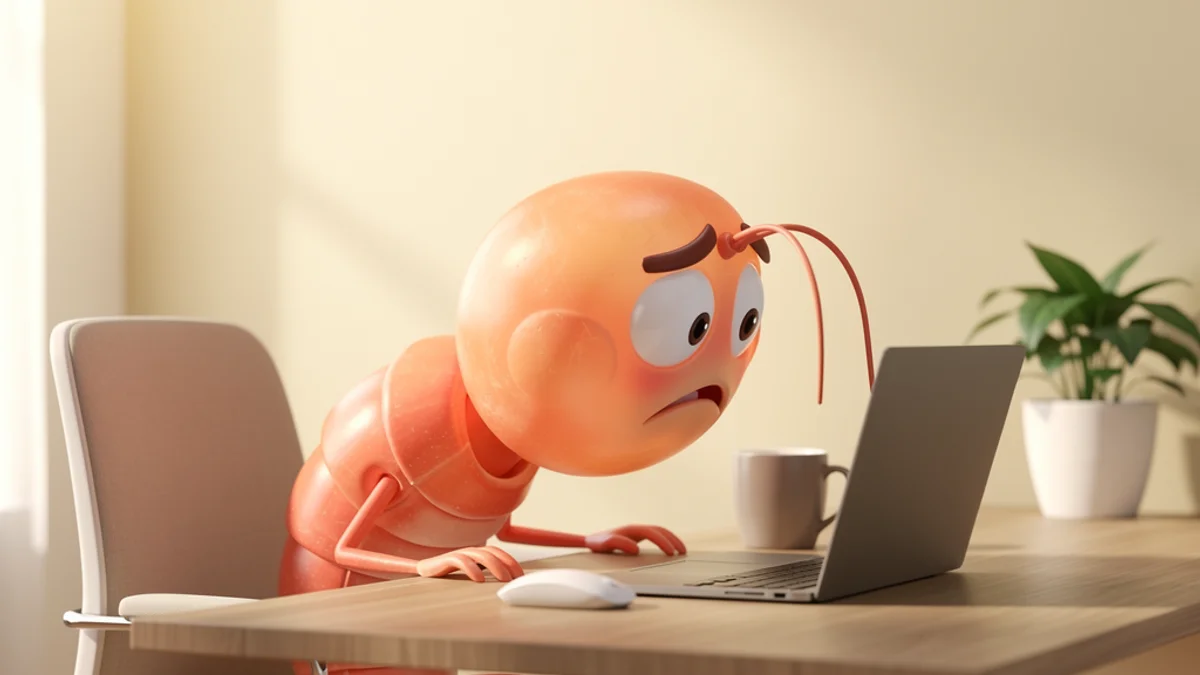
SuperShrimp just landed - built by Marc Lou, one of the most prolific indie hackers around. If you’ve seen it on Twitter and you’re wondering how it stacks up against SitApp, this comparison is for you.
Full disclosure: I built SitApp. I’ll be straight about where SuperShrimp does things differently and where each app has trade-offs. You’re comparing options - you deserve honest answers.
Why This Comparison Matters
A new posture app from a developer with Marc Lou’s audience is a big deal. He’s shipped 40+ products, has over 170,000 followers on X, and knows how to build things people want to use. SuperShrimp brings fresh ideas to a category that needs them.
A famous creator doesn’t guarantee the best tool for your back. Both apps use your webcam and on-device AI to catch you slouching. Both promise privacy. The differences sit in the details - and those details matter when you’re picking something you’ll run for hours every day.
Neither app can claim the research backs it, mind. The one randomised trial of biofeedback in young adult computer users found no benefit over a control group, and the 2026 review of 14 biofeedback studies that exists is small-sample and short-term. Worth keeping that in mind: the app that actually stays on is the one doing the work.
Quick Comparison
| Feature | SitApp | SuperShrimp |
|---|---|---|
| Platforms | Mac, Windows, Linux | Mac, Windows, Linux |
| Pricing | Free tier + $3.99/mo Pro | $17 one-time (launch), $29 after |
| Free tier | Yes (1hr/day, forever) | No (30-day refund only) |
| AI posture detection | Yes (on-device) | Yes (on-device) |
| Personalised calibration | Yes (per-location profiles) | No (fixed model) |
| Gamification | Streaks + achievements | XP + evolving shrimp avatar + leaderboard |
| Privacy | 100% on-device, no images stored | 100% on-device, no images stored |
| Break reminders | Yes (free) | Not mentioned |
| Multi-location profiles | Up to 5 (Pro) | No |
| Voice alerts | 11 options (Pro) | No |
Pricing: One-Time vs Subscription
Pricing is where the two apps diverge most sharply.
SuperShrimp costs $17 as a launch-period one-time purchase, rising to $29 once the initial launch is over. That includes one year of updates. One license covers one device, so if you work on a desktop and a laptop, you’d need two licenses. After the first year, it’s unclear whether updates continue or require a new purchase.
SitApp has a free tier that includes core posture monitoring for 1 hour per day - forever. That’s genuinely enough to build the habit. The Pro plan at $3.99/month or $34.99/year unlocks unlimited monitoring, multiple calibration profiles, voice alerts, and more.
The maths:
| Scenario | SitApp | SuperShrimp |
|---|---|---|
| Casual use (free) | $0 | $17 |
| First year | $34.99 (annual Pro) | $17 |
| Two years | $69.98 | $17 (if updates continue) |
| Two devices, first year | $34.99 (one account) | $34 (two licenses) |
SuperShrimp is cheaper in the long run if you’re committed to one device. SitApp is cheaper if you want to try before you buy, use multiple devices, or aren’t sure posture monitoring is for you.
Bottom line: SuperShrimp is cheaper long-term if you’re on one device and committed. SitApp is cheaper - or free - if you want to test the habit first or you jump between machines.
Posture Detection
Both apps use your webcam and on-device AI to detect slouching in real time. Neither sends images anywhere. But they approach detection differently.
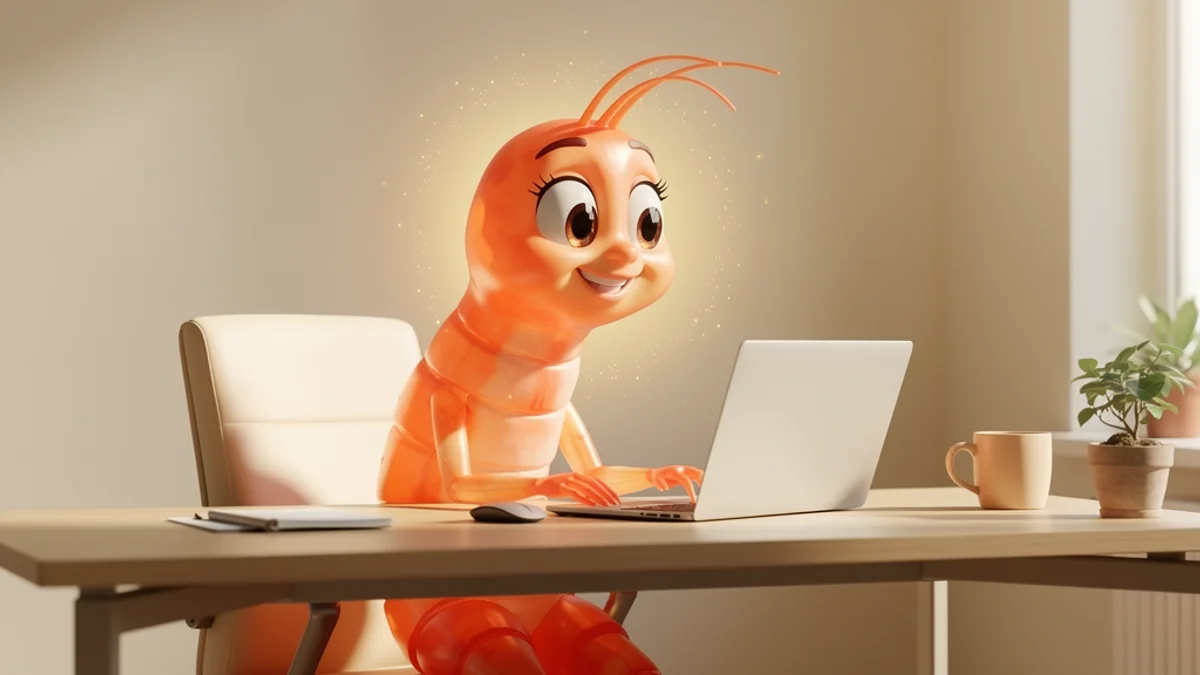
SitApp uses a calibration system where you teach the Droid what your good posture and your slouch look like. This matters because “good posture” is different for everyone - it depends on your chair, desk height, monitor position, and body. You can save up to 5 profiles for different setups (home office, standing desk, coffee shop). Research on proper desk posture confirms there’s no universal standard - your setup changes what “correct” looks like.
SuperShrimp uses a fixed AI model that gives you a real-time score from 0 to 100. No calibration needed - you install it and it starts scoring. The simplicity is appealing, but a fixed model can’t account for different desk setups or sitting environments.
Winner: Depends on what you value. SuperShrimp’s zero-setup approach gets you started faster. SitApp’s personalised calibration is more accurate across different setups - especially if you work from multiple locations.
Gamification: Streaks vs XP
Both apps try to make posture improvement stick through gamification, but they take very different approaches.

SuperShrimp leans heavily into gamification. You earn XP for every minute of good posture, your shrimp avatar evolves through 10 levels (from a tiny prawn to… presumably a very upright prawn), and there’s a live global leaderboard where you compete against other users. It’s genuinely fun and taps into the same psychology that makes Duolingo sticky.
SitApp uses daily streaks with milestone celebrations (7 days, 30 days, 100 days, 365 days), achievement levels from “Slouchy Couchy” to “SIT HOT!”, and progress analytics showing your posture trends over time. It’s less competitive and more about personal progress.
The leaderboard is where it gets interesting. Competing against strangers is genuinely motivating for some people and actively off-putting for others. If you’re the type who thrives on a visible rank, SuperShrimp will pull you back every day. If checking a leaderboard sounds like homework, SitApp’s private streak system tends to stick better.
Winner: SuperShrimp for fun factor and social motivation. SitApp for personal, low-pressure habit building.
Privacy
Both apps make strong privacy claims - and both deliver on them. This is non-negotiable for any app that uses your webcam.
SitApp: All AI processing runs on-device. No images or visual data are ever stored, uploaded, or shared. The entire detection pipeline runs locally - your webcam feed never leaves your computer.
SuperShrimp: Claims 100% offline operation with zero images stored and local AI processing. No internet required for posture detection.
The key difference is SuperShrimp’s leaderboard. To participate, some data (your score, XP, username) needs to go somewhere. SuperShrimp says posture detection is offline, but the leaderboard feature implies network connectivity for at least that component. SitApp doesn’t have a leaderboard, so there’s genuinely no reason for the app to phone home during posture monitoring.
Winner: Tie on posture detection privacy. Both process locally. SitApp is simpler to verify since there’s no social/leaderboard component requiring connectivity.
Platform Support
Both apps support Mac, Windows, and Linux - which is unusual for this category. Most posture apps are Mac-only or skip Linux entirely.
SitApp supports macOS 12+, Windows 10+, and Linux (Ubuntu 20.04+, Fedora, AppImage/deb). The Mac build is Apple Notarised and the Windows installer is code-signed.
SuperShrimp lists Mac, Windows, and Linux support. Specific version requirements aren’t detailed on their site.
Winner: Tie - both cover all three major desktop platforms.
Alert System
How an app nudges you matters more than you’d think. Too aggressive and you’ll disable it. Too subtle and you’ll ignore it.
SitApp offers customisable alerts: 7 sound options (from a gentle bell to a comedy trombone), 11 voice alerts, adjustable detection delay (0-10 seconds), and a Droid mascot that can peek from the corner of your screen when you slouch. You control exactly how much the app interrupts you.
SuperShrimp sends popup notifications when slouching is detected. The notification approach is simpler - standard system notifications rather than custom sounds or visual characters.
Winner: SitApp - significantly more customisation for how and when you’re alerted.
Setup & Ease of Use
SuperShrimp: Install, open, done. The fixed AI model means zero configuration. You’re monitoring within seconds. For people who just want something that works immediately, this is hard to beat.
SitApp: Install, then a calibration (about a minute) where you show the Droid your good posture and your slouch. It’s fast, but it’s an extra step. The payoff is more accurate detection tailored to your body and setup.
Winner: SuperShrimp for raw simplicity. SitApp’s calibration takes about a minute but improves accuracy.
Who Should Pick What
Choose SitApp if:
- You want to try before you buy (free tier)
- You work from multiple locations (up to 5 calibration profiles)
- You prefer private, personal progress tracking
- Customisable alerts matter to you
- You want voice reminders
- You use multiple devices (one account works everywhere)
Choose SuperShrimp if:
- You prefer a one-time purchase over a subscription
- Gamification and leaderboards motivate you
- You want zero-setup simplicity
- You work from one location with one device
- You like the idea of your avatar evolving with your posture
- You’re a fan of Marc Lou’s work and want to support indie products
The Indie Developer Angle
Both apps are built by solo developers, not faceless corporations. SitApp is built by me (Ali). SuperShrimp is built by Marc Lou. We’re both trying to solve the same problem: desk workers destroying their backs without realising it.
Marc Lou brings a massive audience and a track record of shipping products fast. SitApp has been refined over years of real user feedback, with features like location-aware detection and extensive alert customisation that came directly from people asking for them.
There’s room for more than one decent posture app. If SuperShrimp’s gamification pulls more people away from the slouch-and-ignore habit, that’s a genuine win.
Bottom Line
SuperShrimp is a fun, well-priced entry into the posture app space with genuinely clever gamification. SitApp offers more depth, flexibility, and a free tier to get started. Your choice comes down to what you value. SuperShrimp’s simplicity and social competition suit some people well. SitApp’s personalisation and free entry suit others.
A meta-analysis of 24 randomised trials found ergonomic interventions cut the odds of work-related musculoskeletal pain by about a third (pooled OR 0.64). That’s ergonomics broadly rather than posture apps specifically, but it points the same way. Pick the one you’ll actually leave running.
Ready to try SitApp? Download it free for Mac, Windows, or Linux.
FAQ
Is SuperShrimp free?
No. SuperShrimp costs $17 during the launch period, rising to $29 as its regular price. There’s a 30-day money-back guarantee but no free tier. SitApp offers a permanently free tier with 1 hour of daily posture monitoring.
Who made SuperShrimp?
SuperShrimp was built by Marc Lou (Marc Louvion), a well-known indie hacker who has shipped over 40 products. He has over 170,000 followers on X/Twitter and was Product Hunt Maker of the Year.
Is SuperShrimp private?
SuperShrimp claims 100% offline posture detection with no images stored. The leaderboard feature requires some network connectivity for score sharing, but posture monitoring itself runs locally.
Can I use SuperShrimp on multiple devices?
Each SuperShrimp license covers one device. If you use two computers, you’ll need two licenses ($34 at launch pricing). SitApp Pro works across all your devices with a single subscription.
Does SuperShrimp work on Linux?
Yes - both SuperShrimp and SitApp support Linux alongside Mac and Windows. This is unusual for posture apps, which typically skip Linux support.
Which posture app has better gamification?
SuperShrimp has more elaborate gamification with XP, a 10-level evolving shrimp avatar, and a global leaderboard. SitApp uses daily streaks, achievement levels, and personal progress tracking. SuperShrimp is more social and competitive; SitApp is more personal and reflective.
